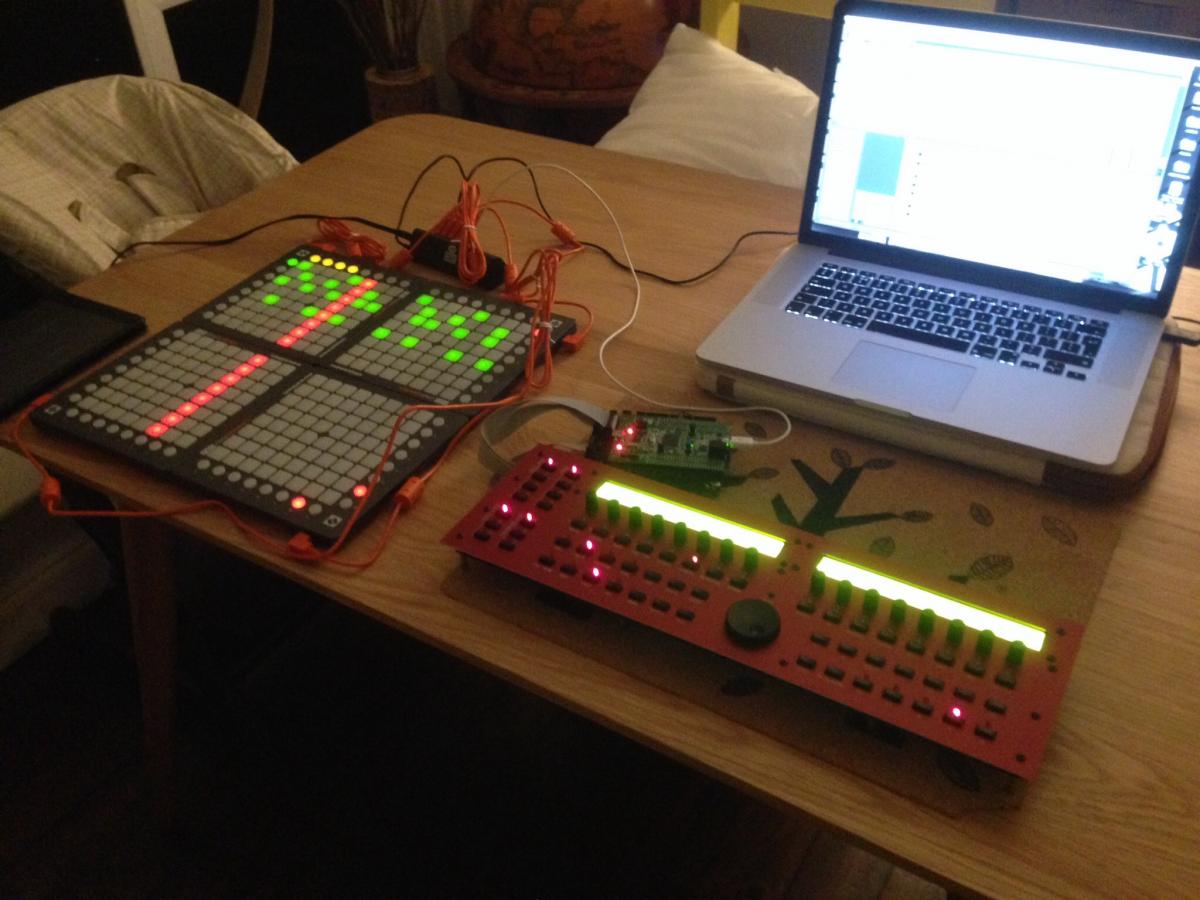
The thing with adding two dedicated muting “views” is that there are basically only 8 function keys on the right side, since not everyone will be using 4 launchpads… So, the question is is muting and soloing important enough to tie up the last two remaining buttons, or should they be implemented in a way that leaves space for future features?
Also, there are a lot of functions already assigned to the right side track buttons, and a lot of LED indicator states are already required there. Those buttons are already pretty “busy”.
Here are two more ideas:
Add a “button mode” button: Get rid of PLAY and STOP. Add a “BUTTON MODE” button, which has four possible states:
off = left buttons select the active track (the current functionality)
red = left buttons MUTE tracks
green = left buttons SOLO tracks
yellow = [currently not used, could add something here later… leave it out of the toggle cycle for now]
Press BUTTON MODE repeatedly to cycle through these states.
Pros:
######OR######
Add a “Track Settings View” mode: Well, there’s already a track view mode… Maybe call the new view “Settings View”.
In this new “Settings View” mode, tracks are represented horizontally (track 1 is the first row, track 2 is the second, etc. - just as it is now). Each column of square buttons represents one setting that applies to the whole track:
column 1: MUTE (red=on, no color=off)
column 2: SOLO (green=on, no color=off)
Other columns could be added in the future, as needed… For example: FORCE TO SCALE on/off, FX Delay on/off, HOLD on/off, SUSTAIN on/off, SYNC TO MEASURE on/off, etc. 16 columns of settings would be available.
The top row of round buttons (step indicator buttons) could be used to perform bulk actions on the column below - eg: press top button to mute all tracks, ALT+top button to unmute all tracks.
Pros:
-
only needs one button on the right column
-
both MUTE and SOLO would be accessible at the same time
-
14 extra columns for other settings to add in the future
-
doesn’t interfere with the way the left track buttons are currently implemented
I think I like this last option, because it’s not just “all about muting” - it creates a new view which could be useful for 14 other functions in the future…
Maybe the “Loop mode” functionality discussed in TK’s BLM manual page could also be added here eventually (one column of buttons could be LOOP START, another column could be LOOP END, press LOOP START+Step Button to set loop for a track…)
I think it would also be useful to be able to set track length from the BLM - maybe this could be done in this Settings Mode as well: One column could be TRACK_LEN - press TRACK_LEN + top row Step buttons to define the track length (16, 32, 48, 64, etc.)