I’ll try the new firmware in the morning.
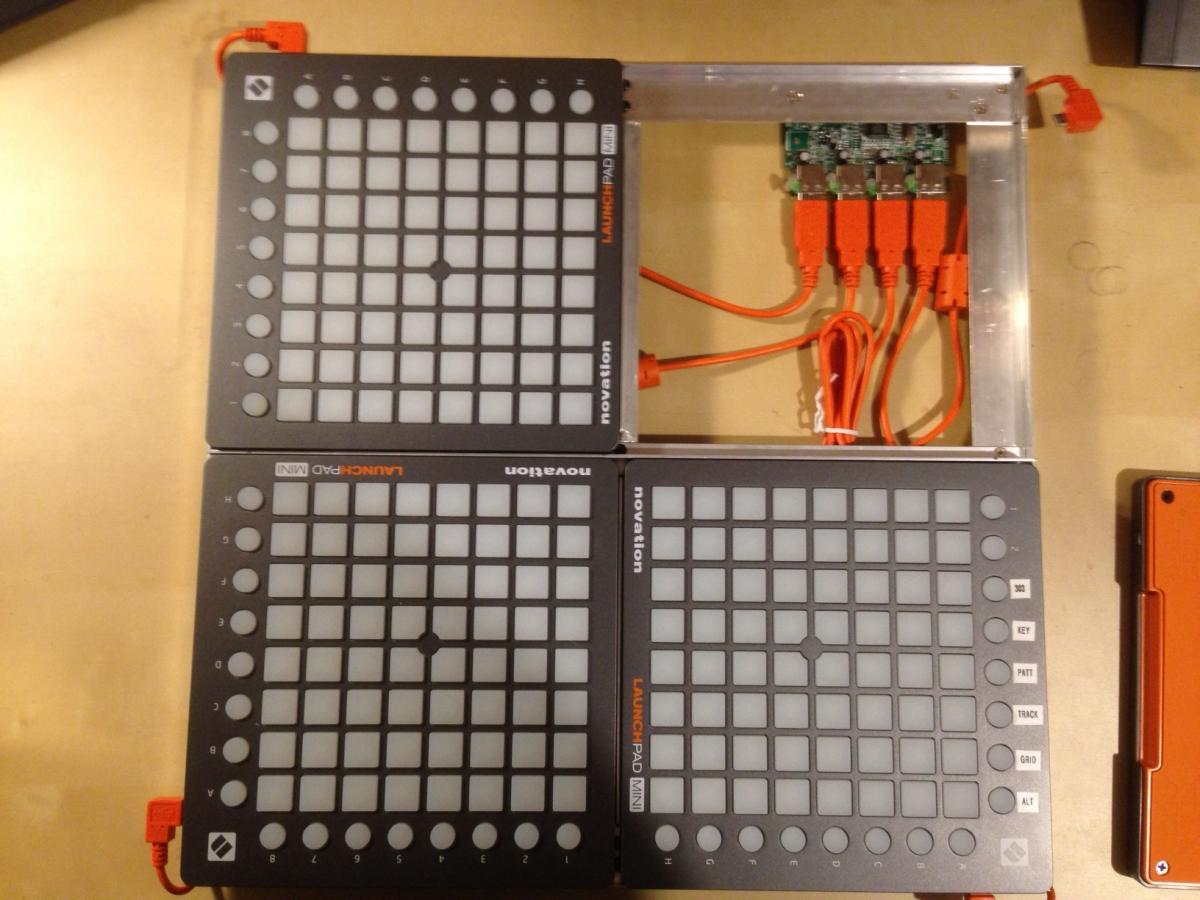
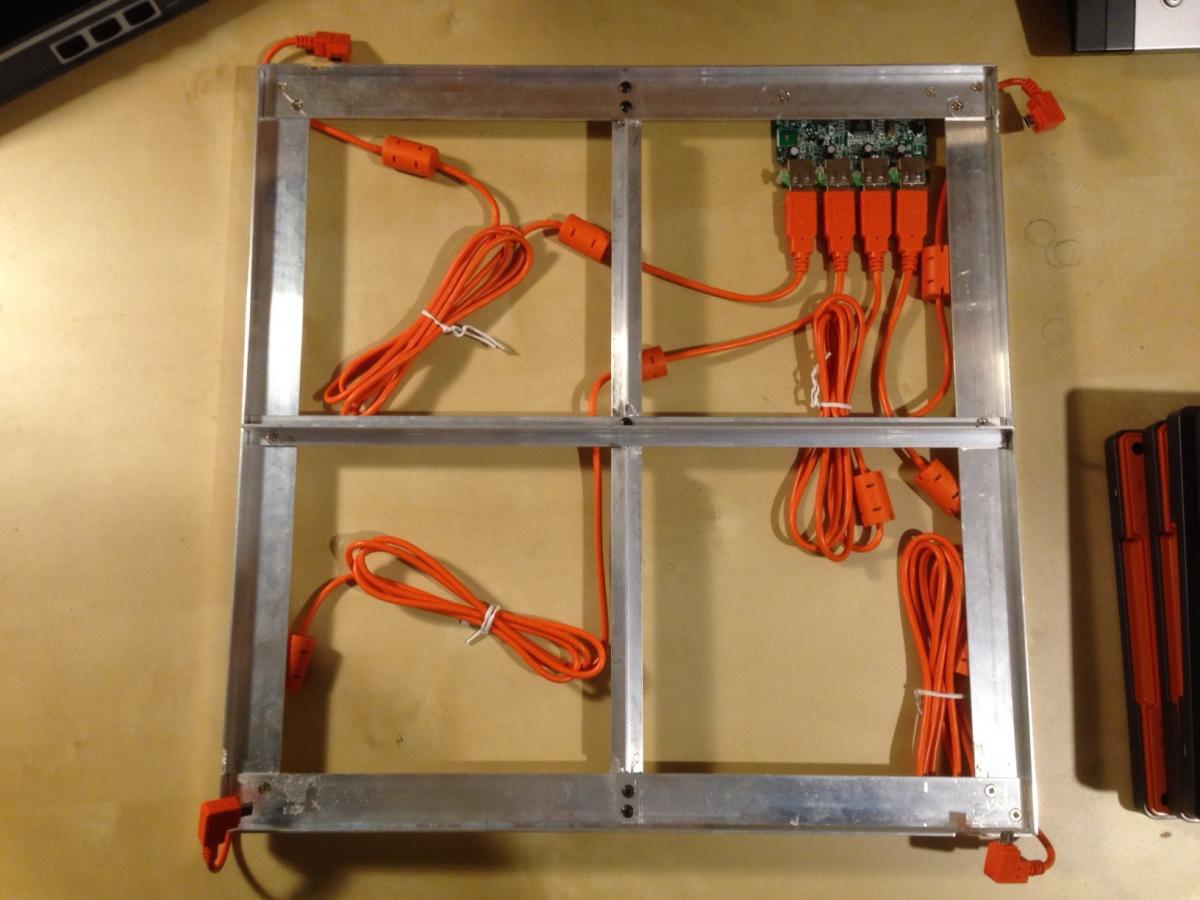
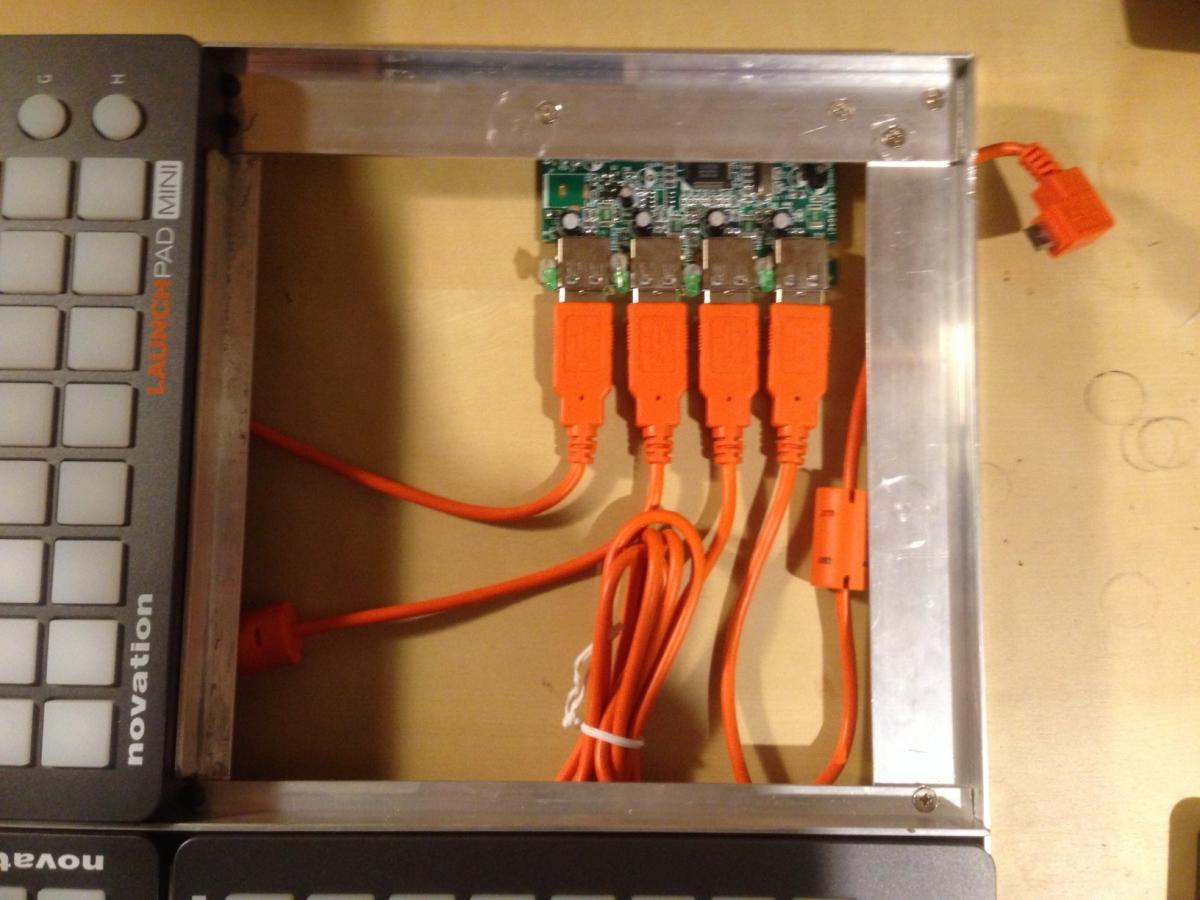
I’ve made a basic frame today to hold the 4 x launchpads in with a USB hub screwed on to the bottom.
I’ll try the new firmware in the morning.
I’ve made a basic frame today to hold the 4 x launchpads in with a USB hub screwed on to the bottom.
Well done 
Best Regards, Thorsten.
Would it be possible/not-too-hard to add the following indicators:
round step buttons along the top light in dim yellow to indicate which steps in the currently visible measure have notes set? and
when ALT is held (to switch octaves), round track buttons on the right side light to indicate which octaves have notes set?
If they wouldn’t be too hard to implement, I think both of these indicators would be pretty useful to help you remember where notes are set that are not visible on the currently displayed steps…
Should be possible without too much effort.
I added this to the wish list
Best Regards, Thorsten.
Just a heads up here that will make the Launchpad option a bit more popular… expect a retail price drop of about 20% in the EU on the 22nd of January
haha… Dammit - I just bought two more today.
I don’t know if the price will change in North America, but it will definitely in the EU. I’m kind of in the know due to my job.
Yet another feature request, if it wouldn’t be too difficult to implement:
http://discourse.midibox.org/t/topic/18799
Could an option be added so that the app could be run headless, with no GUI? …so that it could be run from the terminal on the raspberry pi, without having consume resources on the Pi by starting X? …and maybe adding an argument that points to the xml config file? So you could run it something like this:
pi@pi $ ./BLM --headless --config /home/pi/BLM/MIDIbox_BLM16x16.xml
This would allow us to make and share a standard raspberry pi image that could be used to run the Novation BLMs.
This option would require a major redesign of the entire application: the MIDI functions have to be strictly separated from GUI elements to make this possible.
You know where to find the source code… 
Btw.: an example for command line parsing can be found in the source code of MIOS Studio.
But it doesn’t fulfill your request, because it’s handled at a place where the DocumentWindow is already opened (it will be immediately closed in --batch mode), this simplified a lot of things.
So: you need to find a different way.
I also don’t know how to specify the --config file - maybe a google search will help you to find the required information.
Best Regards, Thorsten.
That’s unfortunate. It still works on the pi though… The GUI is unnecessary, but it doesn’t prevent it from working. Maybe I’ll try playing with the code sometime. Thanks.
Little bug - 4 launchpad BLM, not sure if it happens with 2 - To duplicate:
initialize a drum track (I’m using a 16 instrument 64 step drum track). program in some notes.
Switch to a non-drum track using the BLM buttons. That works OK. Switch back to the drum track.
Switch to a non-drum track using the buttons on the SEQ frontpanel. The LEDs for the notes on the drum track stay lit, and part of the vertical red step indicator is left behind.
I saw some similar behaviour when clearing tracks using the SEQ frontpanel buttons.
…and another item for the wishlist:
copy/paste using the top row of step view buttons: ALT+step button copies that measure, keep holding ALT and press another step button to paste the copied steps into the second step view. Keep holding ALT and press a third, 4th, 5th, etc. step button to paste the copied steps into additional step views. Release ALT without pressing a second step button to cancel out without pasting.
added to wish list, but with low prio as long as there a no other people who request the same (or have better ideas)
I guess that most people will forget these special button combinations anyhow
Best Regards, Thorsten.