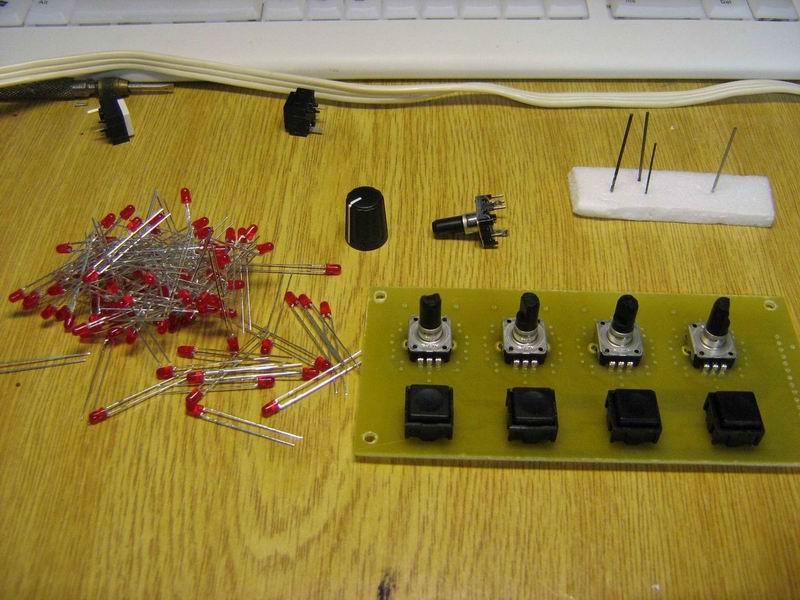
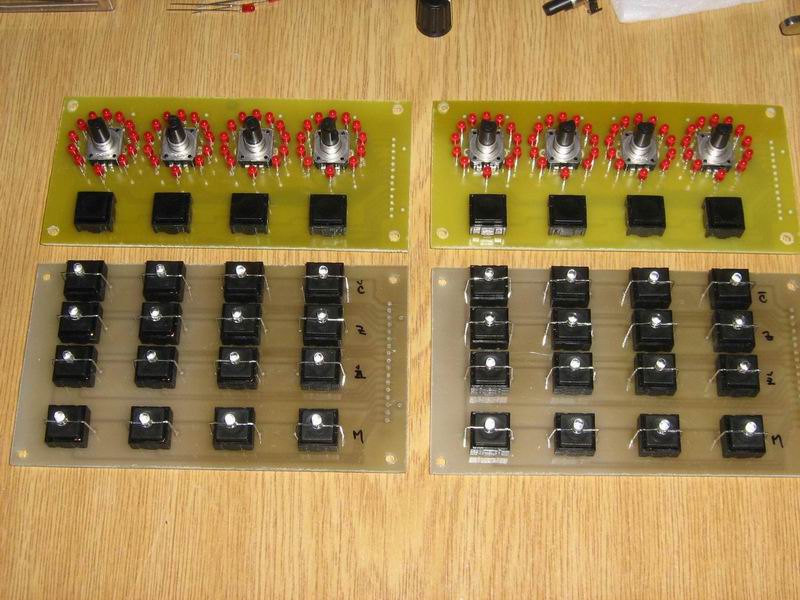
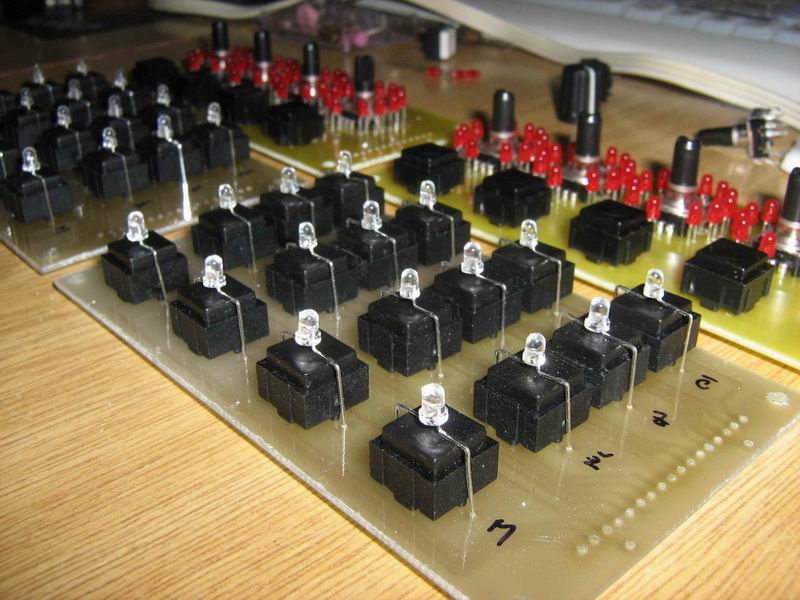
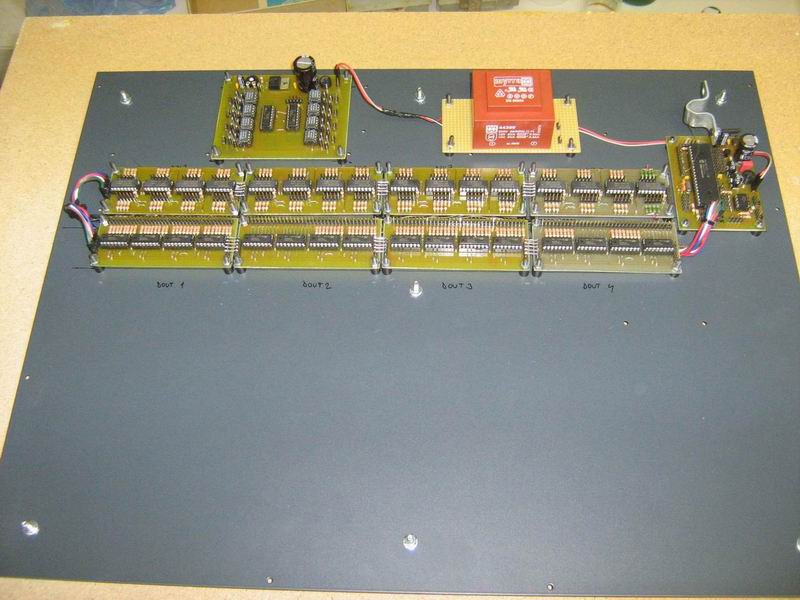
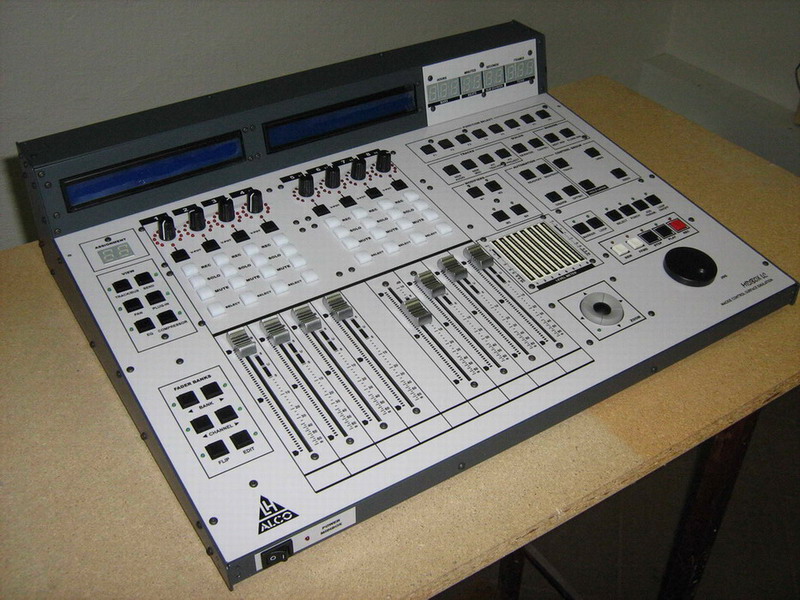
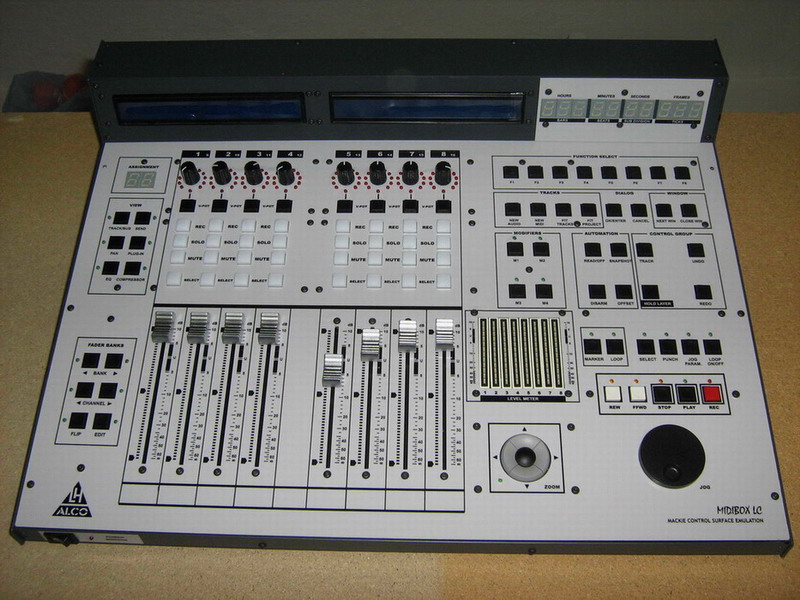
Hi all users of this forum. First I want to thank the creator of this idea MIDIBOX because his invaluable efforts helped many people.
I am from Slovakia, I do not know English well, please excuse my grammatical shortcomings.
After reading forums and websites uCApps.de I came to believe that you build your own MIDIbox LC. I ordered the parts company with www.reichelt.deMy link.
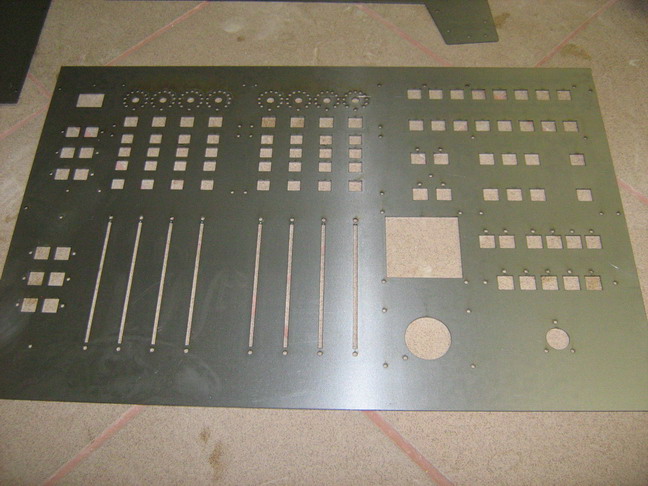
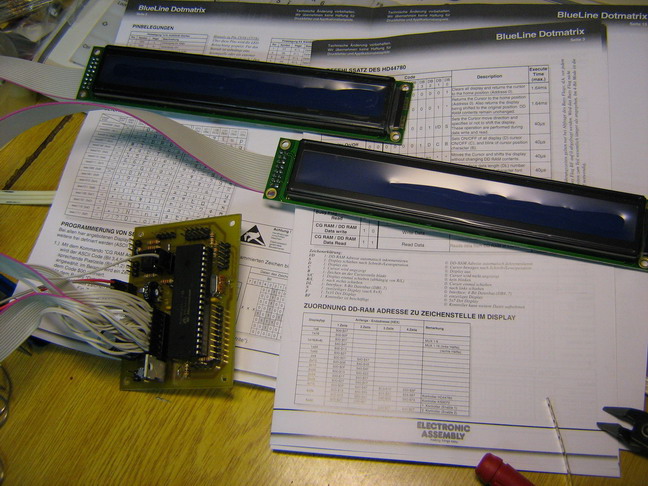
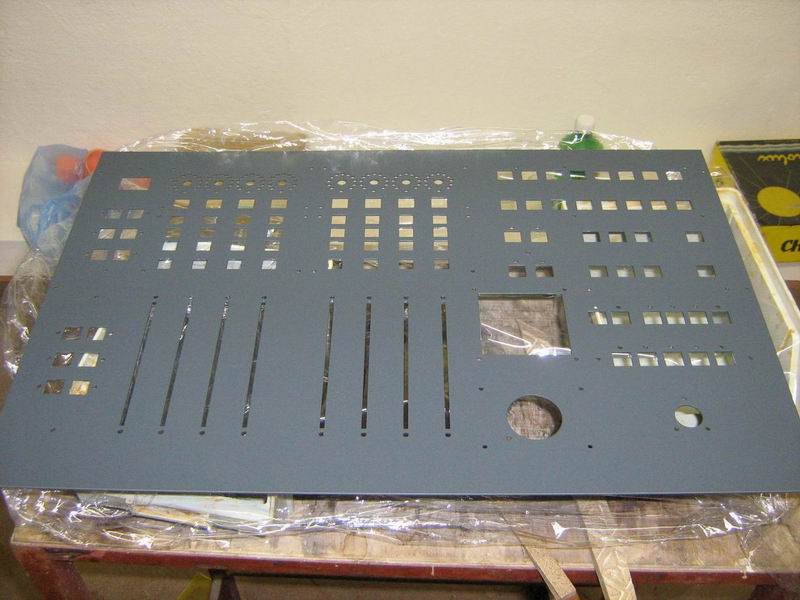
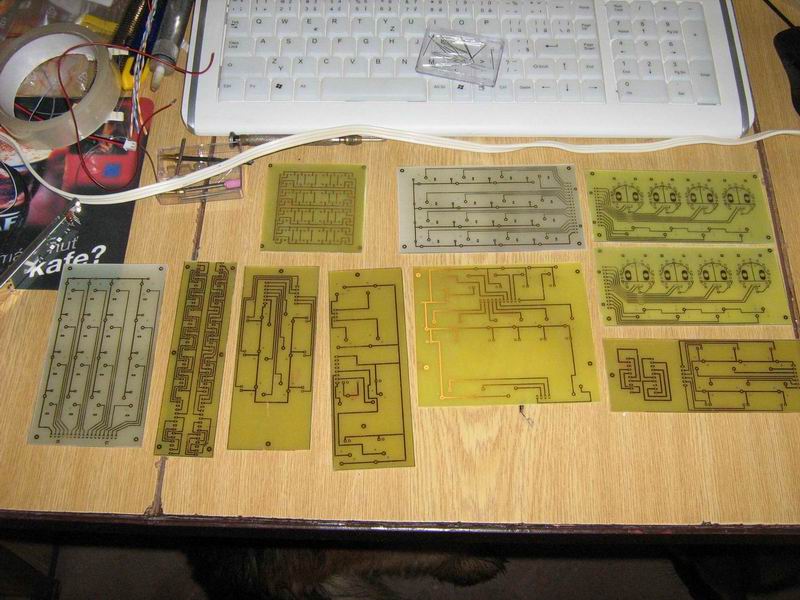
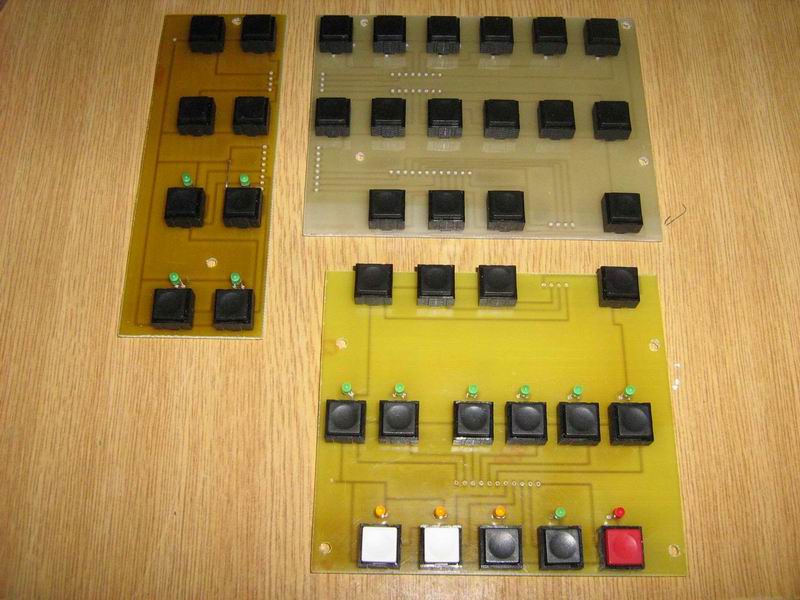
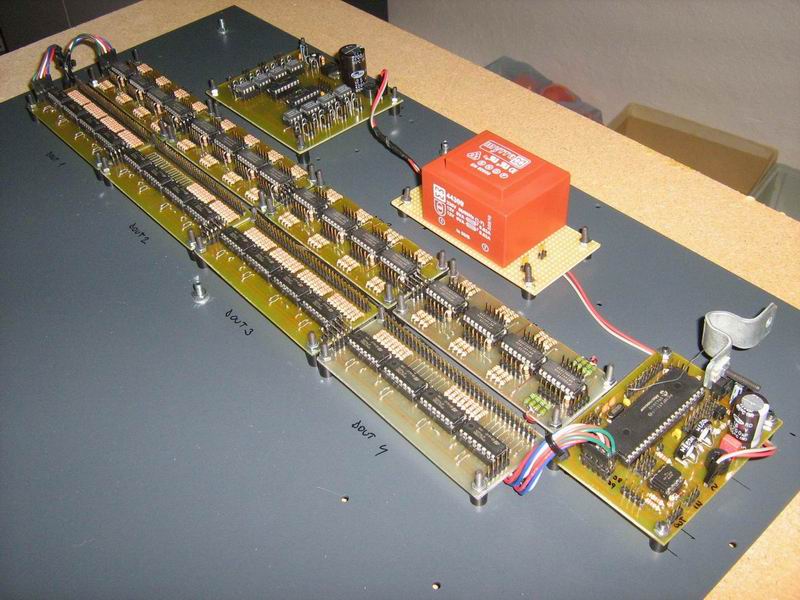
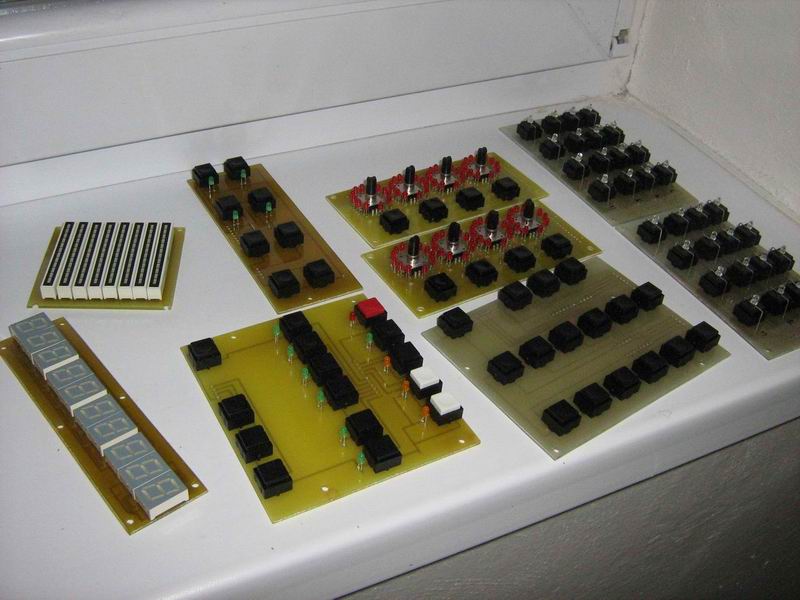
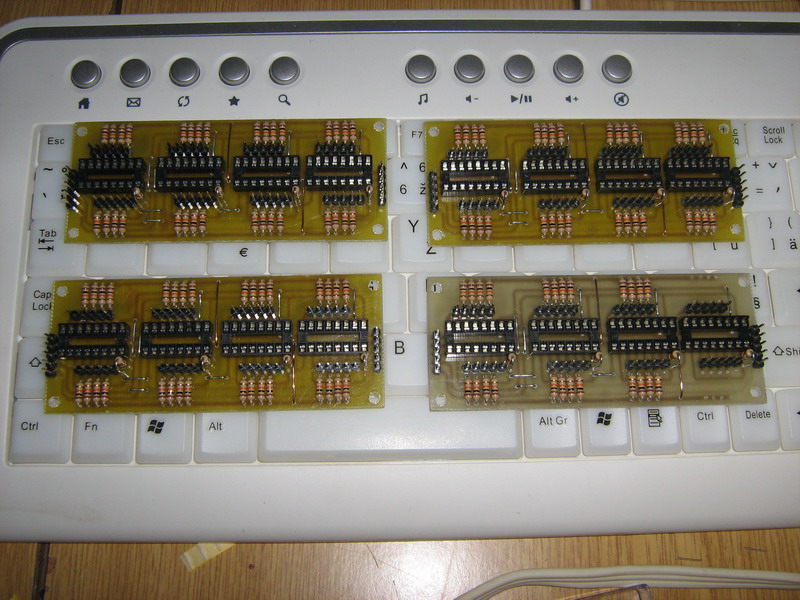
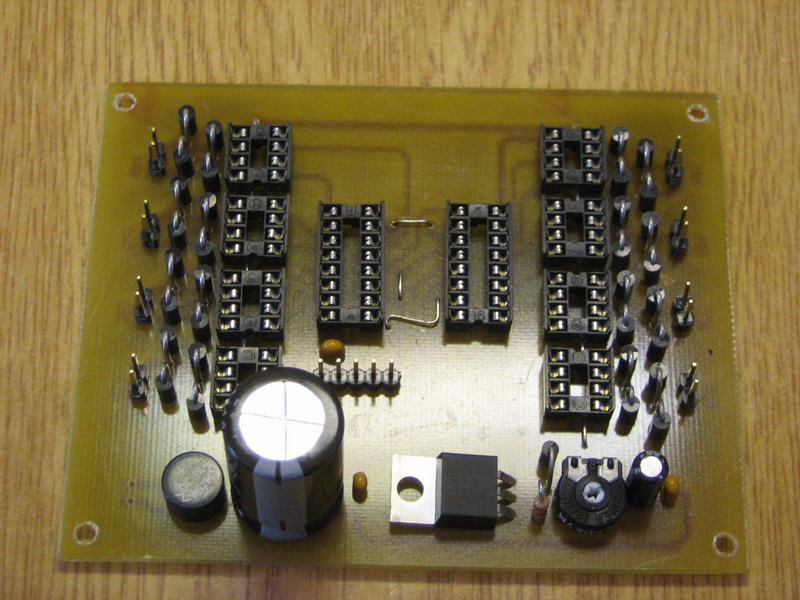
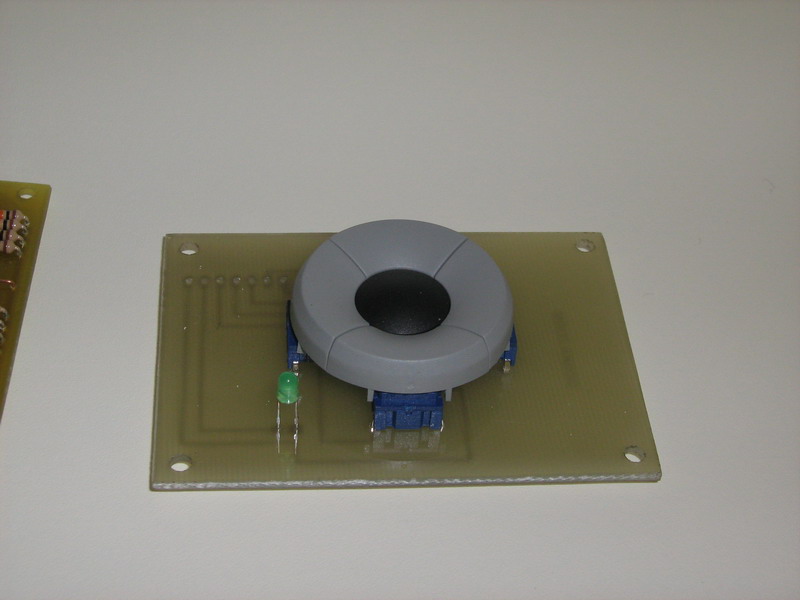
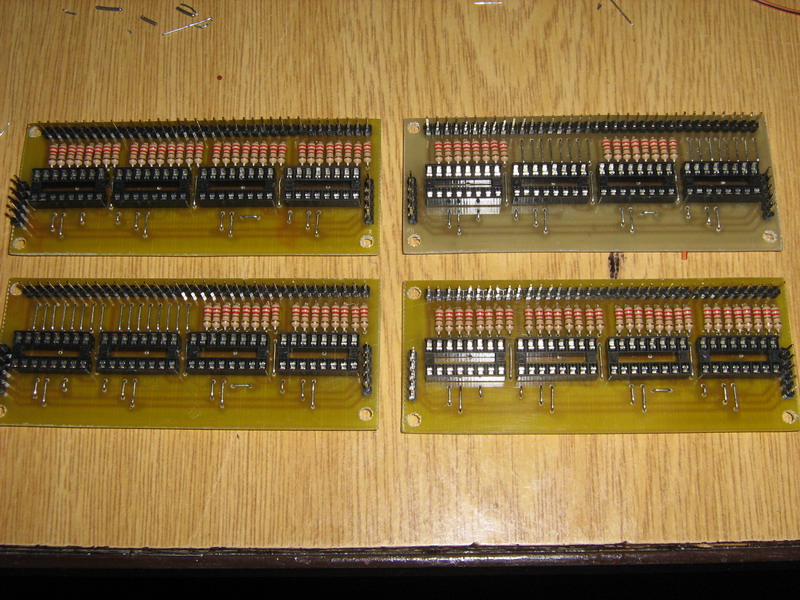
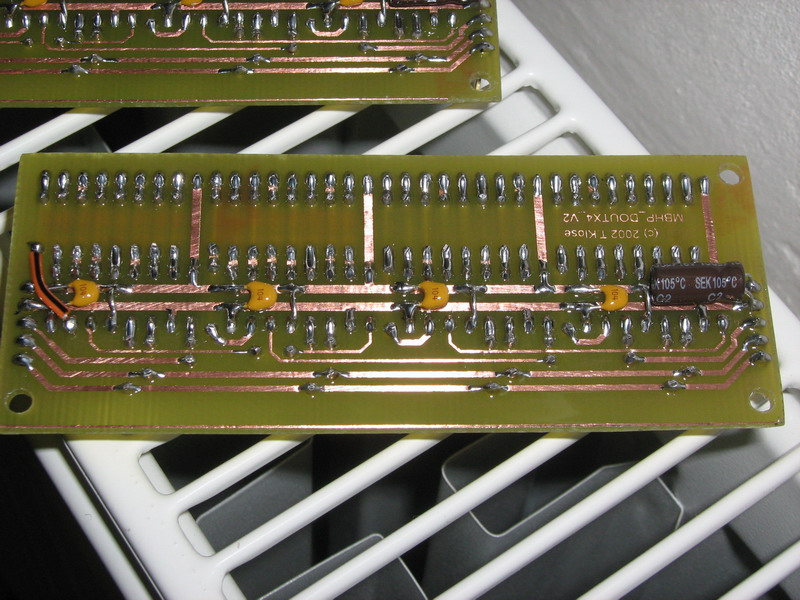
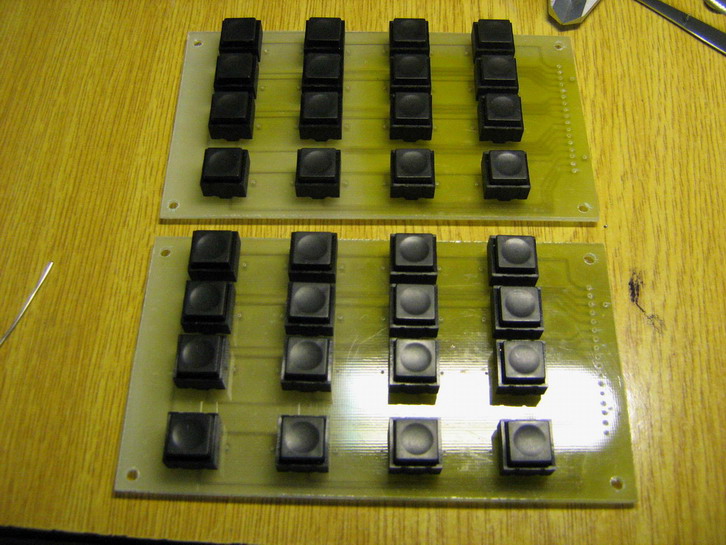
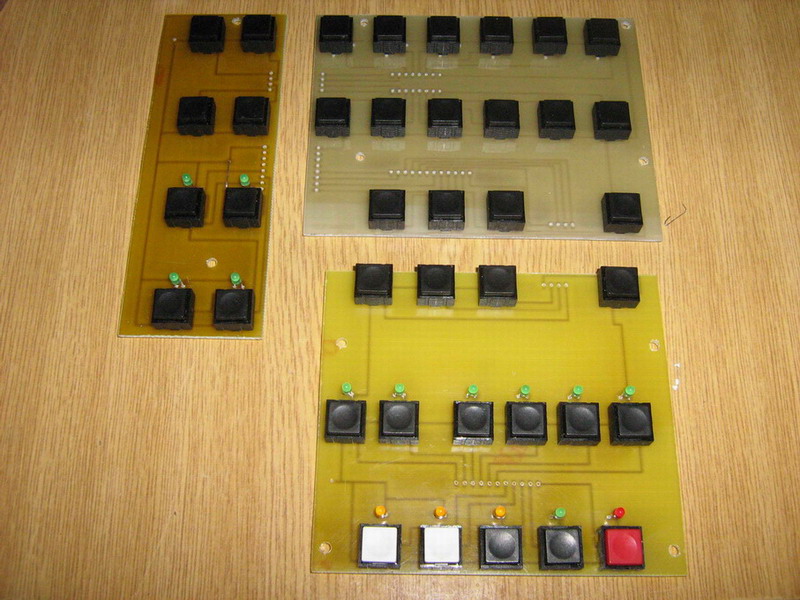
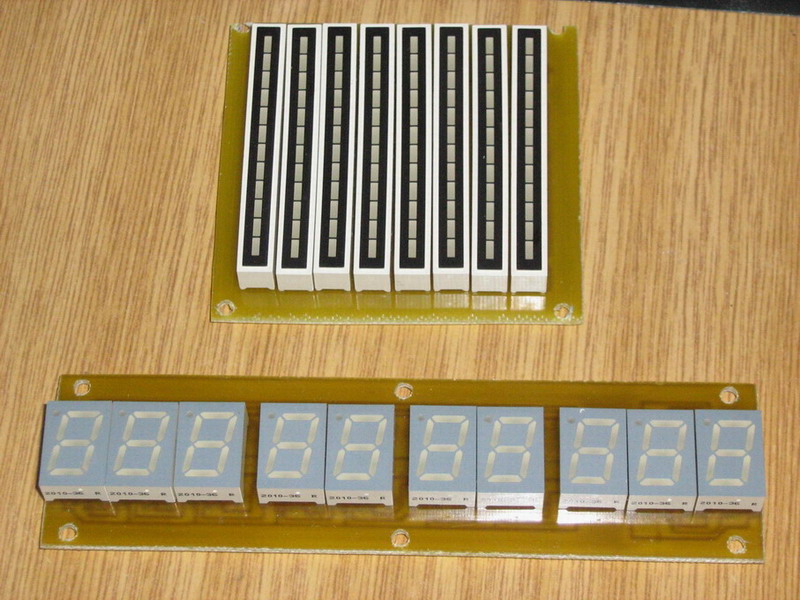
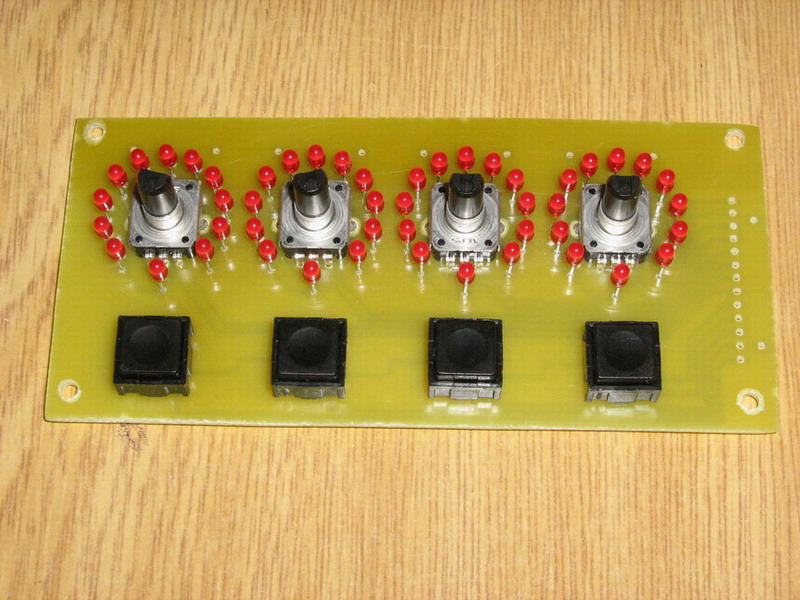
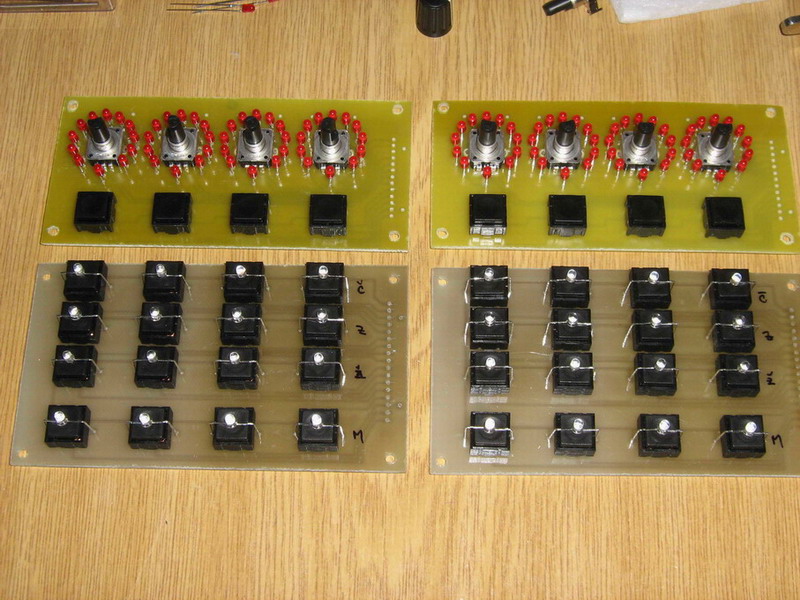
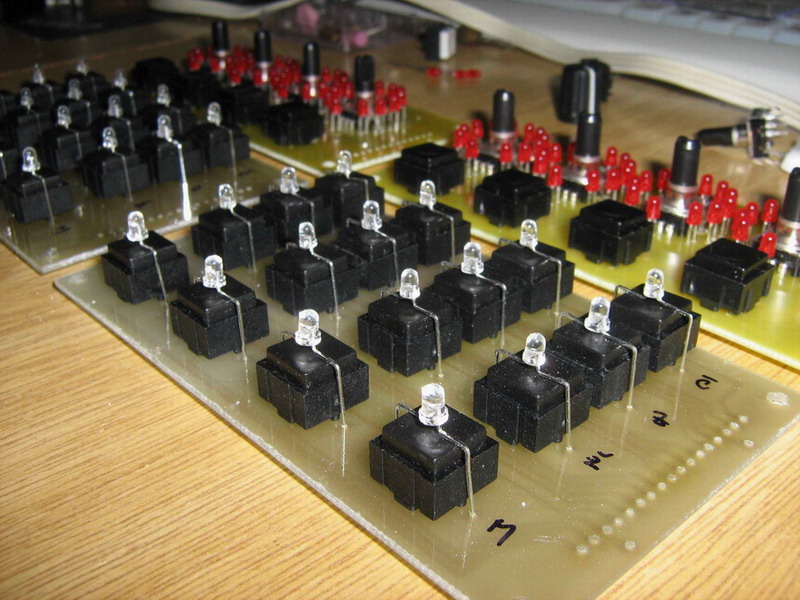
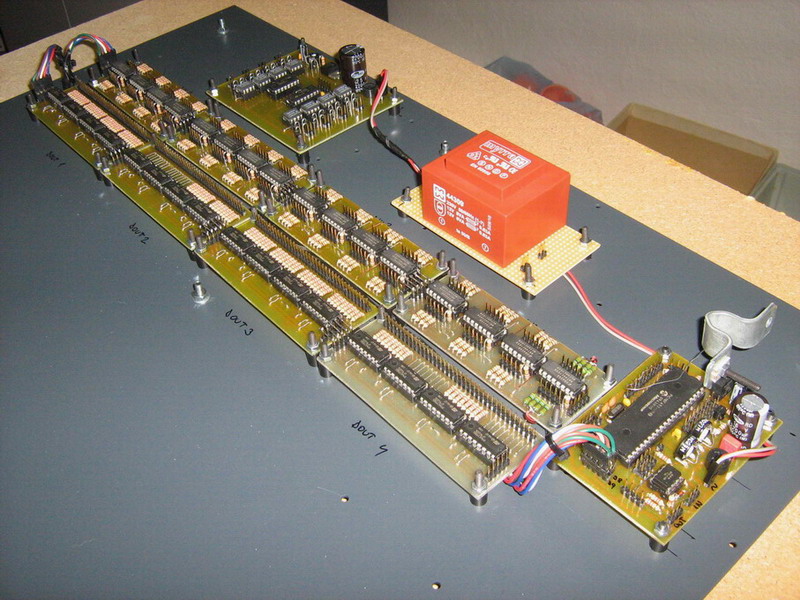
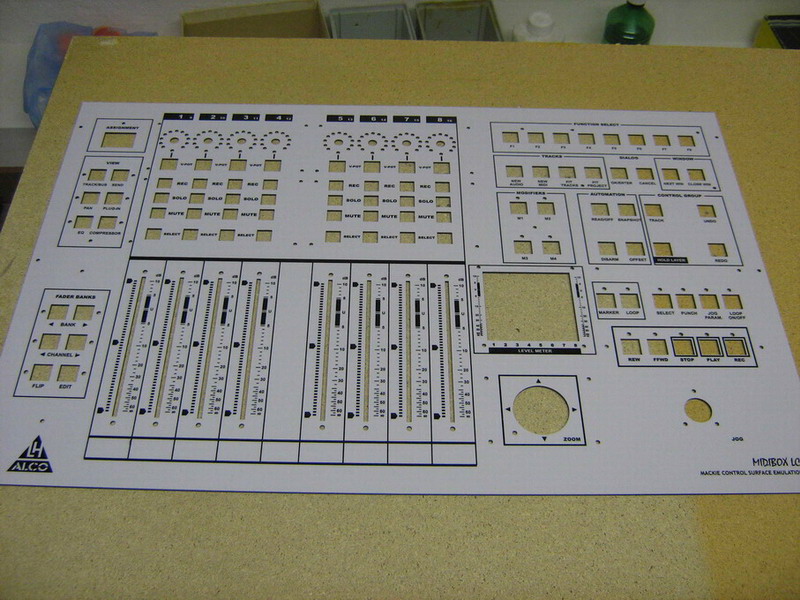
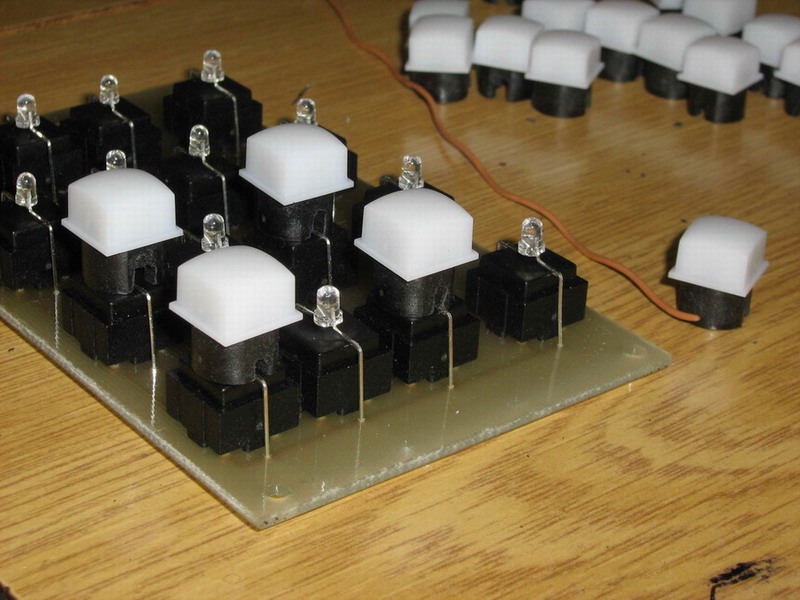
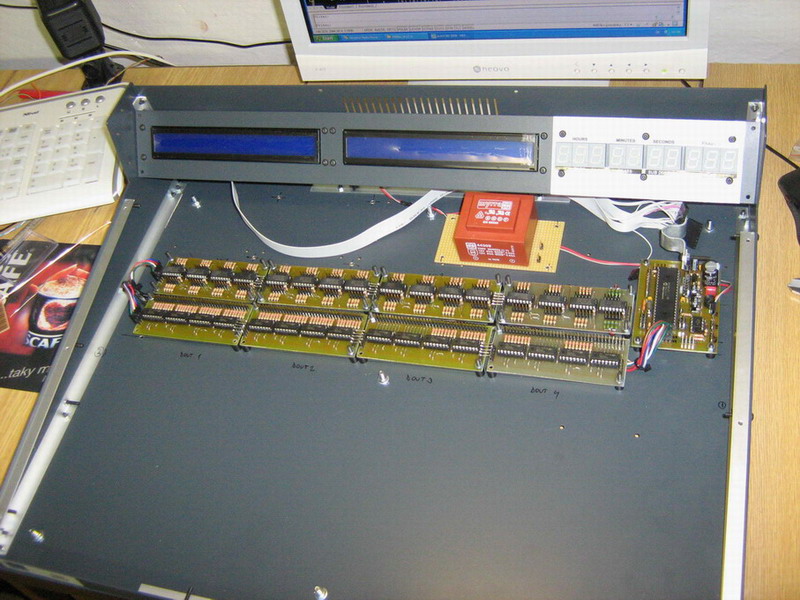
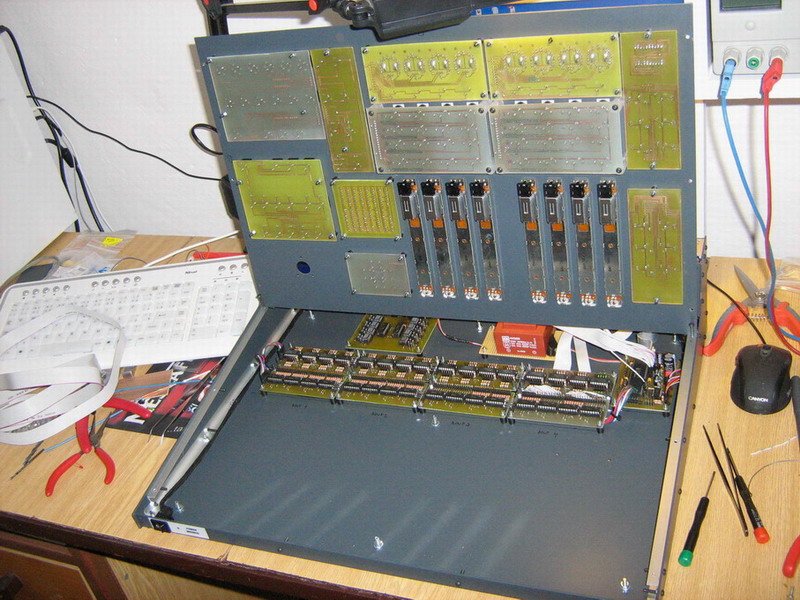
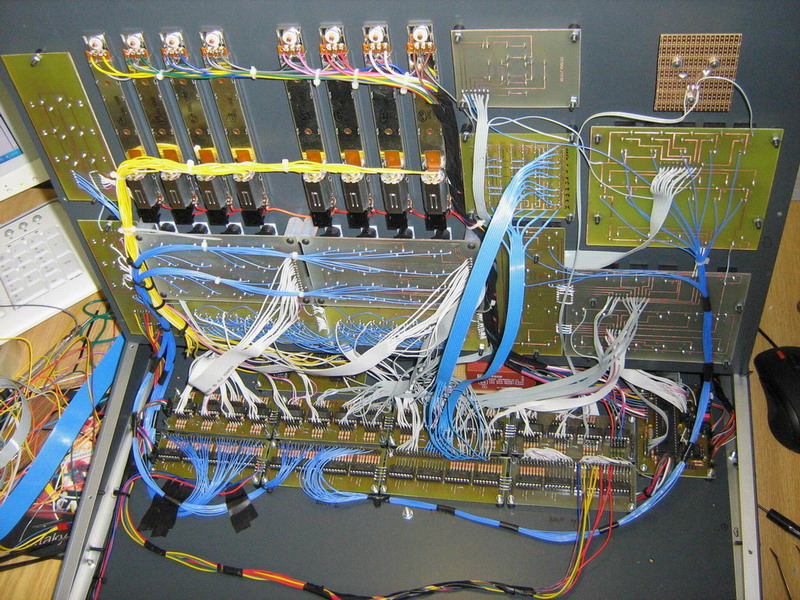
After a few days I have proposed the formation of the front panel, printed circuit board is made out and revived CORE module with 2x40 LCD.
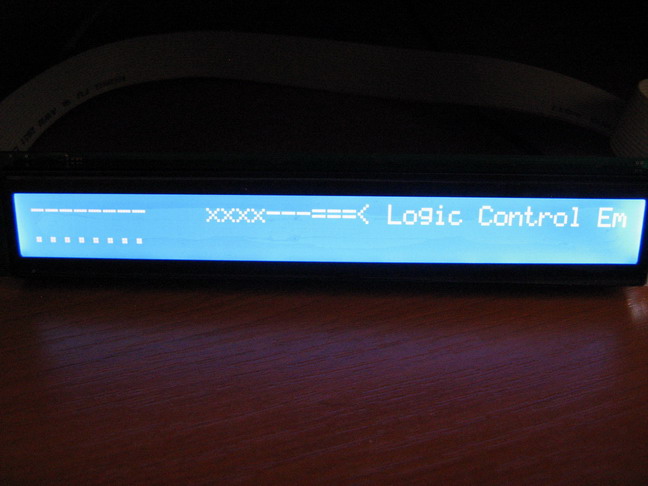
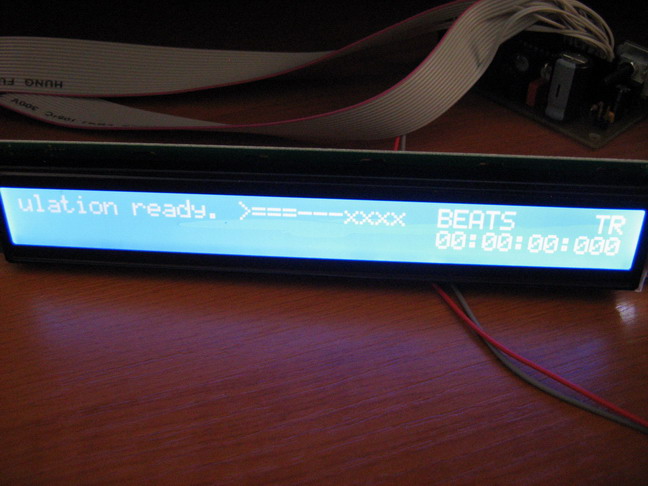
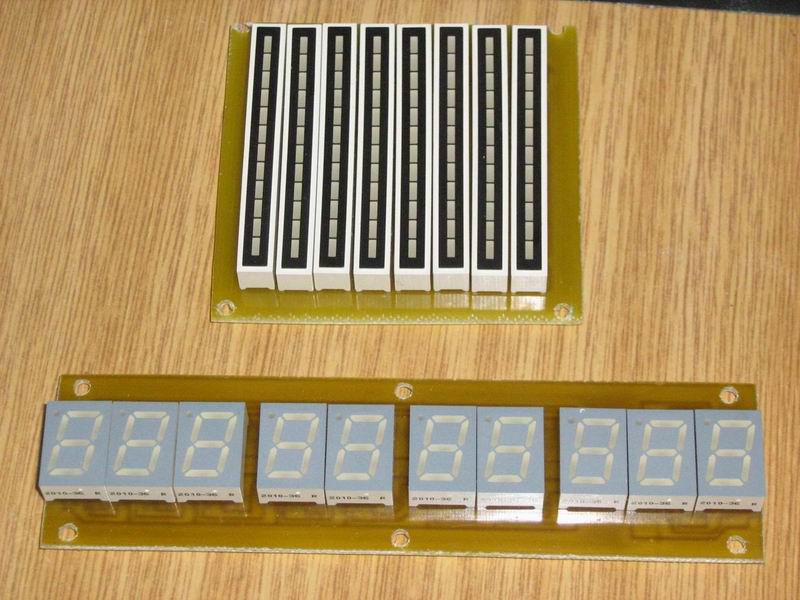
I attach some pictures:
Gradually I will add pictures of implementation.
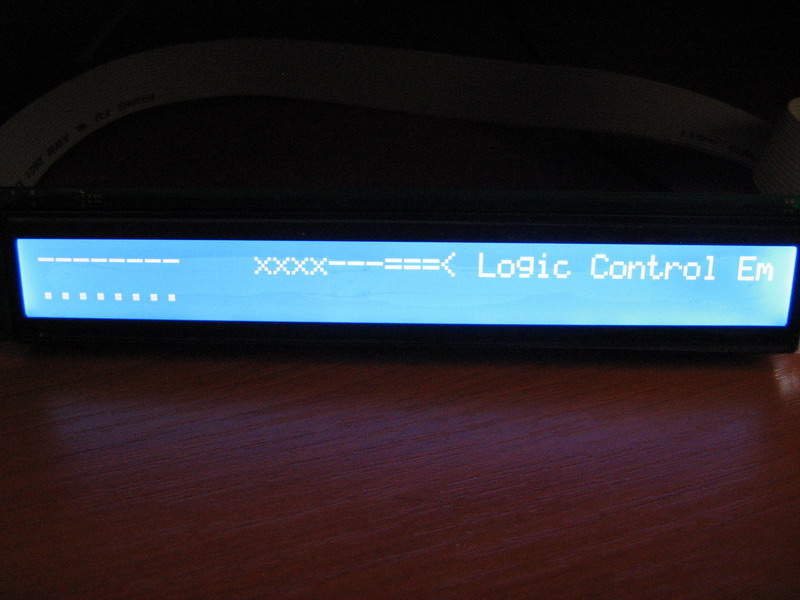
With all efforts, I would like to ask for help. I uploaded all necessary files to the PIC processor. The display will show me a sign Logic Control Emulation Ready, I assume that this is correct. I wanted to try but the whole board CORE with the program SONAR 8.5 but failed to connect with a plate CORE software, the display is lit only writing and responding to commands with SONAR software. Then I tried Logic Audio software, and you have my software immediately discerned as a Logic Control emulation MCU. Now suppose that everything is okay and the problem will only AET SONAR for communication.
But I found that, in conjunction with CORE LOGIC CORE Audio unit still sends some data via MIDI. The display will still alter the value of volume, pan if accidentally. This is because I have no controls attached to the core module such as potentiometers buttons, etc. …?
if you have got any ain pins ungrounded this will cause the core to send data. you can either ground all the pins on the core for now, or another easy way is to edit the setup file and set the ain to 0 and the mux to 0 then recompile and then uplaod again to the core, when you do this the core will not send the ain data anymore, this is how i disable the ain on my cores when i have none connected rather than grounding.
I know why I did not communicate and Cakewalk SONAR. I had to change line setup_midibox_lc.asm define (LC_EMULATION_ID 0x14) I had originally 0x10 so now everything is OK and I can continue to work on.
I do not know why but I never LEDs are off when the buttons in the group FADER BANKS and MODIFIERS. If I will test the LEDs light up, but not in normal use. :unsure:: (
What is the function button HOLD LAYER?
Level meter shows the signal displays the audio or VSTi track, the MIDI track can not see anything, so right? Midibox I connected the SONAR software. Maybe it’s somewhere in Sonar AET.
I do not know why but I never LEDs are off when the buttons in the group FADER BANKS and MODIFIERS. If I will test the LEDs light up, but not in normal use. :unsure:: (
Level meter shows the signal displays the audio or VSTi track, the MIDI track can not see anything, so right? Midibox I connected the SONAR software. Maybe it’s somewhere in Sonar AET.
Both issues seem to be related to Sonar.
MBLC itself is a “brainless” device - it only sends commands on button/encoder/fader movements, and it receives commands for LCD output, LEDs and Meters.
It’s always up to the host to control them properly.
What is the function button HOLD LAYER?
Thats a special feature of MBLC - in the past there were people who build a MBLC with a reduced number of LEDs and Buttons.
The layer feature allows to assign a second set of control/display functions to these buttons/leds.
The appr. button/LED assignments are done in LC_IO_TABLE_LAYER1 (the second table in lc_io_table.inc)
There are some more special functions, e.g. to switch between different LCD modes, etc… see comments in lc_io_table.inc
They are assigned to the second layer so that no dedicated button has to be added.
Some days ago I noticed that the timer used for the LED meter handler was called much more frequently than required; this resulted into an unnecessary CPU load of ca. 10% only for meters (instead of ca. 1%).
I’m unsure if this really caused any noticable effect (e.g. worse LCD performance), but I feel more comfortable when it’s configured as intended.
I fixed this but have no chance to test the change on my own MBLC, since it’s stuffed with a Core32 module meanwhile.
Could you please try this firmware version and tell me, if meters are still working as expected?
Some days ago I noticed that the timer used for the LED meter handler was called much more frequently than required; this resulted into an unnecessary CPU load of ca. 10% only for meters (instead of ca. 1%).
I’m unsure if this really caused any noticable effect (e.g. worse LCD performance), but I feel more comfortable when it’s configured as intended.
I fixed this but have no chance to test the change on my own MBLC, since it’s stuffed with a Core32 module meanwhile.
Could you please try this firmware version and tell me, if meters are still working as expected?
I installed version 1_6e and everything behaves quite normally. I would notice any change. LCD works as before. I had something special test? :frantics:
I installed version 1_6e and everything behaves quite normally. I would notice any change. LCD works as before. I had something special test? :frantics:
No - I expected that this “imperfection” can’t be recognized, and you proved it - thank you!
OK, for me is working properly and the previous version MIDIBOX-LC :rolleyes:
I have a little problem with the only Level Metro LED diodes because some of my poorly lit. But this is probably due to the involvement that I’ve done. Because I found that the LED Bargraph is, each BC, EF, GH, JK common pinout. I did not know it involved other than that I have these two diodes used as connected in series, so I reduced the number of points but the level meter. But not at 12 to 8, as the common point of diodes in series pretending they are one and therefore less likely to shine. :whistle:
A strange pinning, I never saw this before… if you are not able to find a better suitable bargraph, you could improve the luminance of LEDs connected in serial by using a 100 or 47 Ohm resistor instead of 220 Ohm