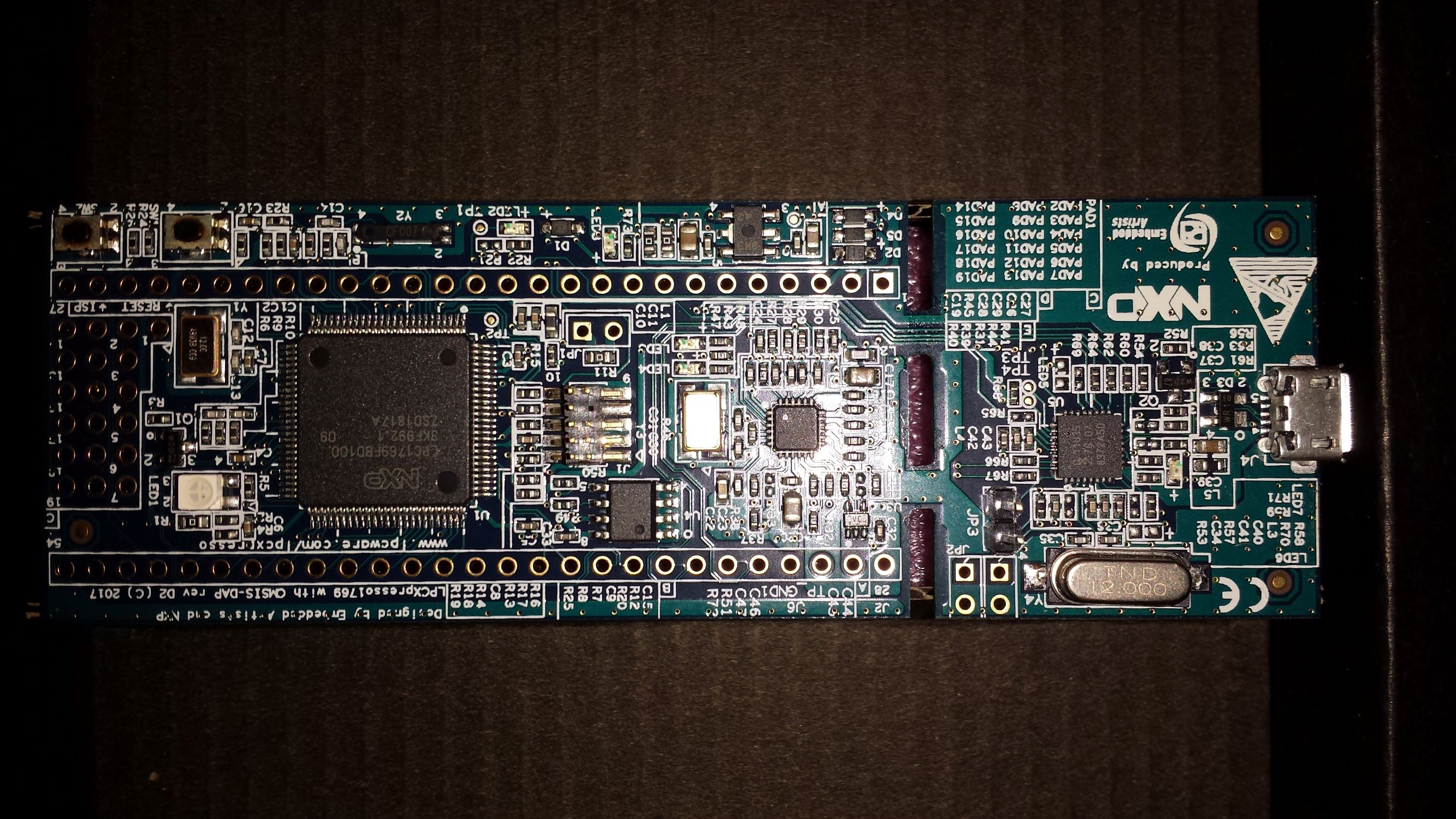
I’m new in the community, i’m planning to build a midibox with LPC17, but we can’t download the LPCXpresso IDE recommanded (5.2.6). Only the ver 8.2.2.
have you test it and is there a guide to use it, or is there a place where we can download the 5.2.6 version?
Sorry for this question, but I’m new in Midi and microcontrollers. If someone can help
is there a guide because I can’t use it (I’m newbee)
will be a good idea to update ucapps.de for people like me…
It’s pretty the same method no matter of IDE version.
Install and activate it, it’s free.
Choose a place for Workspace.
Create a LPCXpresso C Project. (instead of FreeRTOS Project), You just need a blank Project and selecting the good Target.
Choose the right Target, LPC1769.
Go to Program Window, Select your Blank project, Select your available interface(LPC-Link)
In the Programming window, browse and select the file \mios32_bootloader_v1_018\MBHP_CORE_LPC1769\project.bin by putting *(any) in the extension combo box filter.
Put 0(zero) in Base address if it’s not already the case.
You’re welcome… Mais ca je peux le dire dans la langue de molière!
Y’a pas de quoi! Et merci pour le pdf effectivement ça peut en aider d’autre. J’avoue j’aurai pu te filer quelques screenshot aussi
Bah le Yocto et le Nava c’est lui! http://www.e-licktronic.com/en/
Je me referai bien le cirque de Mafate pour la deuxième fois de ma vie, tres beau souvenir, sauf peut-être la remontée
Which OS do you use? as soon as the USB cable is plugged in, additional LPC drivers etc. are installed(automatically). You have to allow that and wait a little.
should work… pls use LPCXpresso IDE v8.2.2. Otherwise try another usb port, please deinstall lpc/nxp drivers and reboot/reconnect. Have you activate the computer (or register with nxp)?
should work… pls use LPCXpresso IDE v8.2.2. Otherwise try another usb port, please deinstall lpc/nxp drivers and reboot/reconnect. Have you activate the computer (or register with nxp)?
This is the version I’m using. I tried all USB ports, with 4 different cables, resinstalled the drivers, have rebooted, nothing happens. I have actived the IDE, is there another registration?
BTW there is a jumper provided with the board, what is it for?