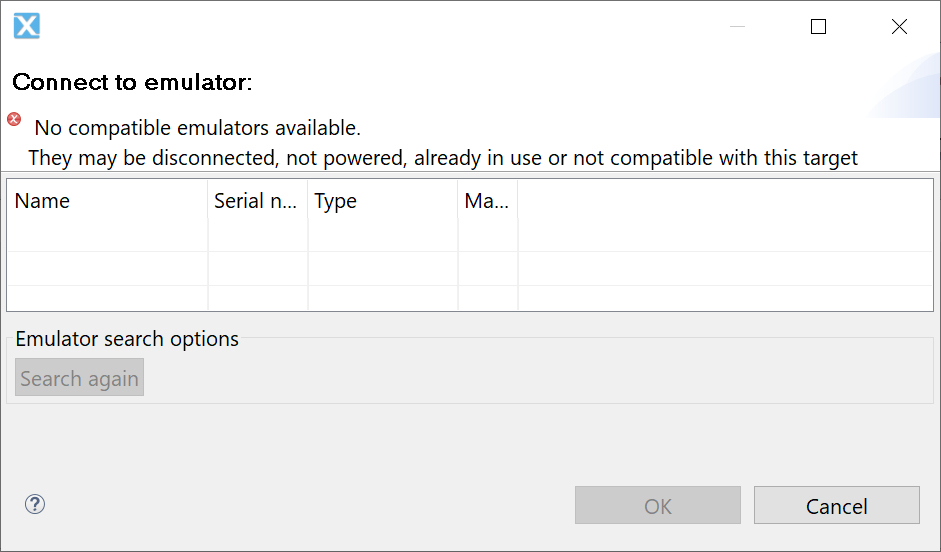
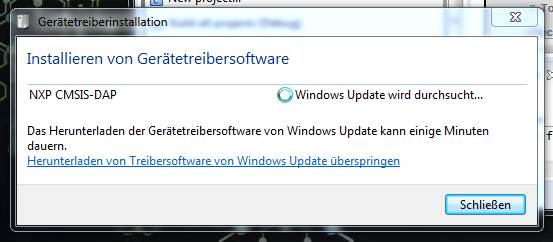
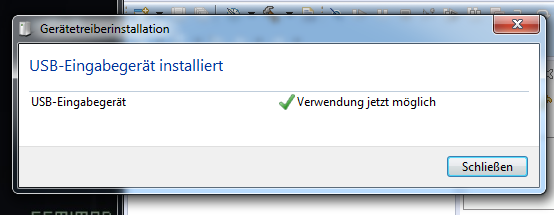
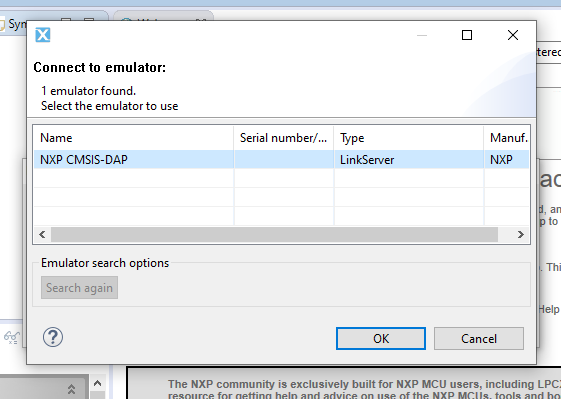
try again from the beginning. should normally go now (reboot, reinstall, reconnect etc.) otherwise something went wrong .. or the linker type isn’t supported by 8.2.2 ?? I will take a look later.
On the other hand, I read that it probably also worked with 8.2.2 … I can’t test it myself (i have only rev.A B C). Do you have the chance to grab an older revision? Don’t you want to go to the newer CPU sooner if that is so much trouble? But you could still do some research … it’s up to something.
From the document “As supplied, (JP1 - no jumper fitted, JP2 - jumpered across 1-2, JP3 - no jumper fitted), the built in LPC-Link2 based debug probe works as a plug’n’play debug probe with the LPCXpresso IDE. The first time you start an LPCXpresso debug session, a compatible debug firmware image is downloaded to the debug probe allowing you the debug the onboard target MCU.”
If his guidance on the rev D doesn’t help, you could PM him. at least he managed it.
Edit: Oh, I just checked again at myself: I had actually successfully flashed a Rev D1 via the IDE 8.2.2 in the past. I can’t remember any unusual things now.
there are 3 more links at the bottom by ZhangJennie, about that post about 1769 rev.D problems, referred to:
- MBED serial driver
- probe firmware
- Can’t find debug Probe ticket..
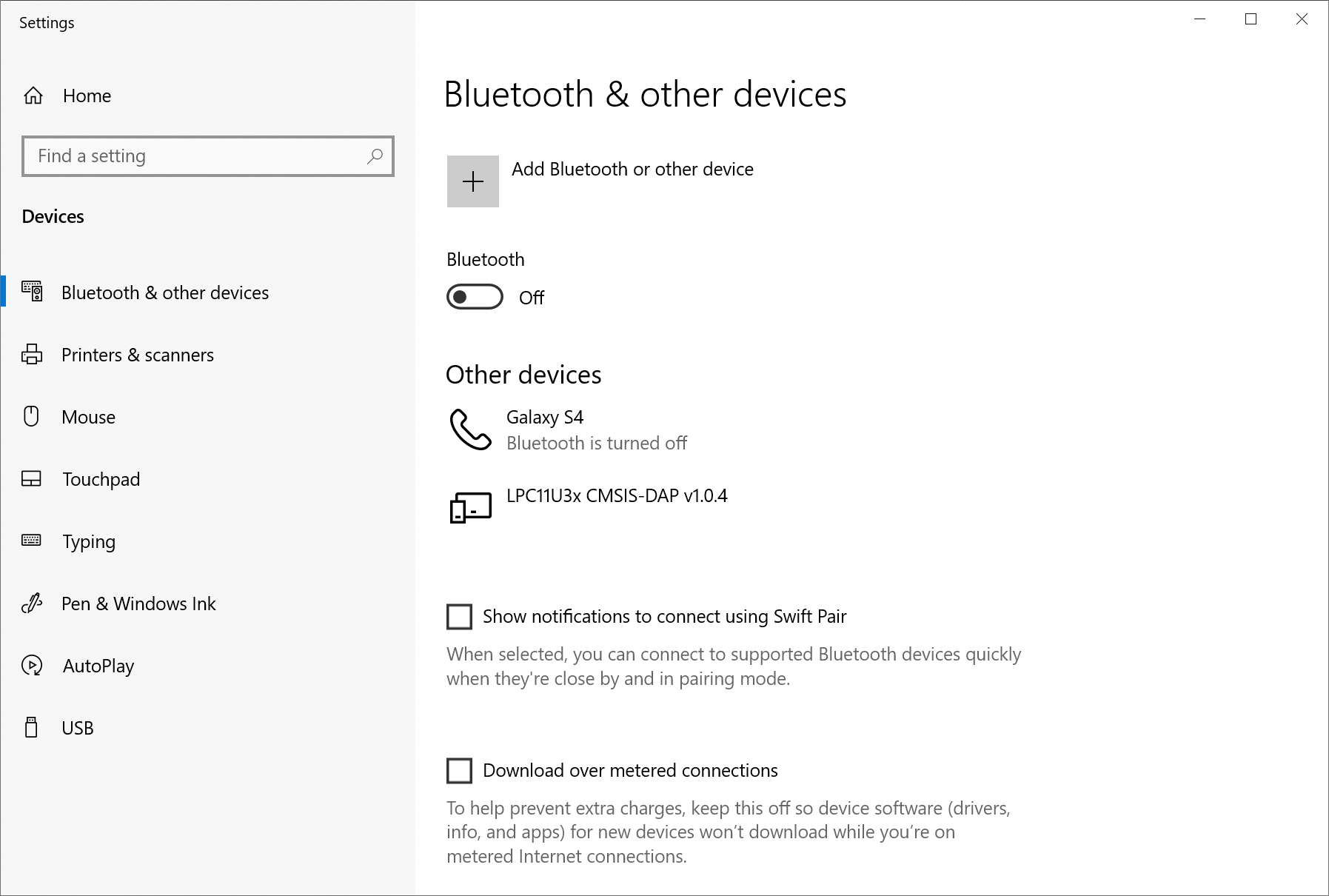
I know the picture you posted/shown is related to a lpc8xx but I think it uses the same probe (CMSIS-DAP).
BTW: You have to think of it this way: there are two boards - on the one hand it is the debug / linker probe and on the other hand the LPC1769 board - both are connected. If the jumper is set, the probe has priority.
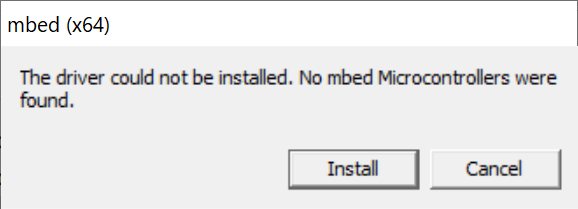
ok i tried the same steps that you mentioned. And I come to the same conclusion that it does not work under win10 as you described ( with me, however, no drivers are shown in the device manager ). I don’t quite get it - I’m (actually) sure I got it installed in the past - but that was a win7. But when I try to install it in Win7 it doesn’t work either. When installing the mbed driver, the same error message appears. it is really crap right now … maybe gerald.wert has an idea, he also successfully connected it, just didn’t write how.
ok, i have now tested a different usb cable (the cable is short and thicker - it looks more stable ). Everything works now (also with win7 and win10 ). The jumper must be removed , otherwise the linker will not work. no mbed driver needed or anything else…it worked for me without installing anything or without updating the firmware now. but i’m not sure if i ever installed the mbed stuff before i was switching to win10 - that was 2 years ago, but I don’t think so, because I restore a untouched/clean OS once a year.
so either you actually don’t have a really good short cable at hand, or you have an old firmware on the probe.
so, therefore you can hold ‘reset’ button on board or solder a bridge on JP4. I just did the solder solution. that’s working. so you get into the ISP mode and you can copy the newer not mbed-based firmware for the linker board (LPC11U35 debug probe) again. I didn’t do that now, because my board already works, but it should work as described here.
Quote
That year we introduced a new version of the firmware that was not based on mbed…