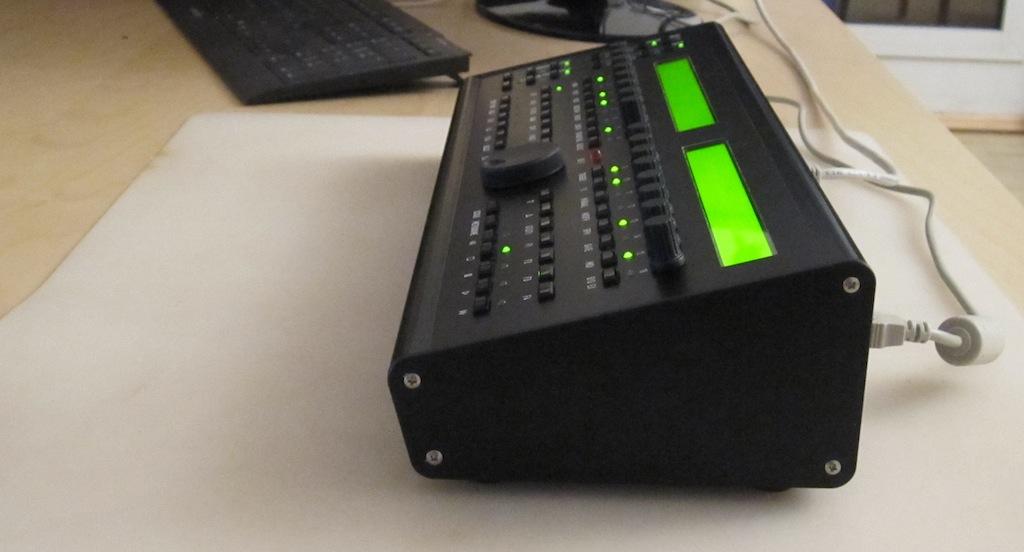
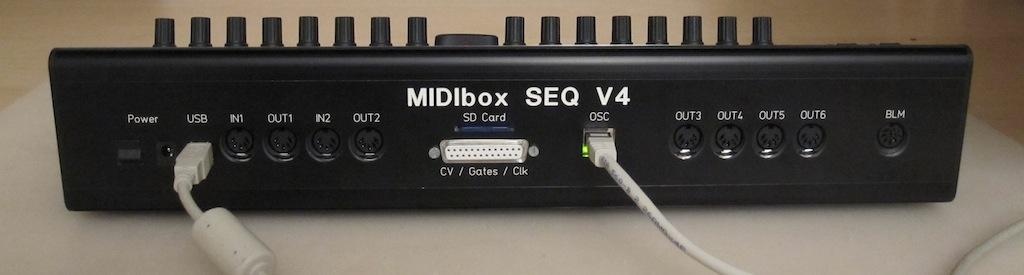
Album by TK.
Gallery category: members-gallery
mbseq_case01.jpg
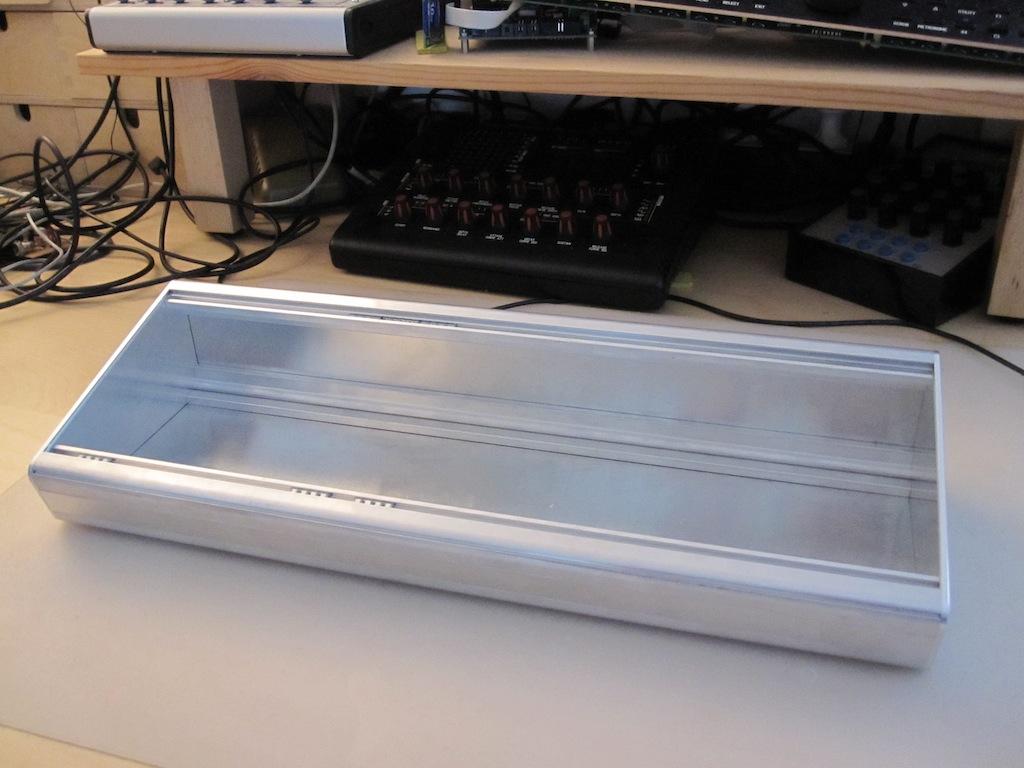
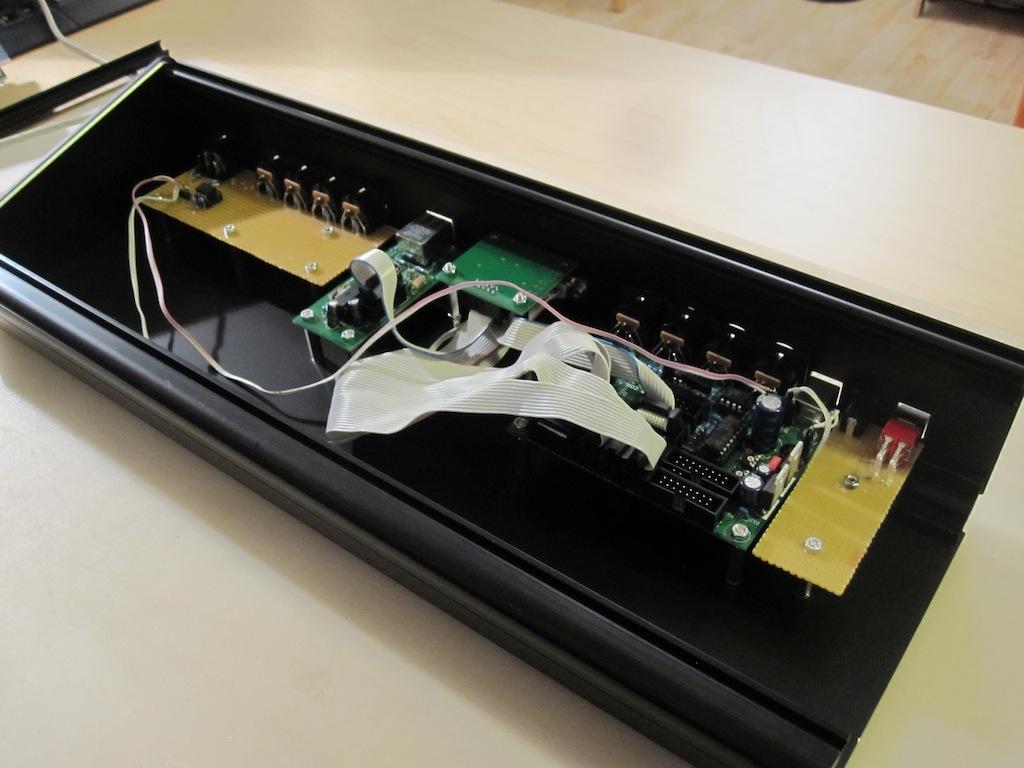
The prototype consists of untreated aluminium.
I prefered this option due to the faster delivery.
The final case will be black anodized aluminium
mbseq_case02.jpg
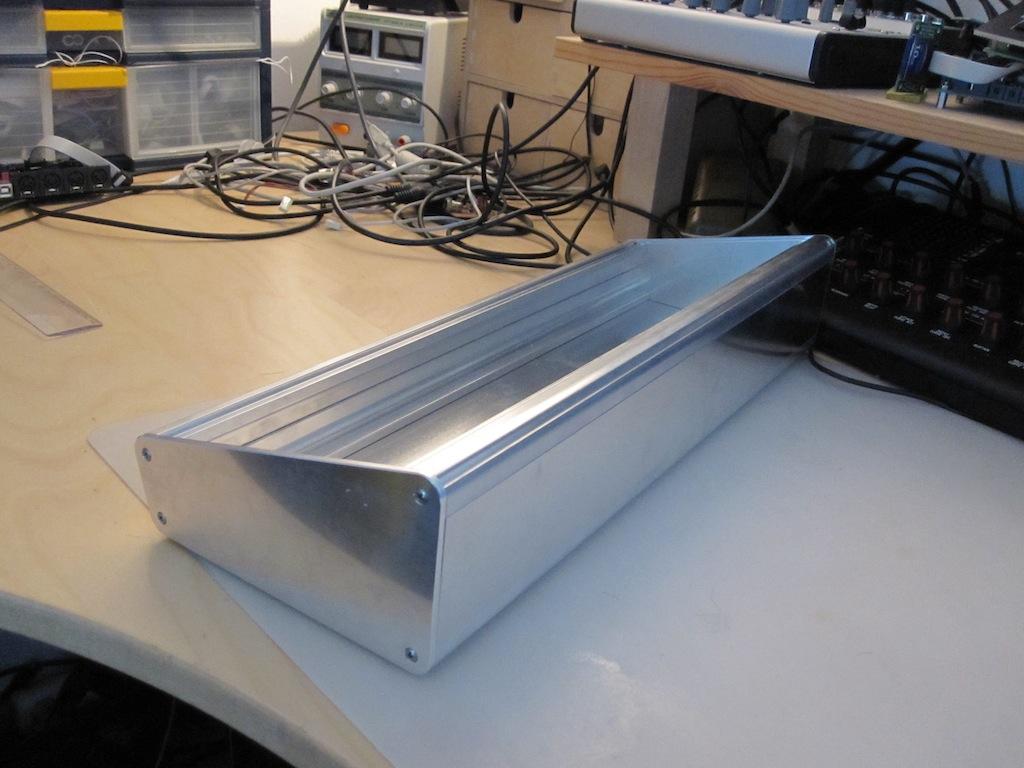
From the other side - the case looks very robust!
mbseq_case03.jpg
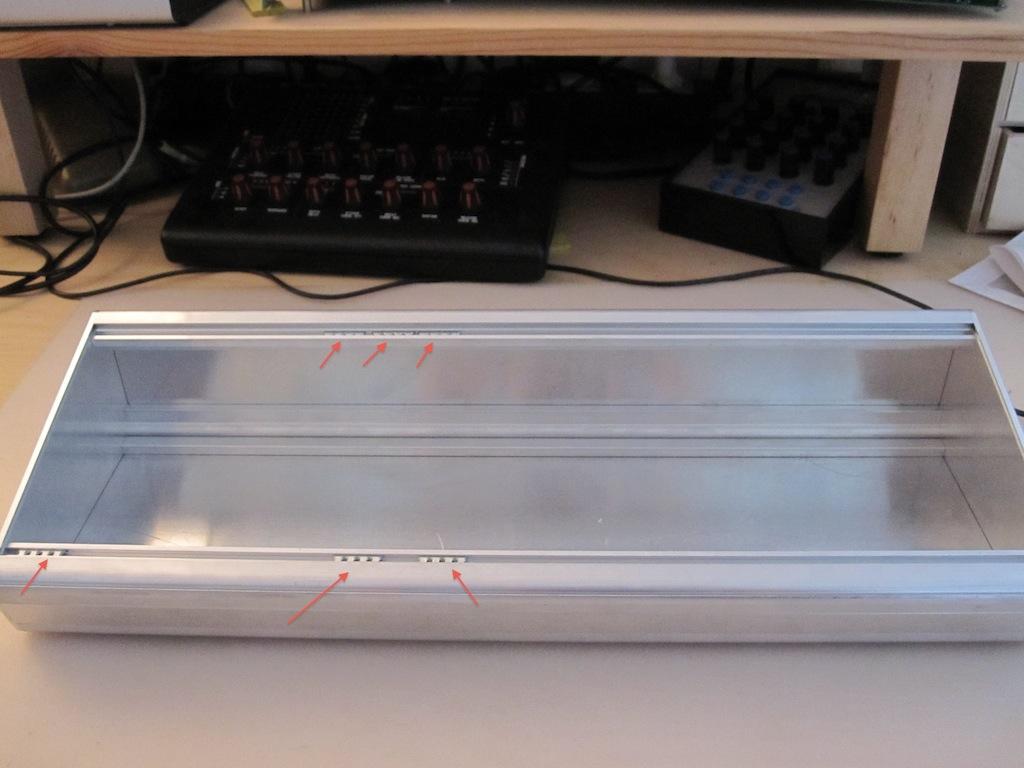
Note that there are some “movable slides” (or how you would call them) which would allow to mount the frontpanel with screws.
mbseq_case04.jpg
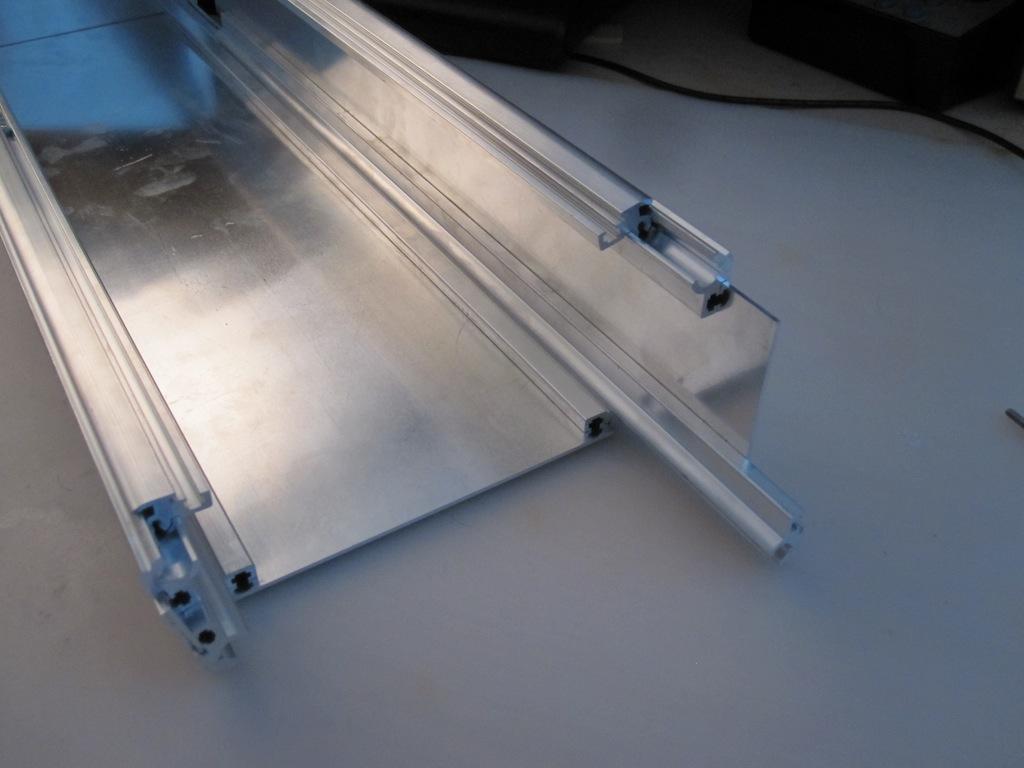
This picture demonstrates the construction system nicely.

mbseq_case05.jpg
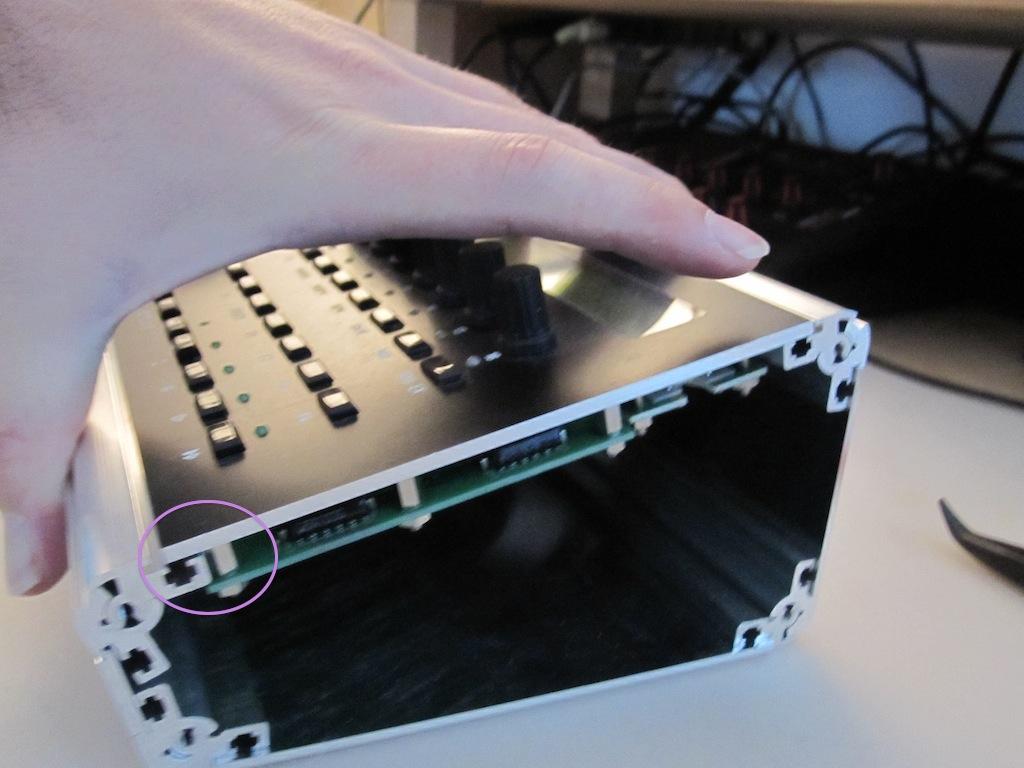
There are 4 spacers of Wilba’s MBSEQ Frontpanel which are a bit too much outside so that the case cannot be closed perfectly.
But don’t panic…
mbseq_case06.jpg
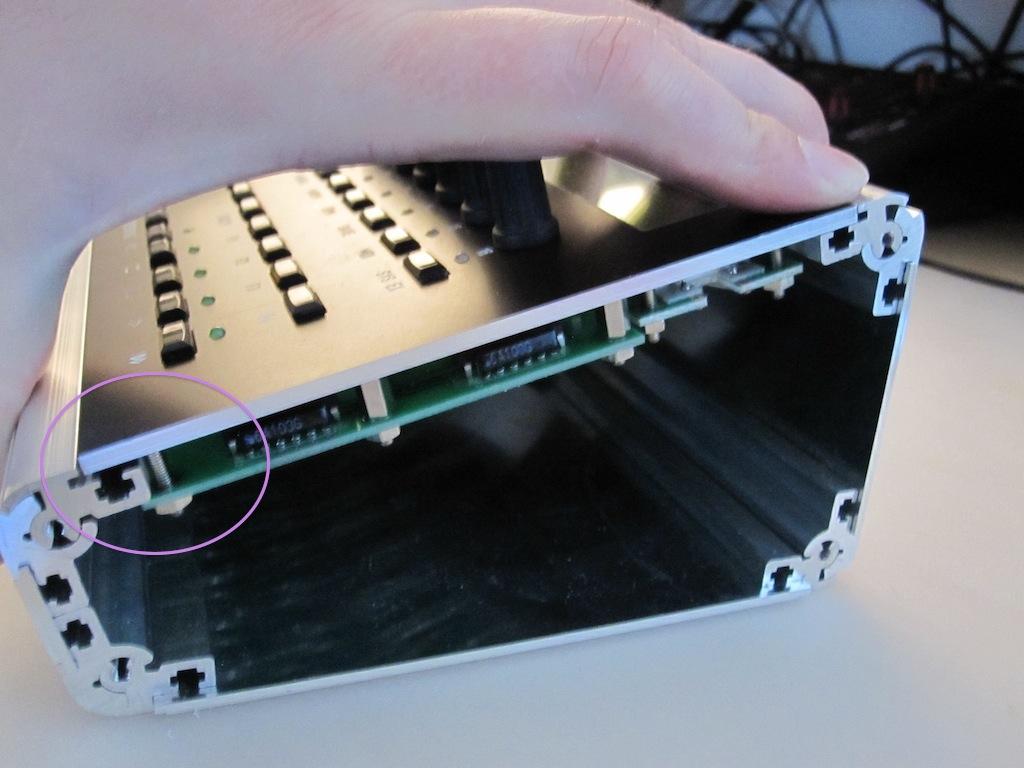
…these spacers can be removed w/o disadvantages!
mbseq_case07.jpg
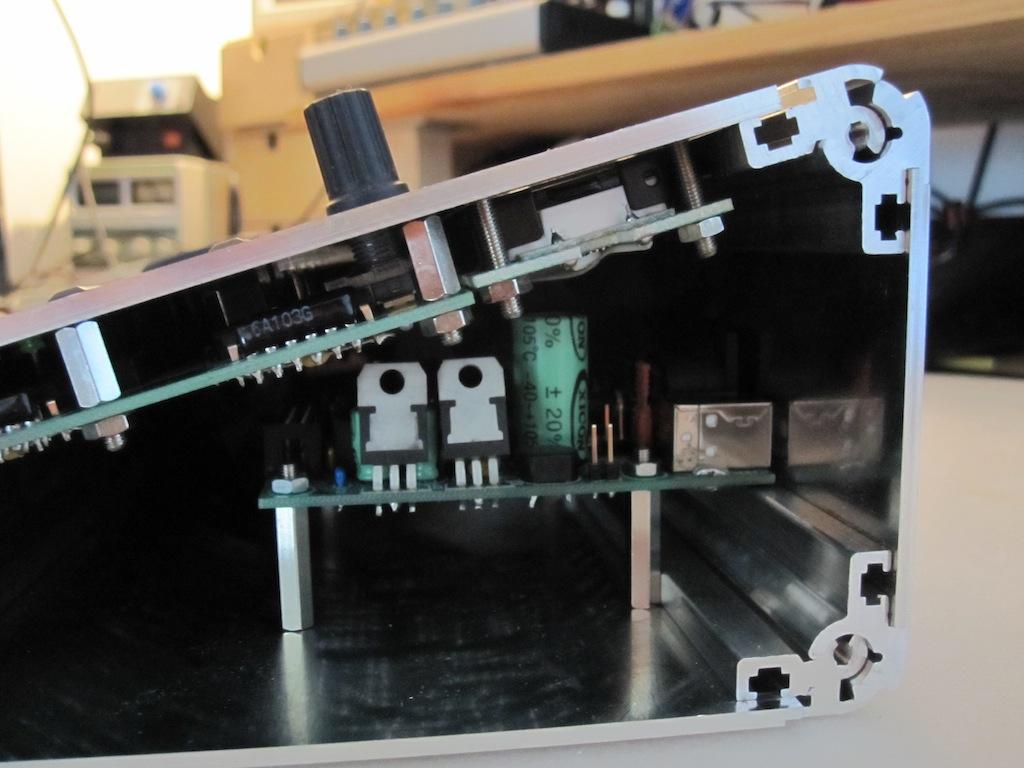
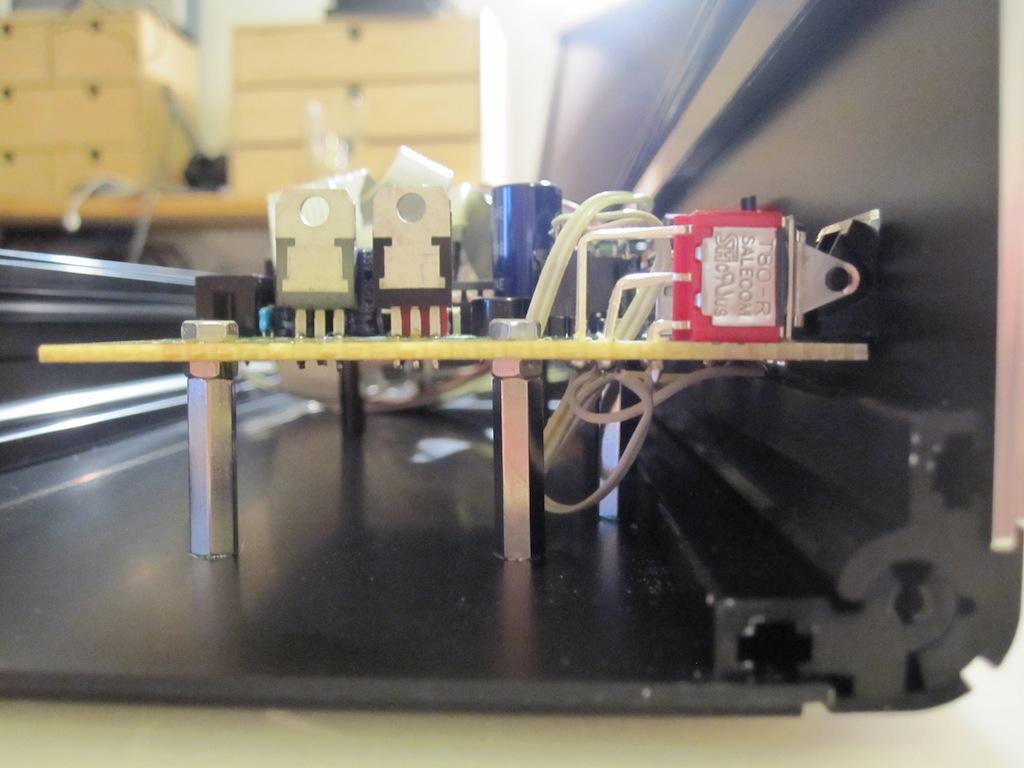
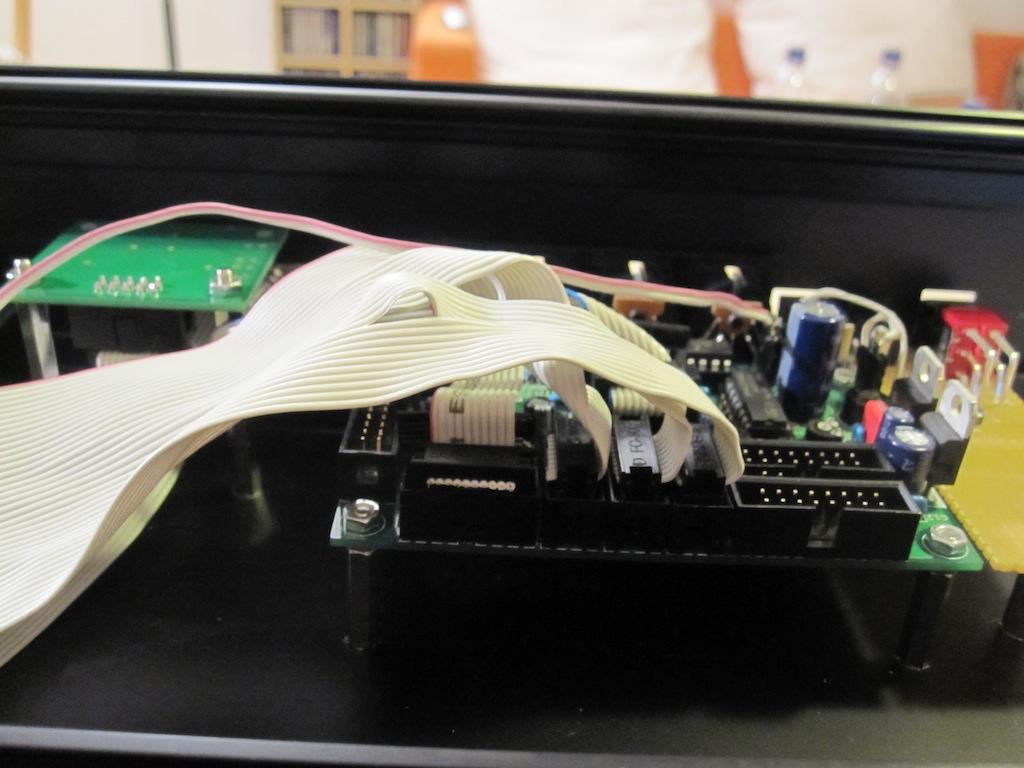
The MBHP_CORE_STM32 mounted on 20 mm spacers inside the case - it fits!
Was it Nils intuition to place the mounting holes below the USB socket so perfectly? 
mbseq_case08.jpg
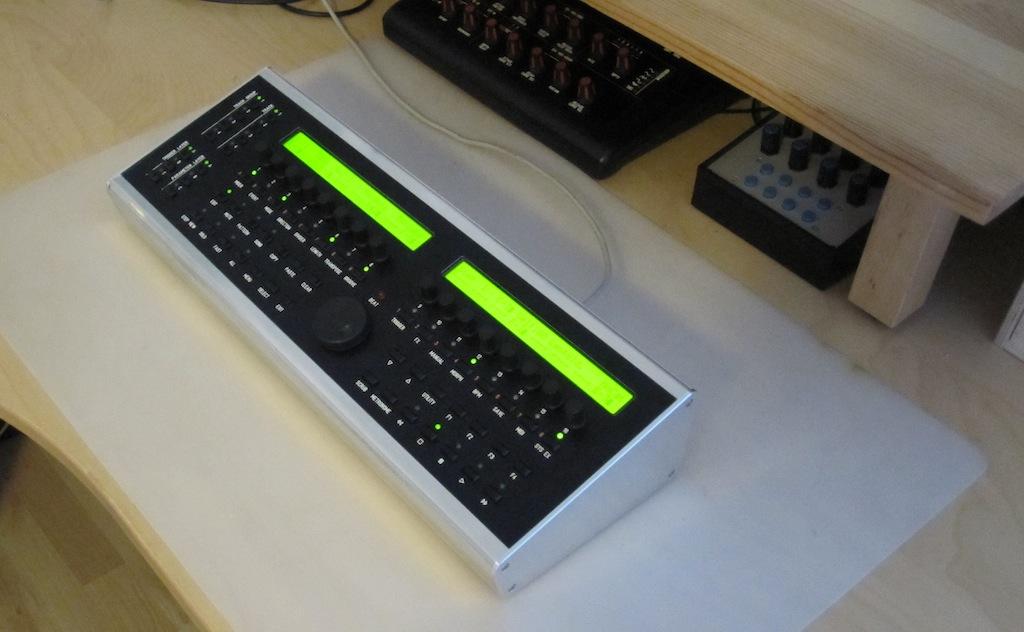
Closed case
mbseq_case09.jpg
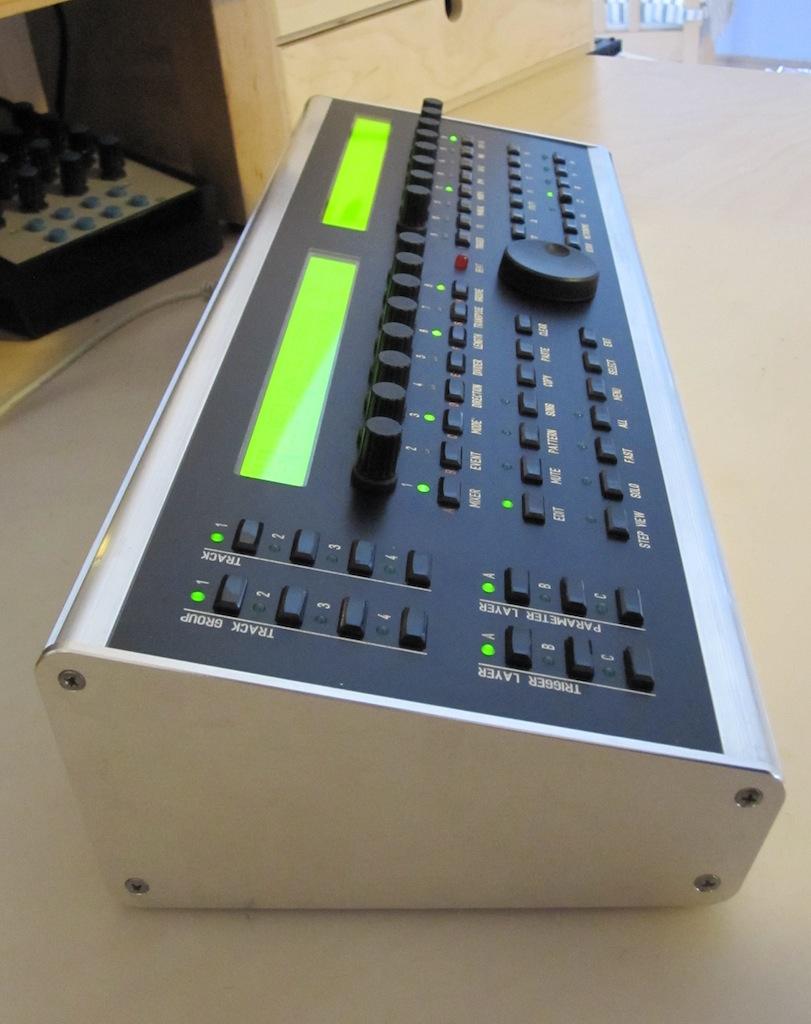
And when I’m writing “closed”, it’s really closed. Perfectly fitting frontpanel!
mbseq_case10.jpg
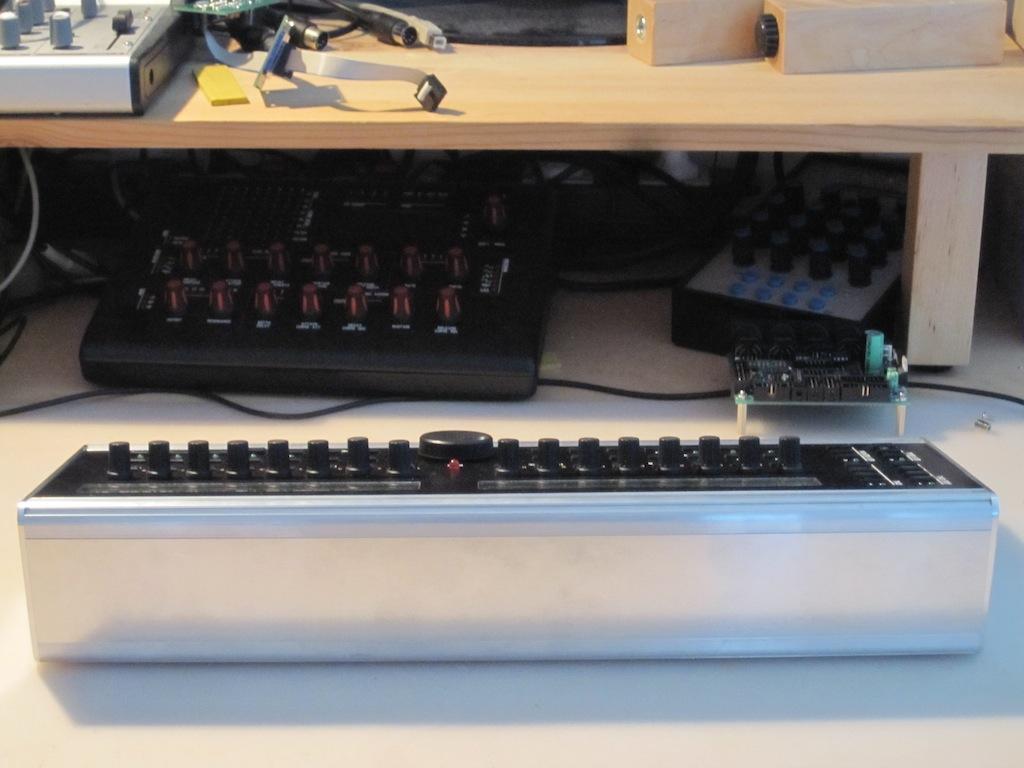
Next step: creating the backpanel
mbseq_case15.jpg
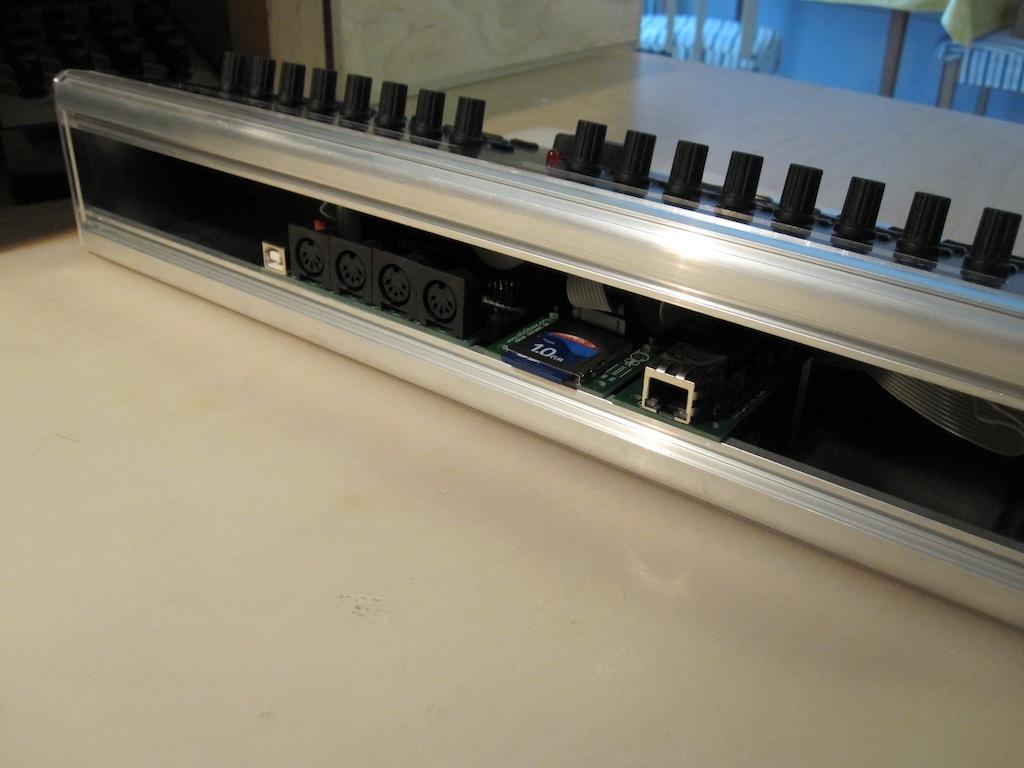
Temporary it’s possible to use the case w/o backpanel - the case construction doesn’t require it for holding the remaining panels together.
mbseq_case11.jpg
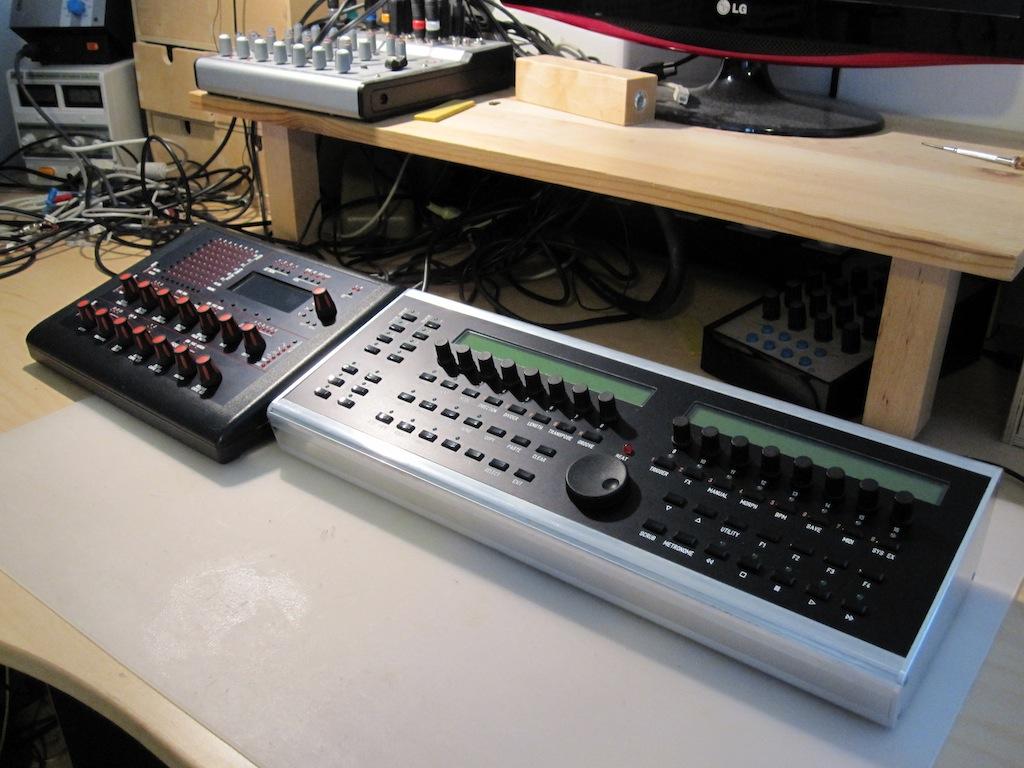
MB6582 + MBSEQ together.
mbseq_case14.jpg
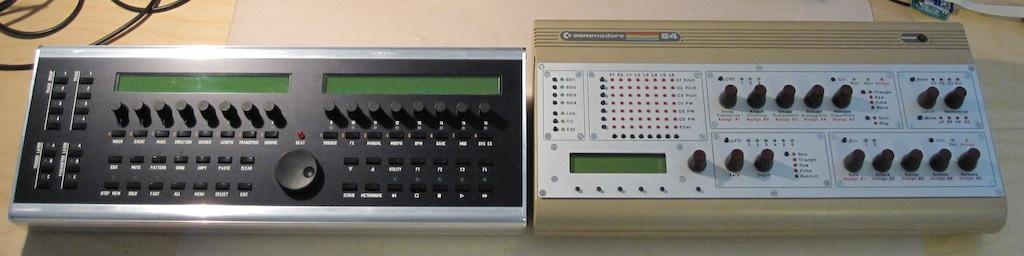
MBSEQ + MBSID Vintage Case together
mbseq_case16.jpg

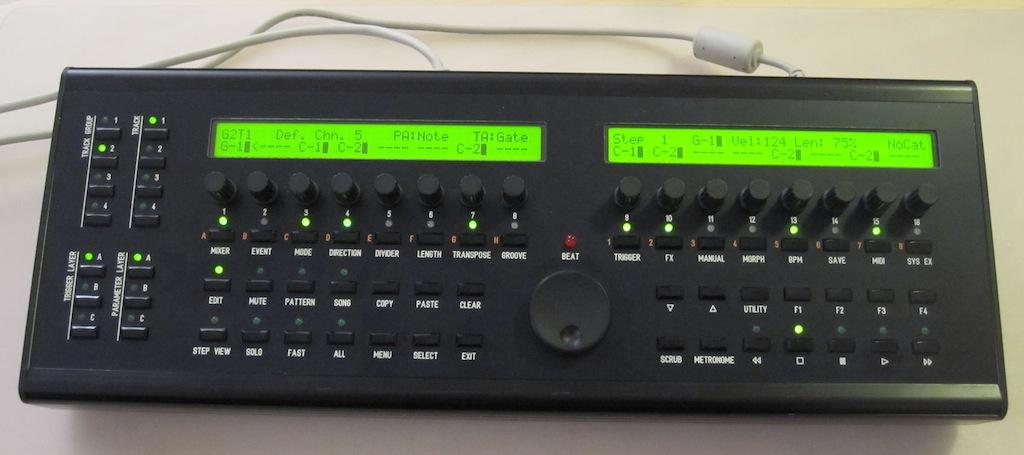
Front view
mbseq_case17.jpg
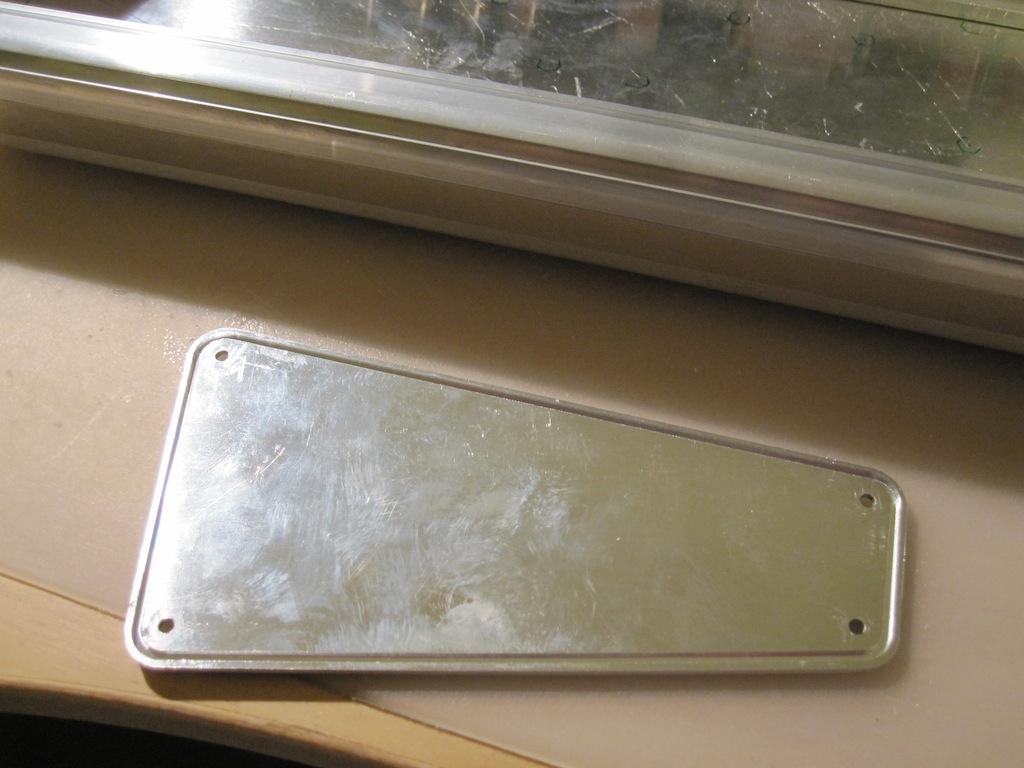
Due to special request: this picture shows the slots of the sidepanel
mbseq_case18.jpg
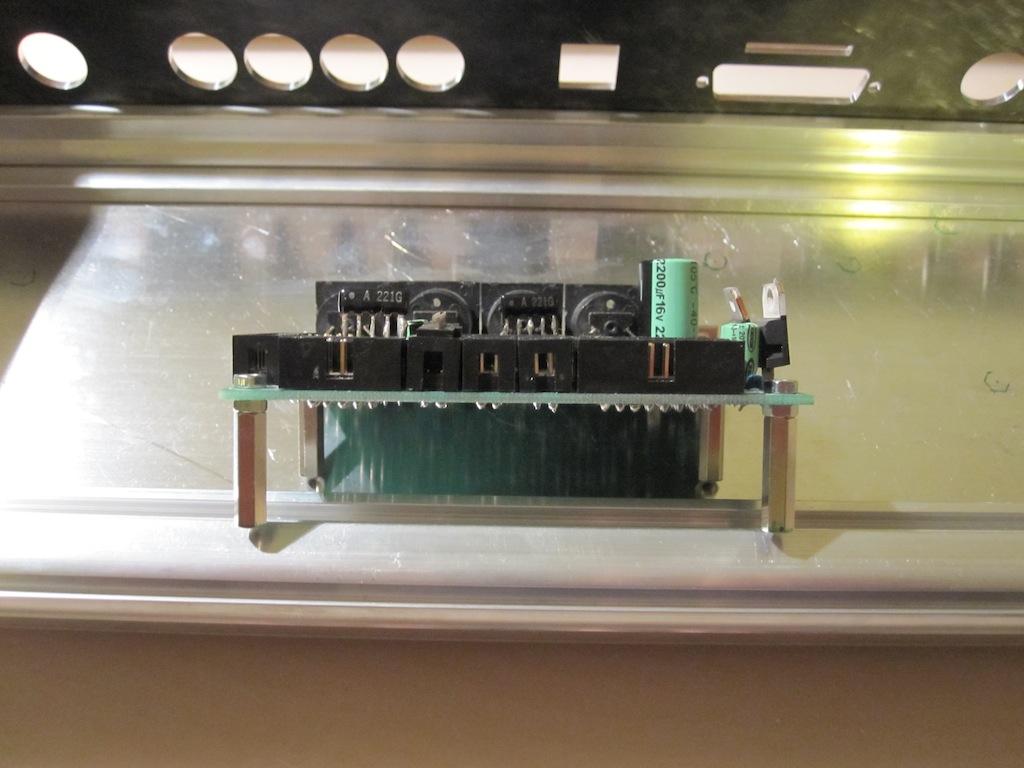
Preparing the core module for mounting
mbseq_case19.jpg
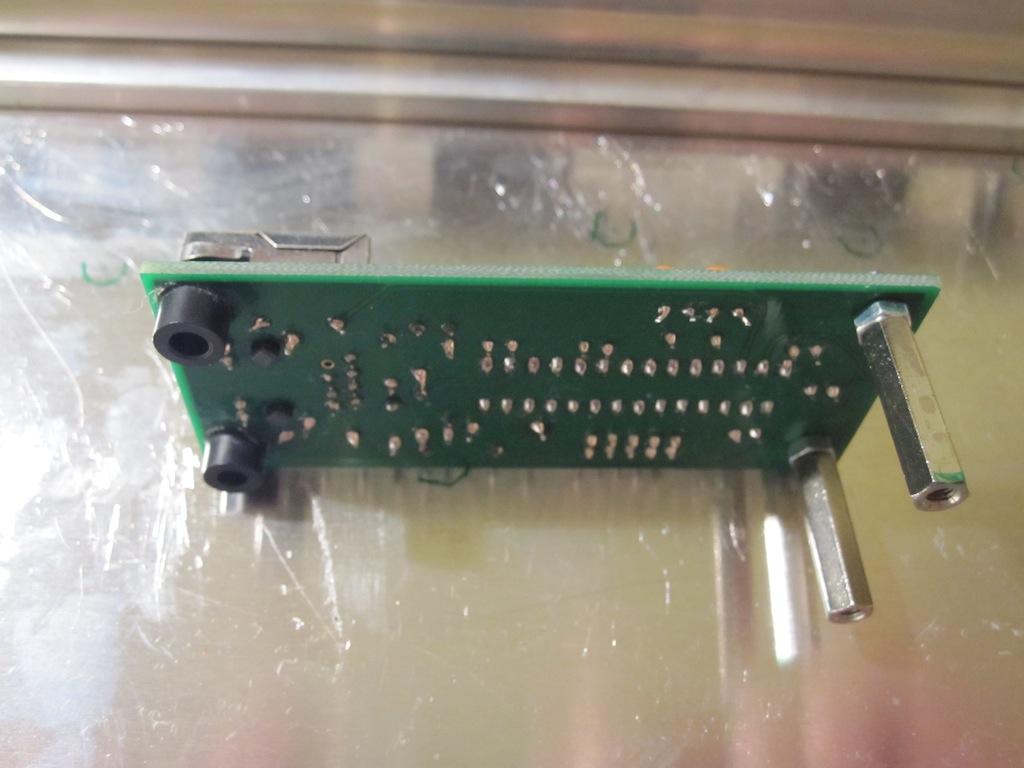
I glued 5mm standoffs to the front mounting holes of the MBHP_ETH module - no screws can be used, but the construction seems to be stable
mbseq_case20.jpg
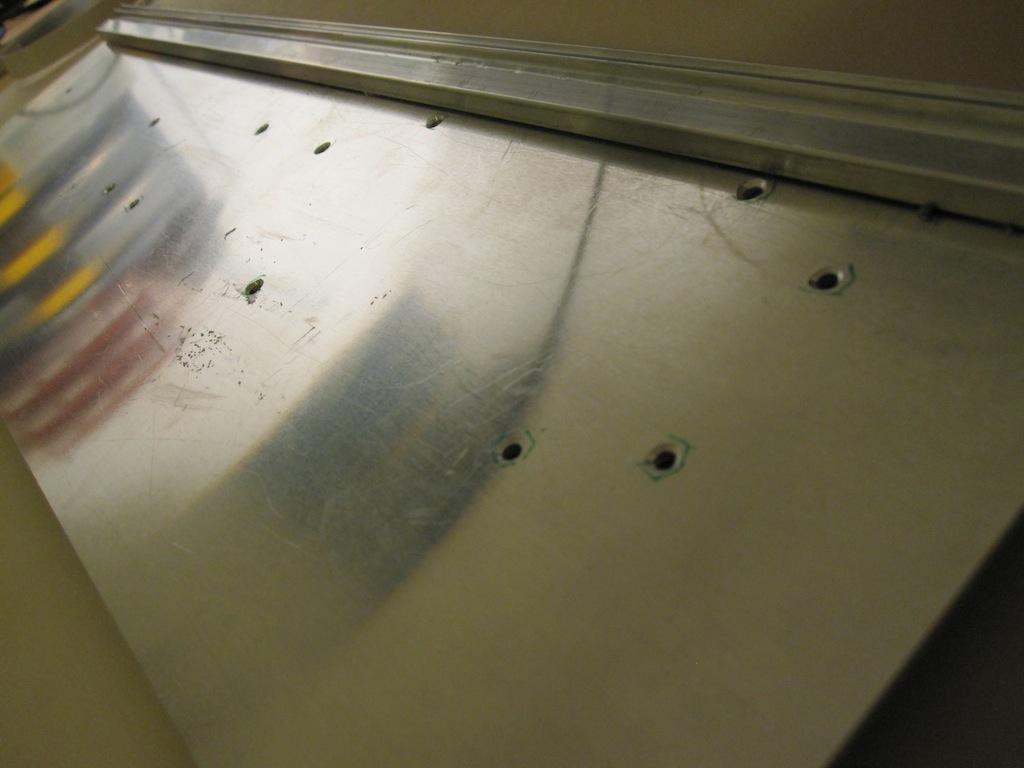
3mm holes have been drilled for all modules. The holes have been deburred with a 5mm drill
mbseq_case21.jpg
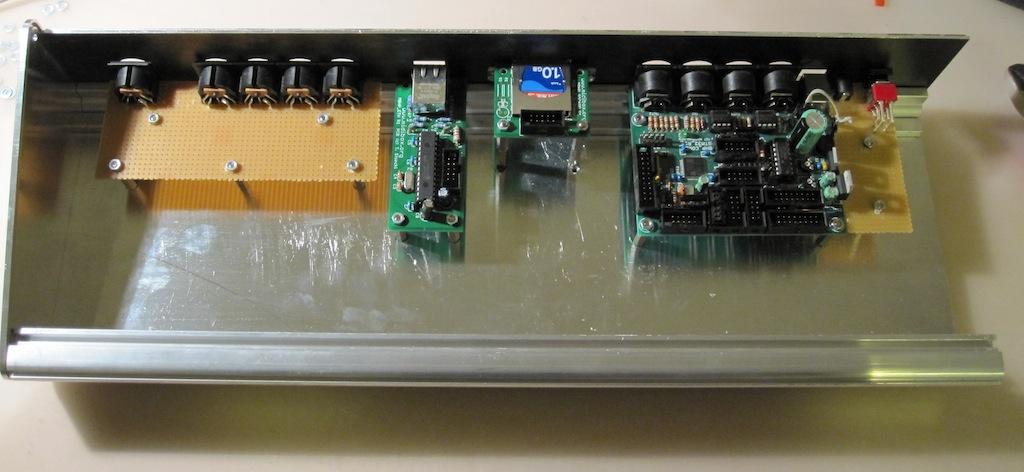
After all modules have been mounted…
mbseq_case22.jpg
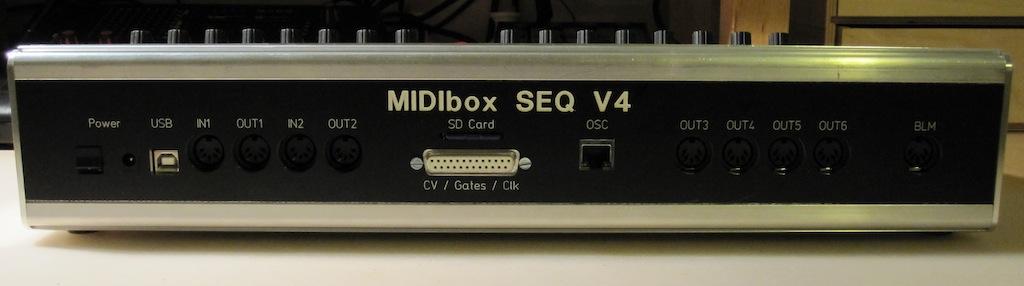
Finally a closed case - hurray!
Note that this backpanel has some layout errors as explained in the forum thread.
E.g. due to slightly wrong dimensions, the case isn’t completely closed (upper screws don’t match with the screw threads)
mbseq_case23.jpg
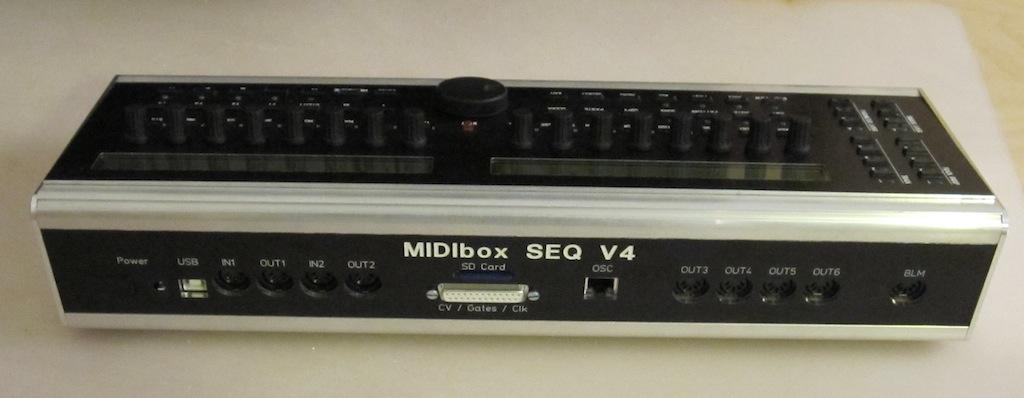
Another view of the backpanel - I consider to swap the positions of Ethernet socket and SD Card/AOUT Extension slot, since internally the SD Card socket clashes with the socket of a LCD
mbseq_case24.jpg
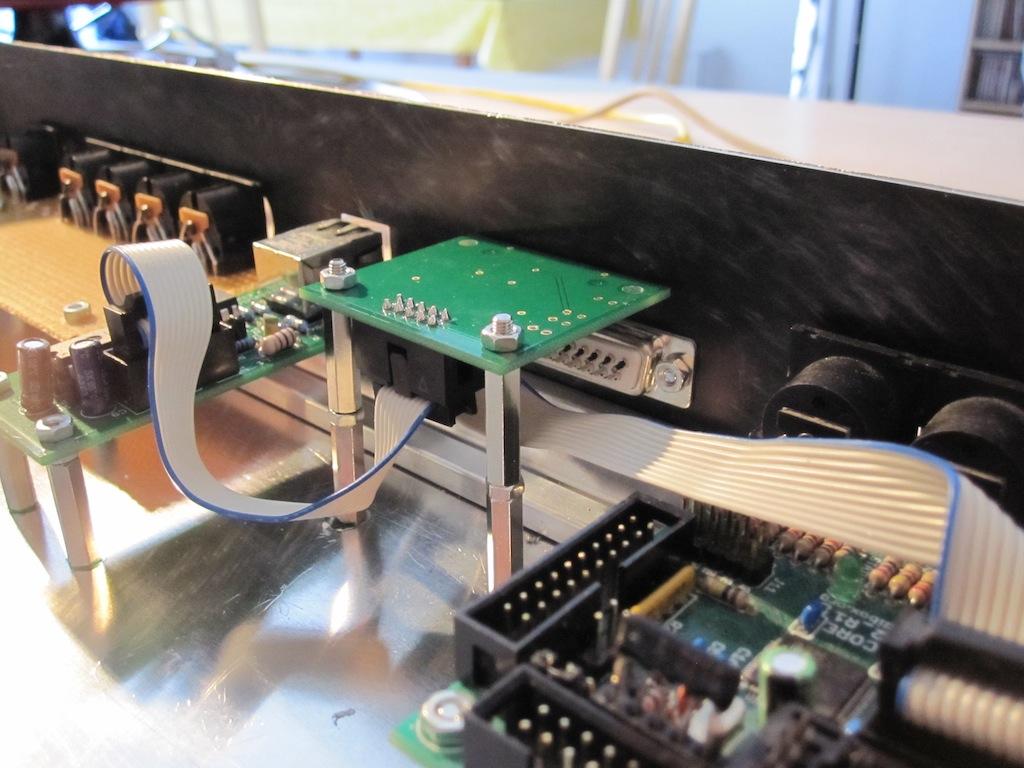
By flipping the SD Card PCB inside the case there is no collision with the frontpanel LCD connector anymore.
Disadvantage: the SD Card has to be inserted upside down (but thats acceptable for me)
mbseq_case25.jpg
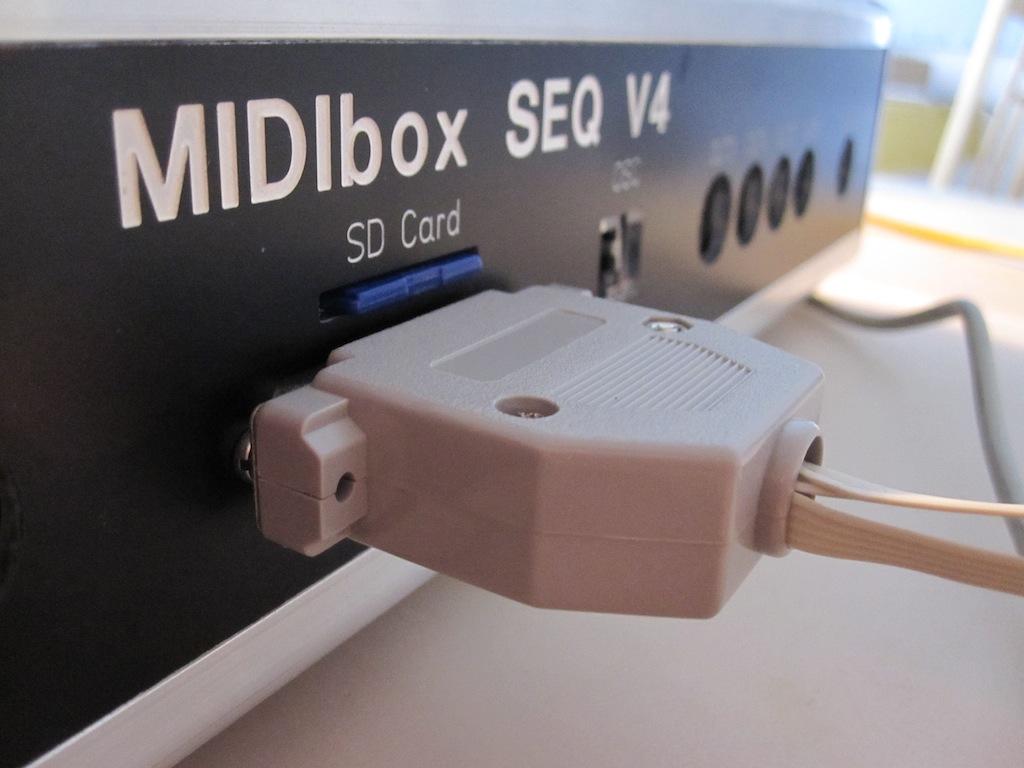
Due to special request: there is enough clearance between SD Card and the expansion port - it’s possible to change the SD Card w/o disconnecting the D25 plug.
mbseq_case26.jpg
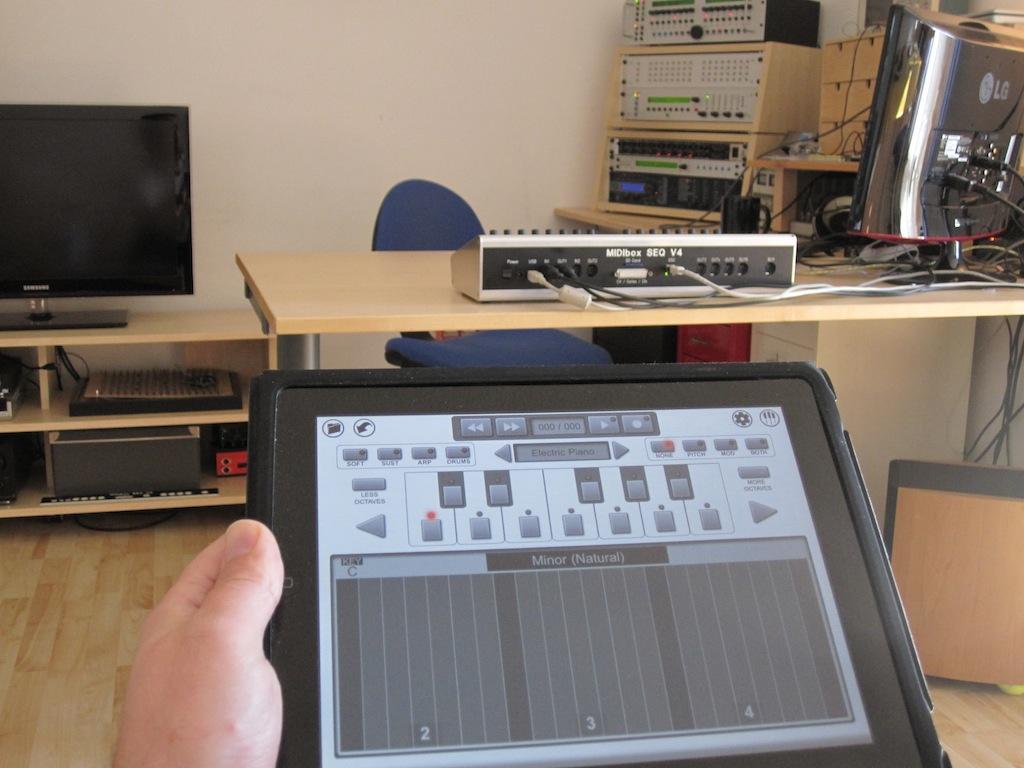
Remote controlling my MIDI gear with Pianist Pro (running on an iPad) via MBSEQ.
The OSC port of MBSEQ is connected to a WiFi router.