Sorry if this obvious and I am just dense:
" The new CLCD_PP type has to be configured in the bootloader with “set lcd_type CLCD_PP”. "
I assume this is done in the MIOS studio terminal? (on the STM32F4 core)
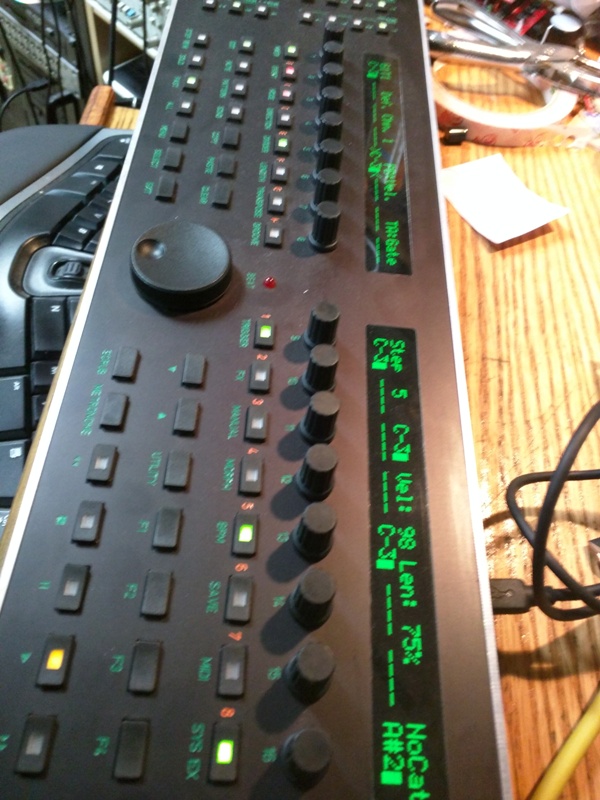
Got some green ones 
Sorry if this obvious and I am just dense:
" The new CLCD_PP type has to be configured in the bootloader with “set lcd_type CLCD_PP”. "
I assume this is done in the MIOS studio terminal? (on the STM32F4 core)
Got some green ones
Just had to fiddle with this the other day :). Install the bootloader hex, that’s where you store LCD settings. Note: if you’ve already bootstrapped your Core the normal MIDI-USB works fine. On Windows you have to restart MIOS Studio every time the F4 board resets.
And don’t forget to “store” the settings when done.