Hi,
I am trying to setup a toolchain on Windows 11 for a STM32F4.
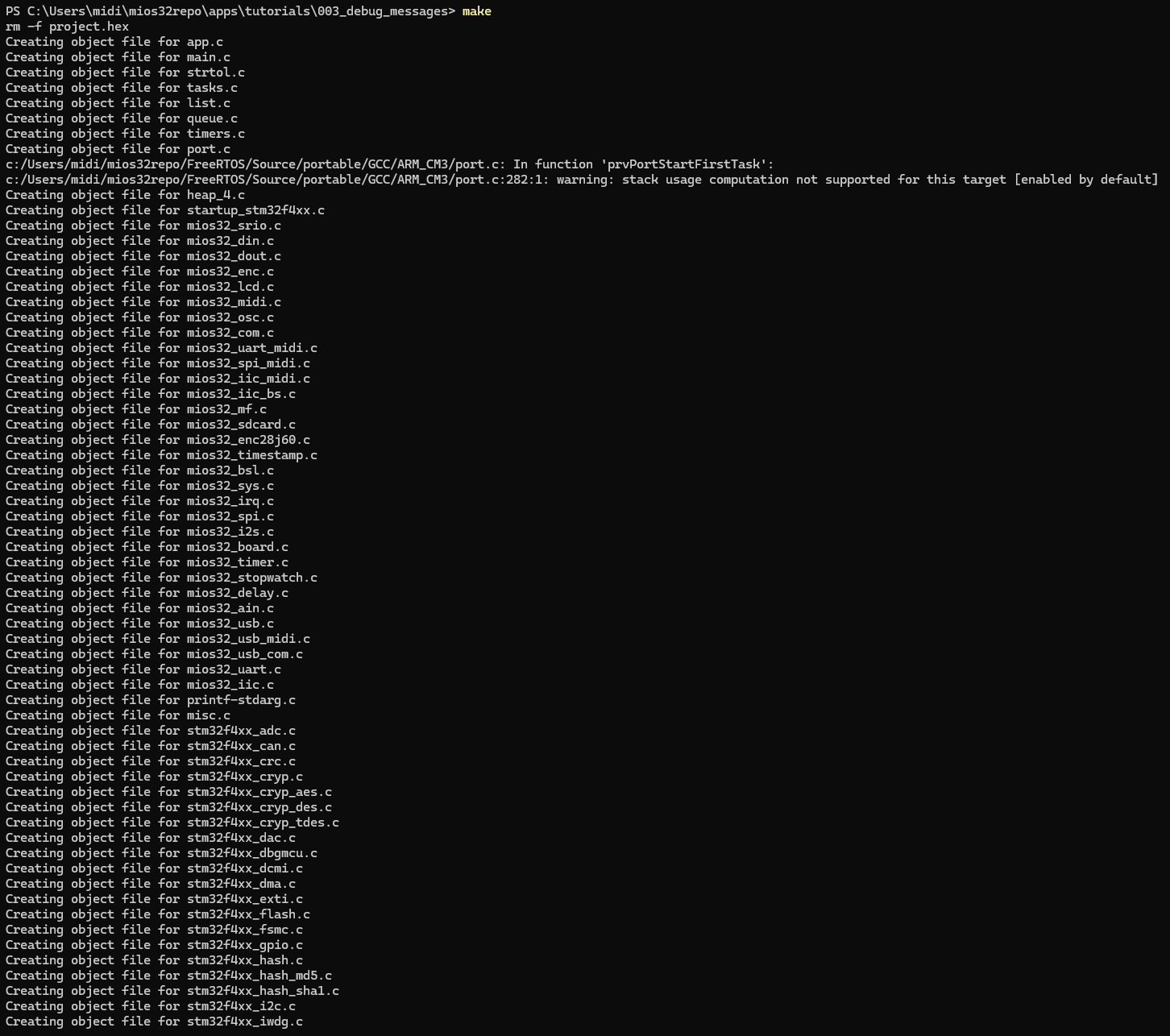
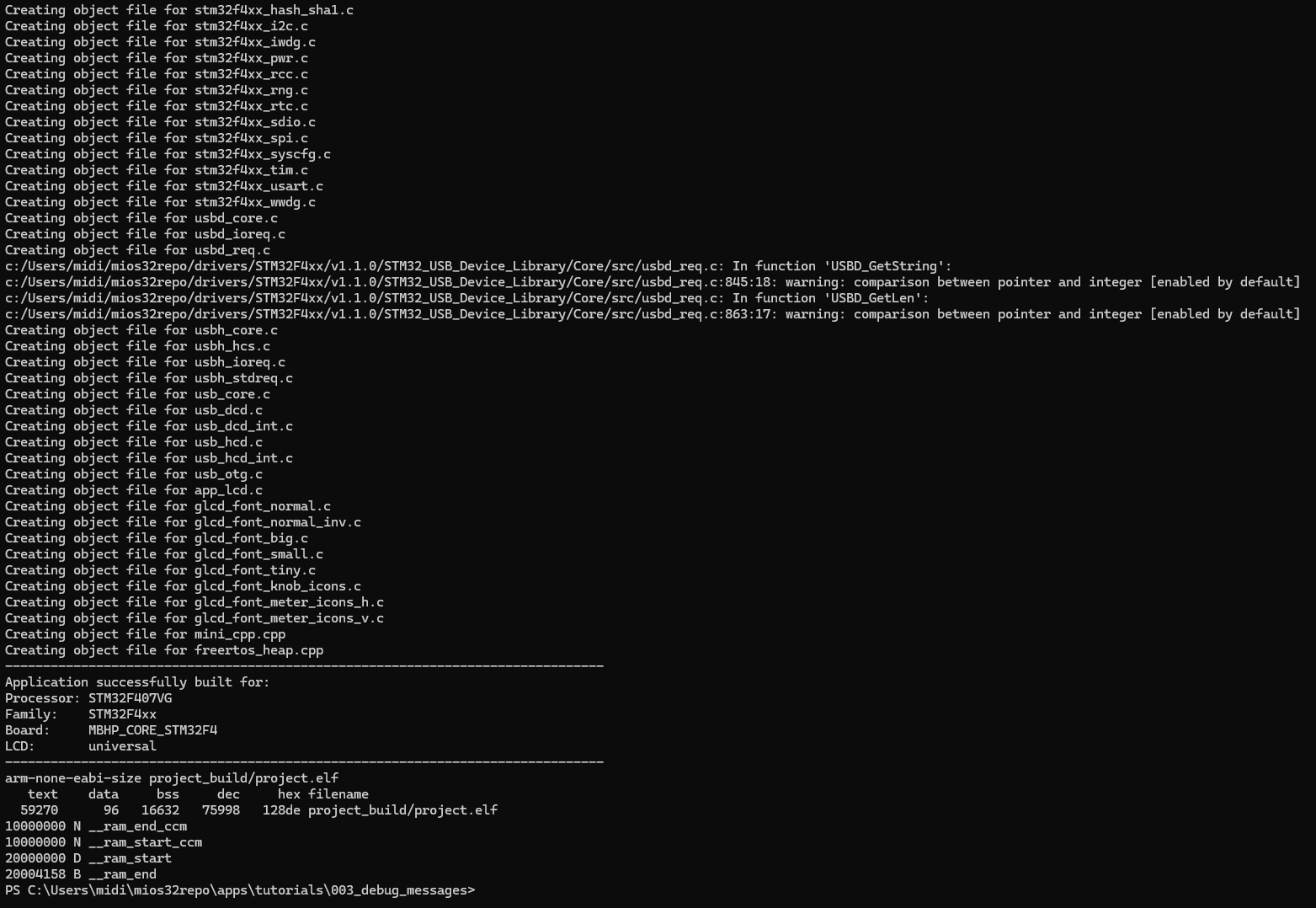
As I type make in the folder of the app I get an error:
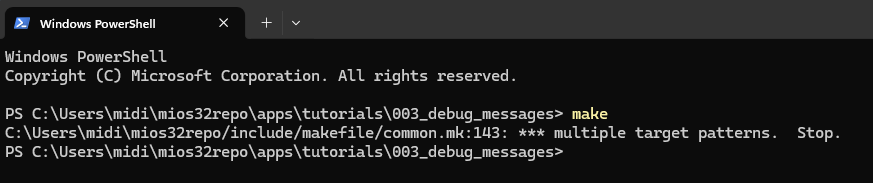
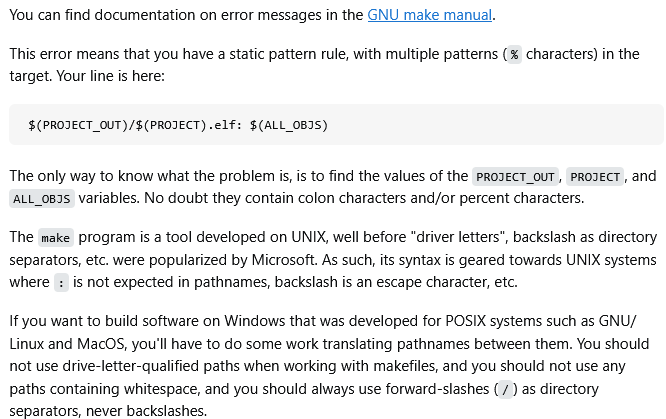
***multiple target patterns. Stop.
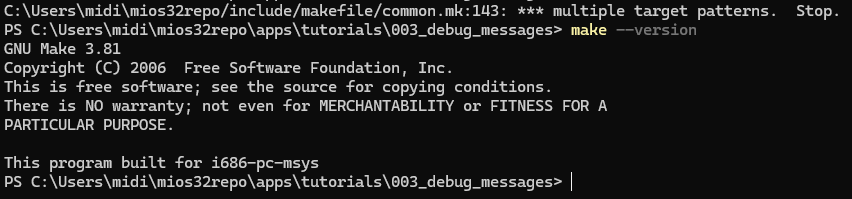
make --version
Background:
I like to get into programming at first with the board from waveshare which already contains the bootlader and later switch to the midiphy seqv4 or matrix hardware.
I like to start with a simple debug_messages app and test the communication with MIOS Studio.
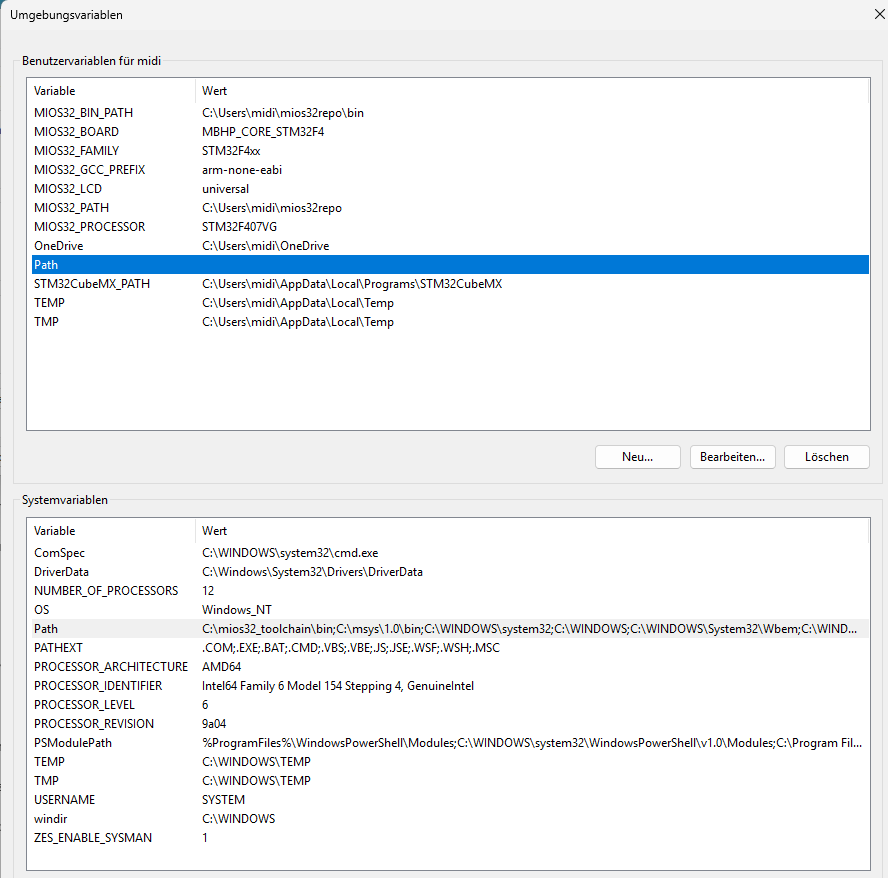
Please check my path environment, I am not sure if it is correct, the variable value pairs are defined in the user variables of the environment variables, see screenshot below.
I REMOVED the “trunk” folder from the paths, because in the new Github repo no trunk folder is used. Is this correct?
I researched a bit on the net and found that “a trunk subdirectory [is] for the main development line”
Also as I am on windows I am confused with the back-/forward slashes.
The MIOS32_BIN_PATH and MIOS32_PATH in Windows point to an executable, so I need to use the backward slash?
The Github repo is located at “C:\Users\midi\mios32repo”
MIOS32_BIN_PATH
C:\Users\midi\mios32repo\bin
MIOS32_PATH
C:\Users\midi\mios32repo
MIOS32_BOARD
MBHP_CORE_STM32F4
MIOS32_FAMILY
STM32F4xx
MIOS32_GCC_PREFIX
arm-none-eabi
MIOS32_LCD
universal
MIOS32_PROCESSOR
STM32F407VG
In the system variables I followed the instructions and copied all path variables to ONE path variable:
C:\mios32_toolchain\bin;C:\msys\1.0\bin;%SystemRoot%\system32;%SystemRoot%;%SystemRoot%\System32\Wbem;%SYSTEMROOT%\System32\WindowsPowerShell\v1.0;%SYSTEMROOT%\System32\OpenSSH;C:\Program Files\dotnet;C:\Program Files\Microchip\xc8\v3.10\bin;C:\Program Files\Microchip\xc-dsc\v3.31\bin;C:\Program Files\Microchip\xc16\v2.10\bin;C:\Program Files\Microchip\xc32\v5.10\bin;%USERPROFILE%\AppData\Local\Microsoft\WindowsApps;C:\Users\midi\AppData\Local\Programs\Microsoft VS Code\bin;