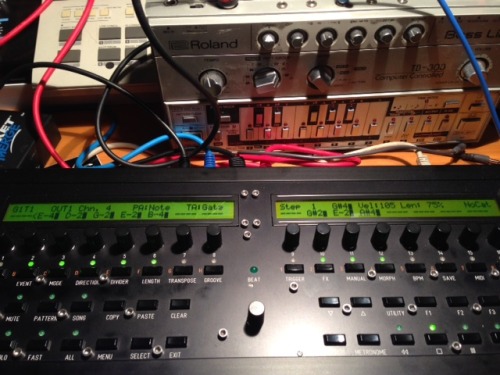
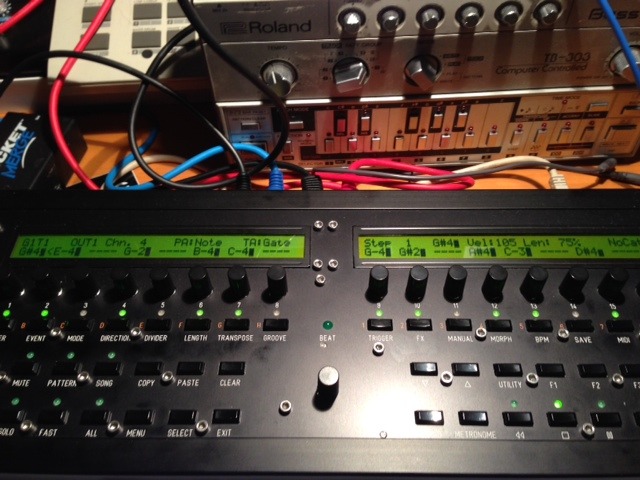
Hai Folks,
Got a question 'bout storing and calling up presets on the brand new midiboxSEQ4 (already in love!) - a good friend of mine build for me…
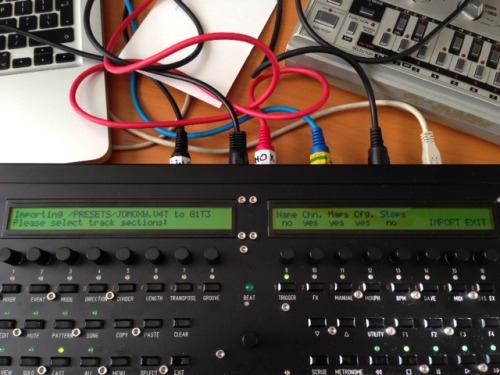
When I press Menu + event & after that step button 15 (PRESETS), I get this screen below:
- Can someone explain me how I can select a different preset in the left screen? Now I only can select the preset ‘JOMOXW.V4T’ I created, although there are more presets I should be able to select (I created more than one)…
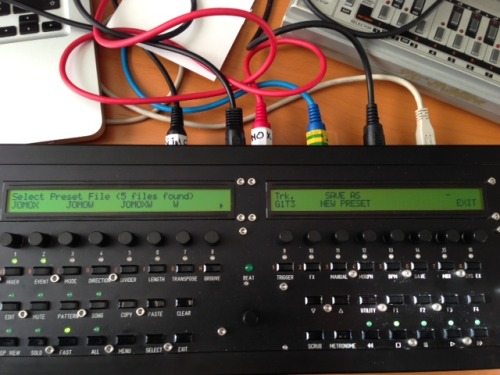
- My second question is how I select the next/second/different ‘presetscreen’. This one below:
When I press step button 15 (PRESETS), I normally get the first screen I posted, but sometimes (almost kind of random) I get this second screen. How do I switch between those two? Now I sometimes, almost by accident, come into this ‘save as new preset screen’..
My 3th question is why I can select pages (in the left screen) when I want to store a preset, but when I want to import one, I can’t scroll between my created presets.
Besides this, I’m must say, after spending two days with this machine, this is heaven. Makin’ beats with that awesome euclidean rhythm generator and creating pattern chords in seconds is so unbelievable fun, easy & dope. Thorsten, you did such an amazing job by developing this beast, this IS by far the FATtest sequencer I have ever touched. I feel blessed that someone wanted to spent all that time to build this crazy machine for me .. hope someone can help me with solving these questions above..

 Things do still get strange when I use GP15. I think it has to with your remark that button 15 is (unintentionally) triggered .. because .. when I work in edit modus to - for example - write a pattern, also strange things (for me) happen when I use GP15. I want to show that with the two pictures underneath.