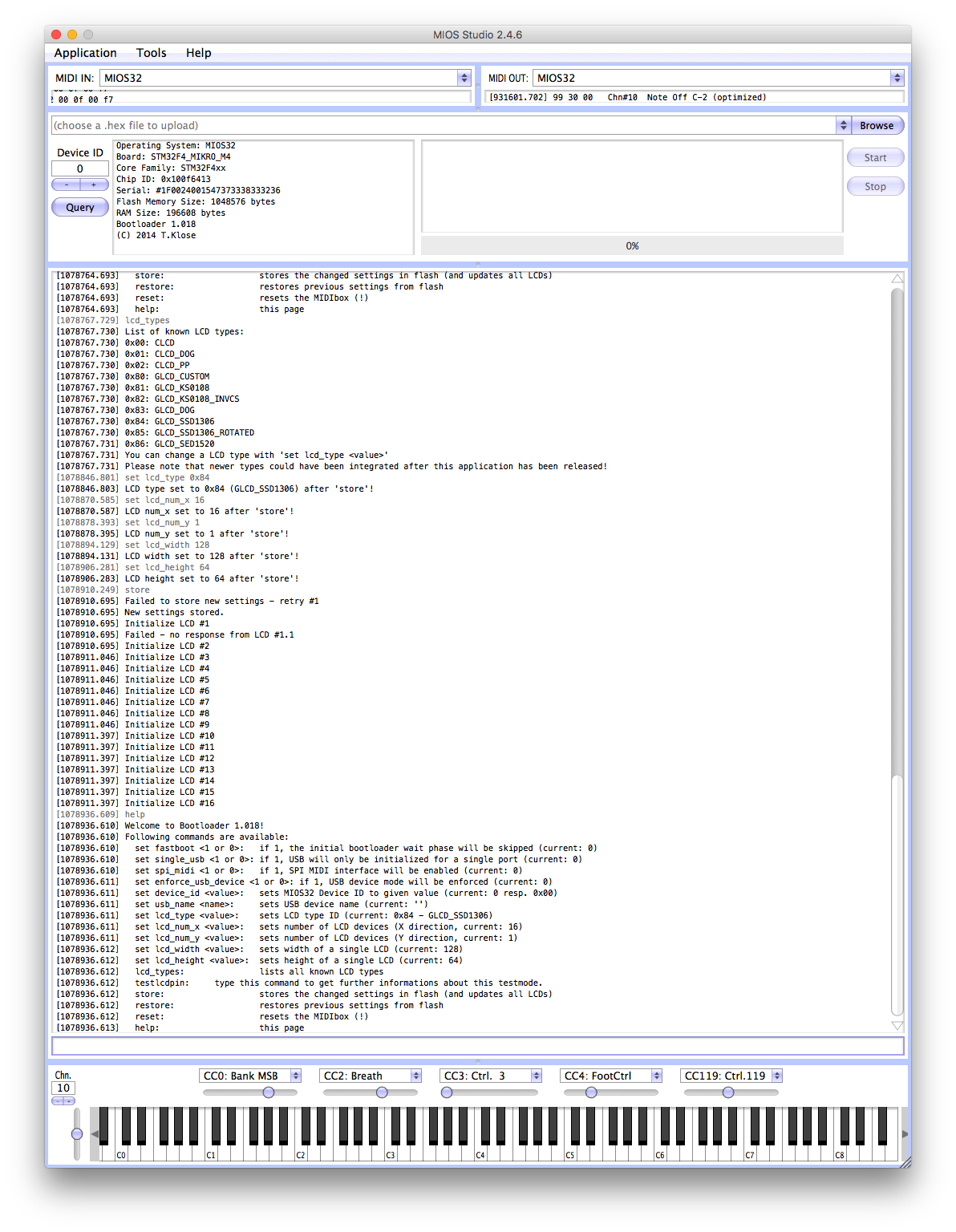
OLED shows noisy-output

Hey people,

I need you experienced guys! I’ve made a mios32-Core by myself which I test at the moment. While the first one works great. The second one causes trouble. And I don’t know why. 

Please see the picture attached. Does anyone have an idea where the noise on the displays come from? I used this OLED-breakout (it contains OLEDs, Reset-circuits (Cap & Res) & Shiftregister) in some other projects already and it worked fine. So I assume the mistake is somewhere on the core. But as I said: Another identical core runs fine… Could it be the STM that is damaged? 

To be sure, that the mistake is not on the 9x OLED Breakout, I also tried it with an OLED with Reset and shiftregister on the breadboard. Same here…

I now searched for about eight hours and also searched with an oscilloscope, but I was not able to locate the problem. 

Thank you very much!

Best,
Chris

It could be a dud display injecting bad vibes onto the SPI, it could be a defective chip or flux residue. 

Yes it was happened to me recently, it was a bad clearing in software…
The noise appears on startup you have to clear it correctly. MIOS32_LCD_Clear

42 minutes ago, latigid on said:

It could be a dud display injecting bad vibes onto the SPI, it could be a defective chip or flux residue. 

No. The same oled-breakoutboard works on another core. So I don’t think it’s a defective display.

 But still: Why does that happen only on that core? The other one runs fine. Which modification do I have to make in the firmware to clear it correctly? Could you help me with that?

Thanks guys!

first go in your bootloader updater (terminal) and check if there’s difference in the configuration between the two cores…

Do you use the same powersupply when testing the second core?

1 hour ago, novski said:

Do you use the same powersupply when testing the second core?

Yes. USB power on both cores.

Did you check the soldering/flux residue around the pins that control the display?

I was serious with the bootloader check, but doesn’t matter… Did you try an app with a correct clear of the oled on init and write something after… (not just the legacy boot sequence) !!!
But Andy is maybe right, you have to check your core boards first and the resistance network there’s on the J15 lines, check the 595 too it can put too much load on the RS line.
If the boards you use are not the ones you made, swap the cores of the two mbhp to see if it comes from board or Core…

16 minutes ago, Antichambre said:

I was serious with the bootloader check, but doesn’t matter… Did you try an app with a correct clear of the oled on init and write something after… (not just the legacy boot sequence) !!!
But Andy is maybe right, you have to check your core boards first and the resistance network there’s on the J15 lines, check the 595 too it can put too much load on the RS line.
If the boards you use are not the ones you made, swap the cores of the two mbhp to see if it comes from board or Core…

Which app do you mean?
As the resistor-network is on the same PCB as the OLEDs and the PCB works great with another core, this shouldn’t cause any problems. 

I’ll check again all connections and soldering…

25 minutes ago, FantomXR said:

Which app do you mean?

One which uses the LCD routines, you can write it.
 

///////////////////////////////////////////////////////////////////////////// // Include files ///////////////////////////////////////////////////////////////////////////// #include \<mios32.h\> #include "app.h" #include \<glcd\_font.h\> ///////////////////////////////////////////////////////////////////////////// // Local variables ///////////////////////////////////////////////////////////////////////////// ///////////////////////////////////////////////////////////////////////////// // This hook is called after startup to initialize the application ///////////////////////////////////////////////////////////////////////////// void APP\_Init(void) { // initialize all LEDs MIOS32\_BOARD\_LED\_Init(0xffffffff); } ///////////////////////////////////////////////////////////////////////////// // This task is running endless in background ///////////////////////////////////////////////////////////////////////////// void APP\_Background(void) { int i; // clear LCDs MIOS32\_LCD\_DeviceSet(0xff); //select all lcds MIOS32\_LCD\_Clear(); // endless loop while( 1 ) { for(i=0; i\<16; i++){ MIOS32\_LCD\_DeviceSet(i); MIOS32\_LCD\_GCursorSet(0, 0); MIOS32\_LCD\_FontInit((u8 \*)GLCD\_FONT\_NORMAL); // 6x8 font MIOS32\_LCD\_PrintString("This is a test for:"); MIOS32\_LCD\_GCursorSet(0, 8); MIOS32\_LCD\_PrintFormattedString("LCD#%02d ", i); } } }

something like that…

obviously you must include the app_lcd in your makefile:

# application specific LCD driver (selected via makefile variable) include $(MIOS32\_PATH)/modules/app\_lcd/$(LCD)/app\_lcd.mk

check your LCD variable is “universal”, of course.

And LCD must be configured in your bootloader(updater) Did you check it?

Oh my god! This is embarrassing. I forgot to set the correct width and height in the bootloader… I worked with OLEDs already a dozen times… I wonder how I was able to overlook that!
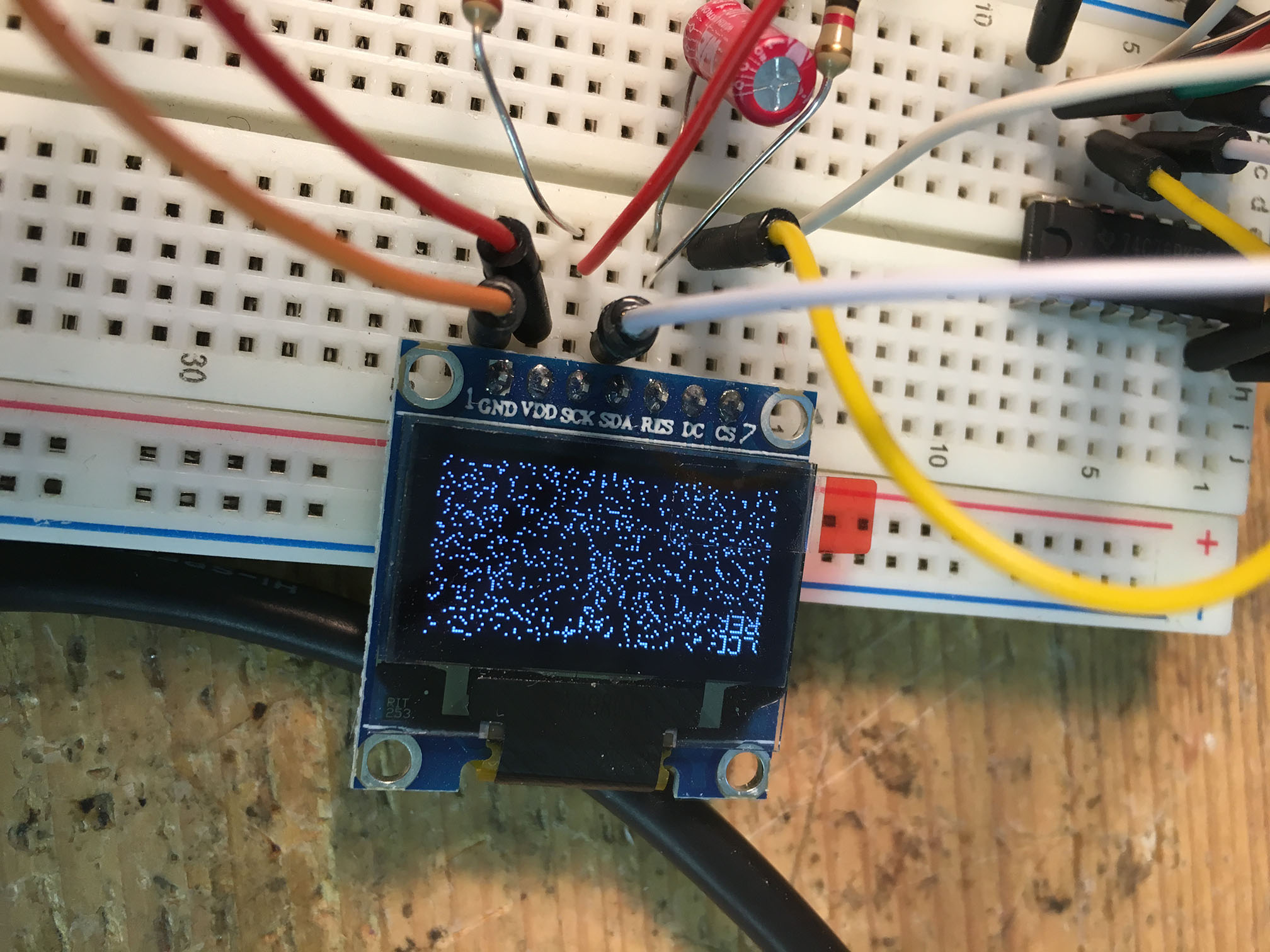
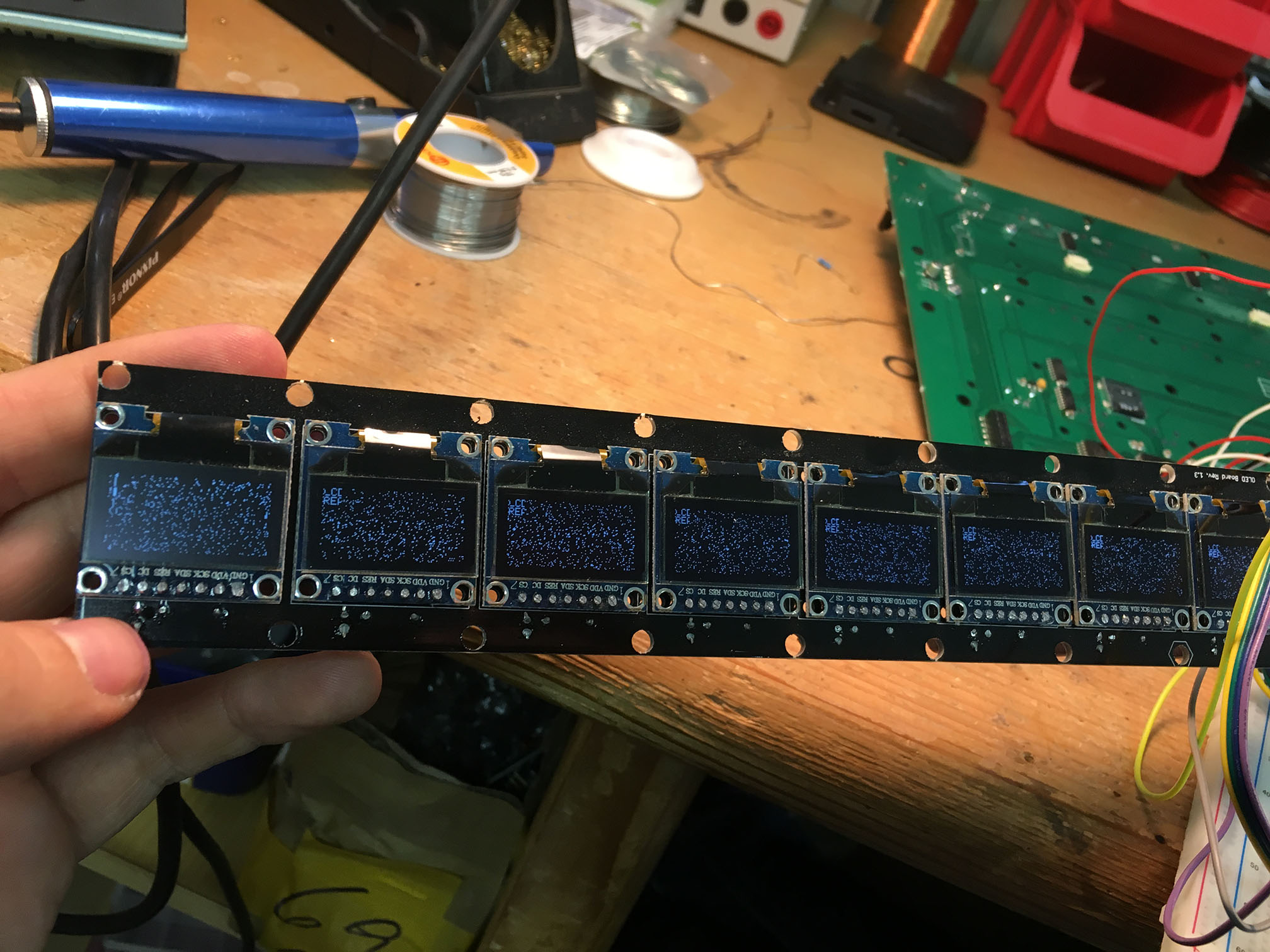
Thanks for your help!


On 15/08/2018 at 9:10 PM, Antichambre said:

first go in your bootloader updater (terminal) and check if there’s difference in the configuration between the two cores…

Have fun !

Bruno

Yeah. You were absolutely right! The last days I had no time to connect both cores… but today I checked everything… man…