Before I plan my midiboxes, I search in the I-net for cheap good parts, and download the datasheets.
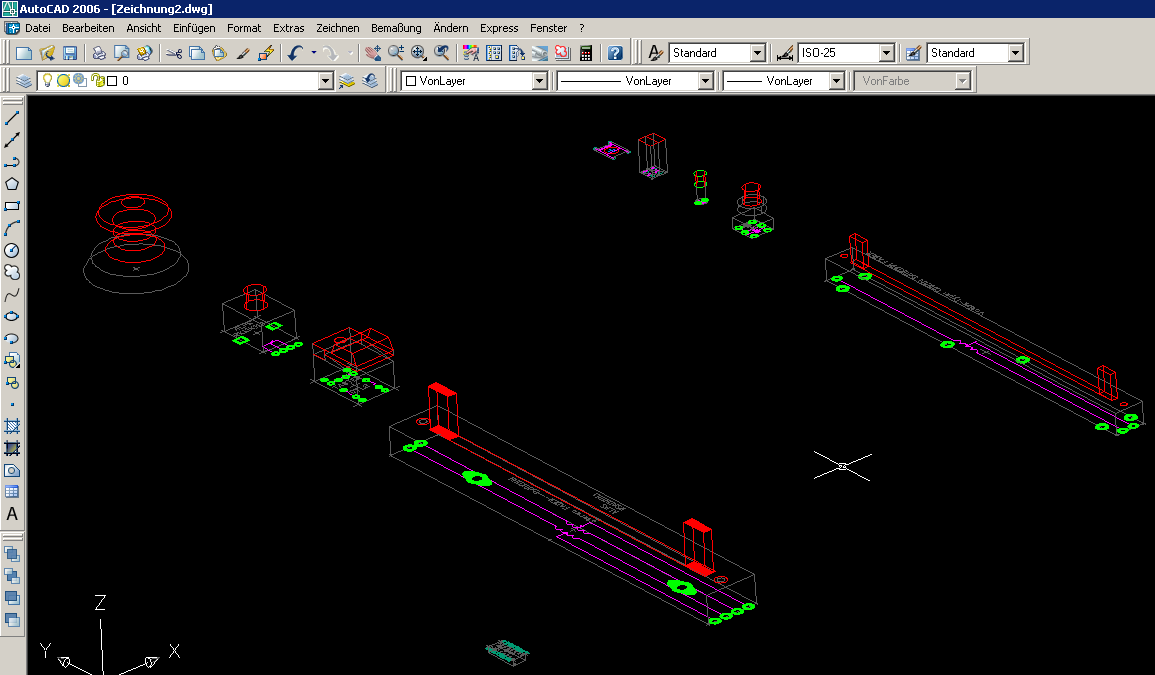
After this I draw a 3D drawing of the Parts.
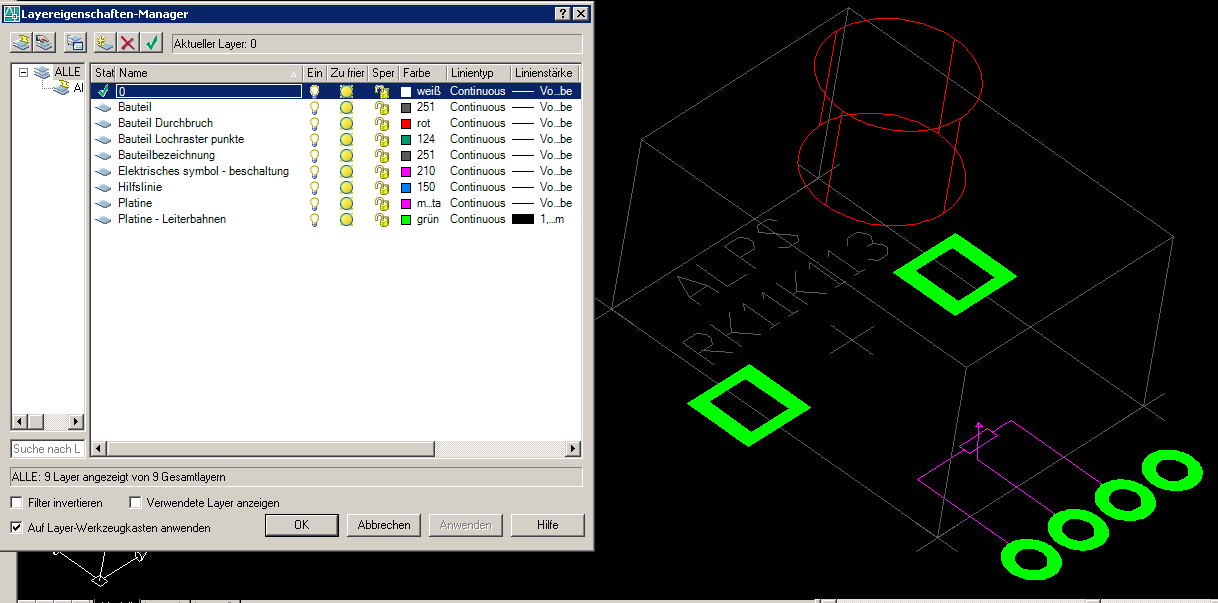
The Drawing supplys all information, on different LAYER´s, like- chematic, drill holes for pcb, holes for the frontplate, soldering points, and of course the high of the part.
The rest is Drag and Drop (copy and paste- or if you have a programable gamer mouse- click and click)
The following file have following parts in it:
3D DWG, Autocad 2004:
Switch “DTL2” (Reichelt.de)
POT “ALPS-RK11K113” (Reichelt.de)
Fader “ALPS-RSAON1211” (Reichelt.de)
3mm LED (reichelt.de)
5x2.5 LED (reichelt.de)
FADER - Manufactur unknown - “C0021N” (Voti.nl)
LED-SWITCH “RJS - PB6156L1 - 202”
SMD-4051 (conrad.de)
2D DWG
Tact switch “omron” (voti.nl…conrad…reichelt…)
Encoder (voti.nl)
You have quite fast a Design, you have the measurements the high you can plan it perfectly, and when work is done.
You disable all layers you dont need to make a pcb or a frontplate…
Have fun…phatline
[Midiboxparts.rar](< base_url >/applications/core/interface/file/attachment.php?id=259)
[Midiboxparts.rar](< base_url >/applications/core/interface/file/attachment.php?id=3400)
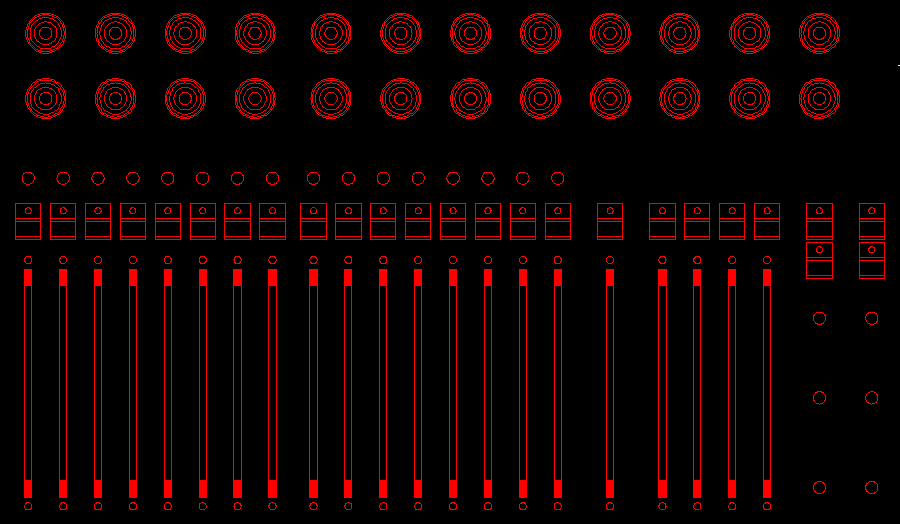
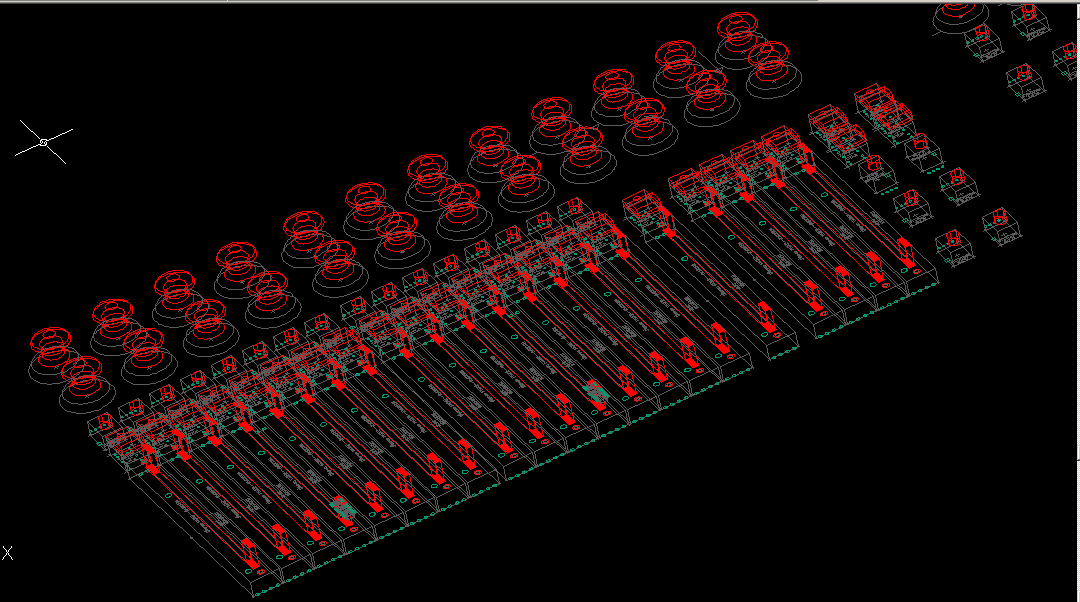
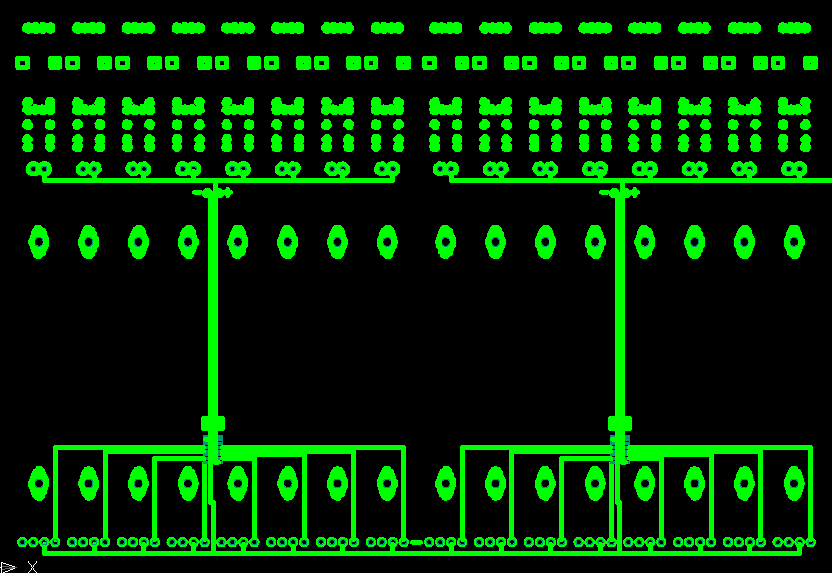

 - wright? ;D