Here’s my question:
Are there any Linux users out there that can suggest a utility for sending simple sysex strings to core and monitoring the MIDI in and out as I do this? I’m using puredyne (debian/gnome based). Here’s why:
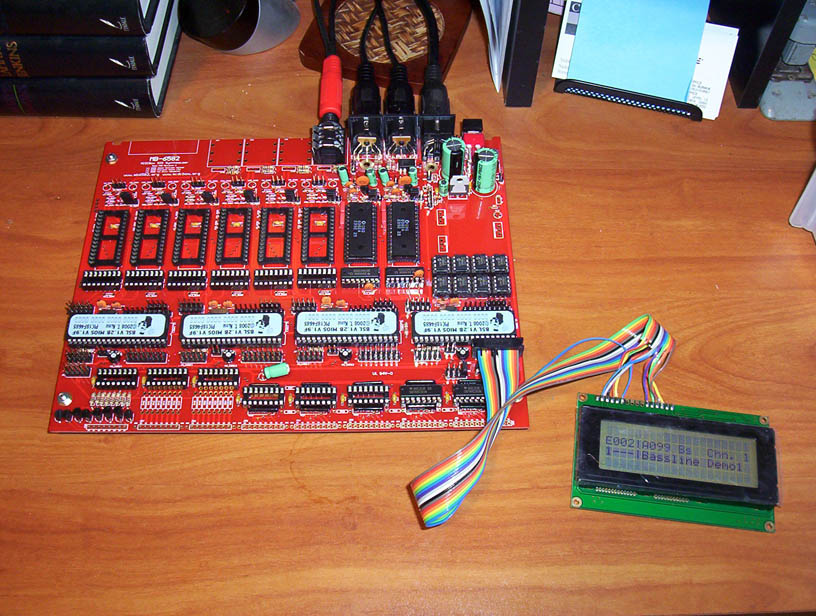
In the process of building the MB-6582 base PCB. I’ve built the four core modules. Cores power up fine - “Ready” displaying on LCD for all four cores.
First two SID modules are built. So, I’m basically at the SID testtone stage for these two modules. However…
I’m running into an issue with MIDI Out from my Linux-based PC. For some reason, I can’t upload apps to the core.
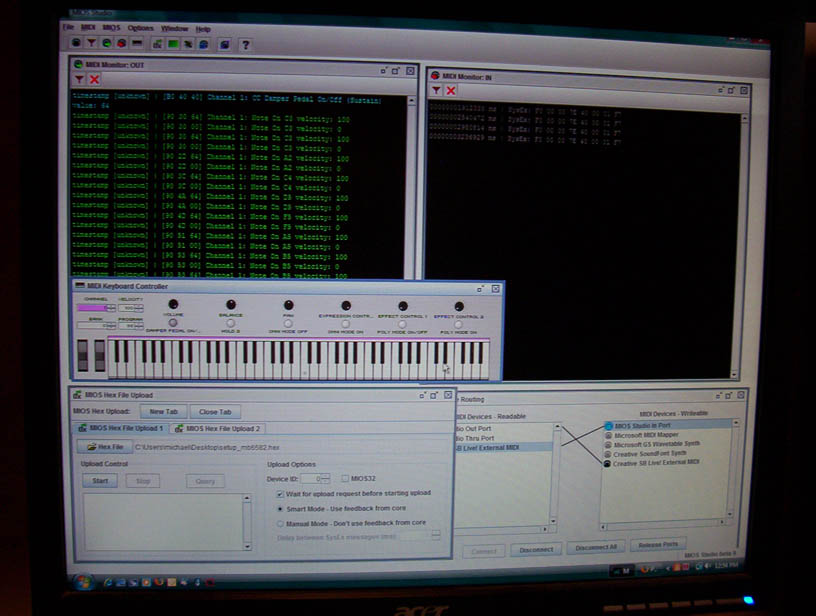
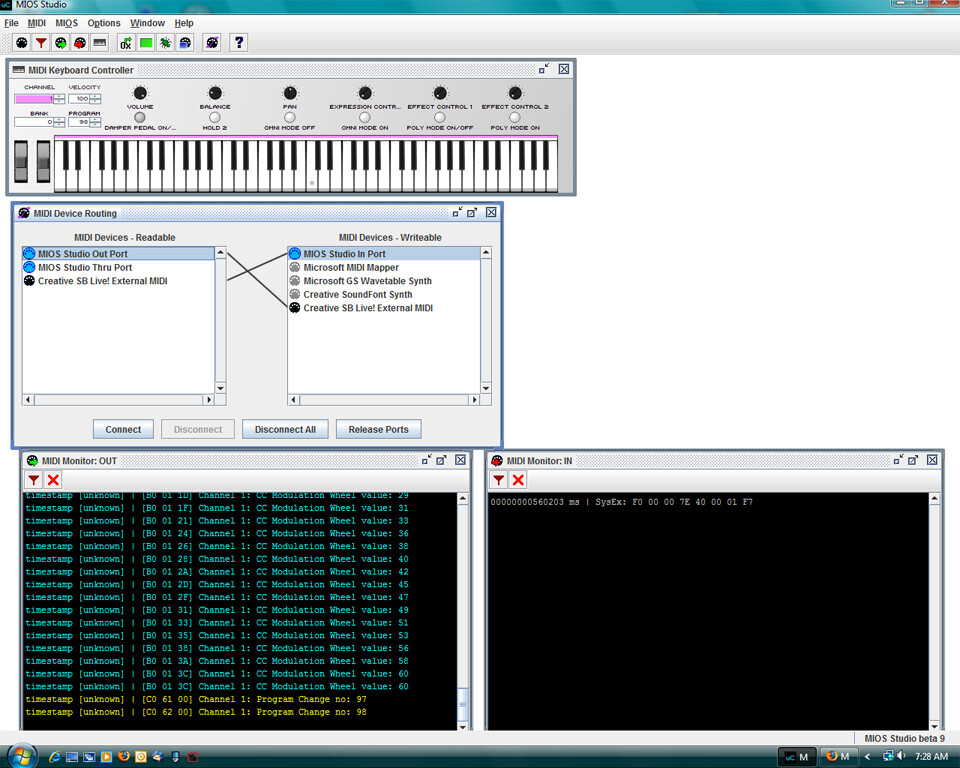
Using MIOS Studio, I can see that core sends the proper upload request through MIDI-IN on power up. I know this because the MIDI In monitor in MIOS Studio consistently displays “F0 00 00 7E 40 00 07 F7” one time when I power up the base PCB and core. Based on TK’s MIDI troubleshooting guide this should indicate Core is functioning and has MIOS installed:
The bootstrap loader sends an upload request after power-on:
It’s some kind of “sign of life” from your PIC. So long as MIOS isn’t available, this request will be sent periodically every 2 seconds, otherwise it will only be sent once.
However, when attempting to upload the testtone app or the LCD testing app, or even the MB6582 app, I get no response from the core, other than the original upload request. I’ve tried all the different settings for HEX uploading in MIOS Studio. No luck. When I try uploading a hex app with feedback from core, it hangs on block one for a long time. When I upload with no feedback from core, it will show blocks uploading in the MIDI Out monitor. However, nothing happens on the LCD attached to the core and no feedback on the MIDI In monitor.
With my PC MIDI In looped back to MIDI Out, I tried using the virtual keyboard supplied in MIOS. I can see information being sent to the core in the MIDI Out monitor of MIOS Studio. And I can see information coming back in on the IN monitor - however it’s not consistent. I’ll press a key on the virtual keyboard and will see the corresponding data on the MIDI Out monitor and MIDI In monitor. Then, I’ll press several other keys, see them go “out” but not back “in”. Inconsistency. So, I’m thinking to myself, “this could be an issue with my PC and sound card set up.”
I’ve read through TK’s MIDI trouble shooting guide.
My PC is running pure::dyne in the great hope of having a lean system focused on music experimentation and creation only. Given I’m on the steep learning curve for Linux as well as electronics, my first step in solving this problem is my Linux set up. So, I am going directly to the loopback test on TK’s guide. I want to make sure my PC set up is correctly before I go down the path of testing everything on the MB-6582. I don’t want to run any testing rabbit trails until I’m absolutely sure my PC is working properly for MIDI output. If my PC is not set up properly, I don’t want to risk my PCB work by desoldering anything if the problem is with my Linux set up for the MIDI sound card, etc…
I’ve plugged my MIDI In and Out to coming out of the PC into each other for loopback test.
Now I want to send a simple sysex string out and back in and monitor the output. However, I read that MIOS Studio is not set up to do this. From what I understand, HEX files are converted to sysex and uploaded to core. But, a oneline sysex can’t be sent using MIOS Studio. And MIDI-OX is not available for Linux, so I am going to try Amidi. Just not sure how to monitor the progress of Amidi or if there is a better tool out there to use. I’ve done some googling around and can’t seem to find anything similar to MIDI-OX for a Debian/Gnome based system. Sorry for the ramble, but I wanted to head off any questions regarding why I’m skipping over all the MIDI test steps and going directly to loopback. Once I determine my PC set up is working correctly, then I’ll go back up to step one in TK’s guide.