I am so sorry to have to ask the forum for help,
I have owned my midibox for quite a lot of years, I did not build it myself, I was built one very kindly by Synthman…
Last night, I saved my project before closing ( may be worth noting that the screens have been , on occasion, going blank if moved , I don;t know if this has any baring)
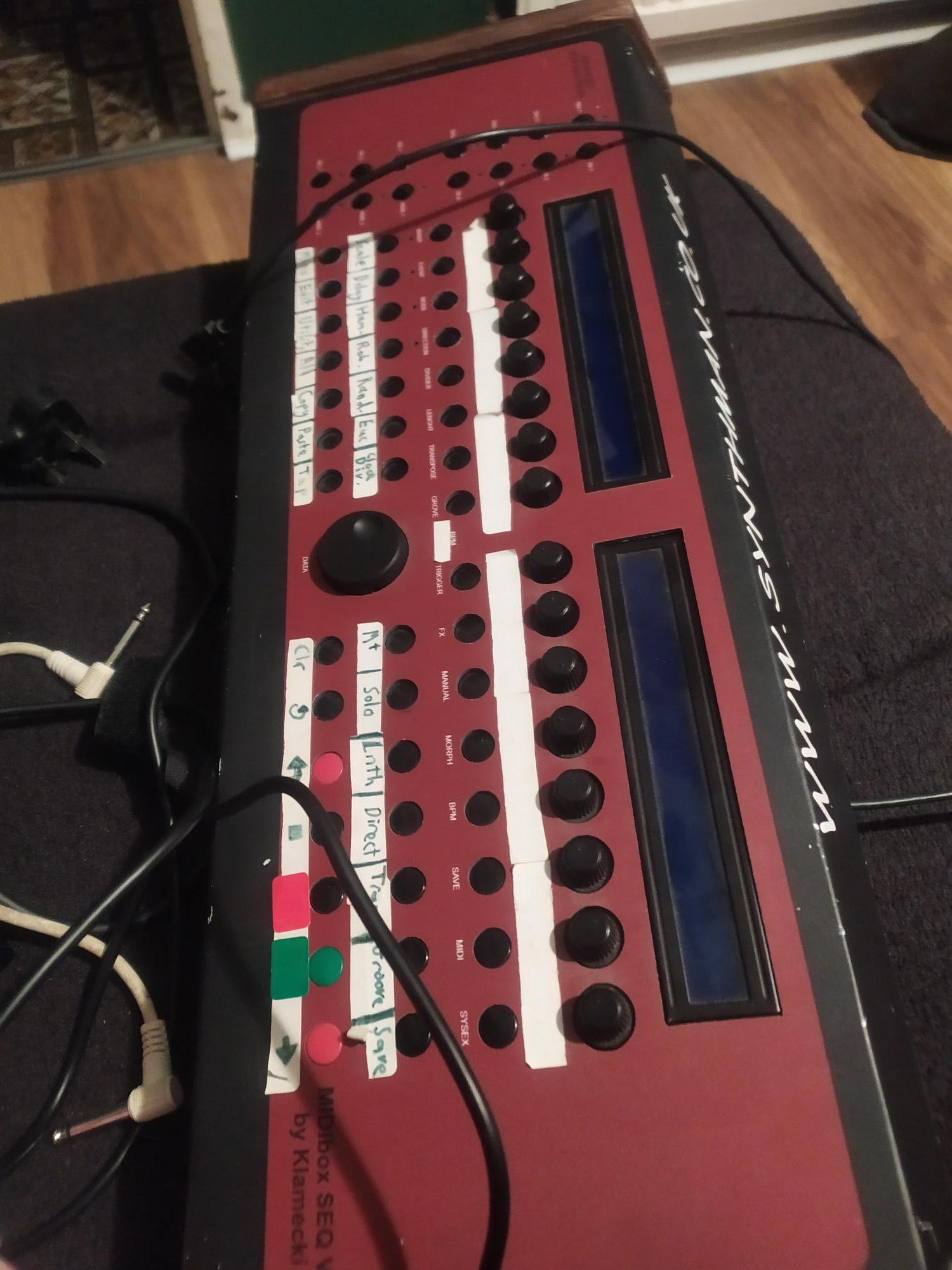
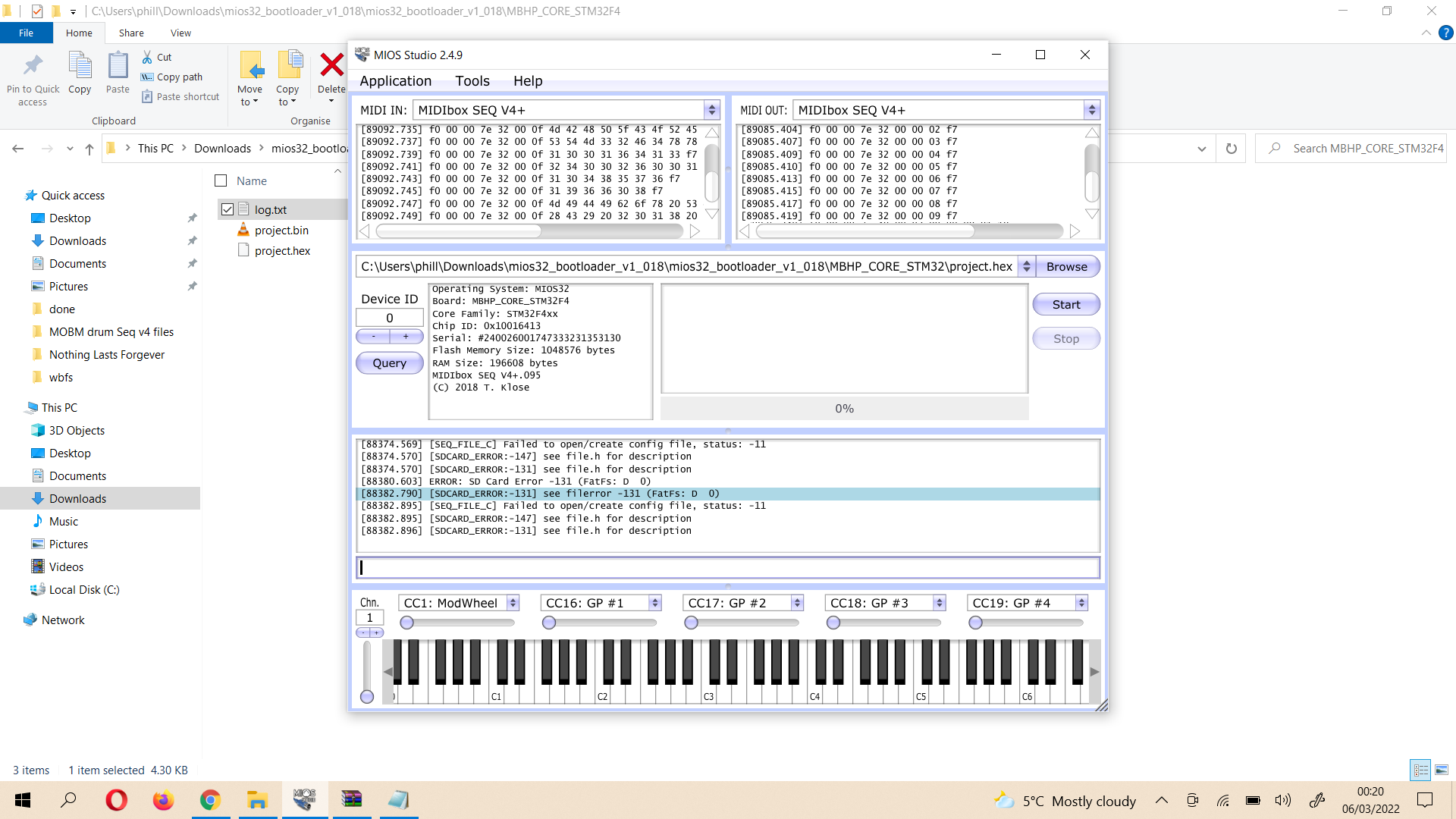
When I then rebooted, instead of being in my own normal layout and midi channel setup… I have the “default” ( a C note on each quater note) pattern … I tried to change everything back to my own setup, but then I went to save I got the error on the left hand screen SD Card Error !!! E131 (FatFs: D 0)
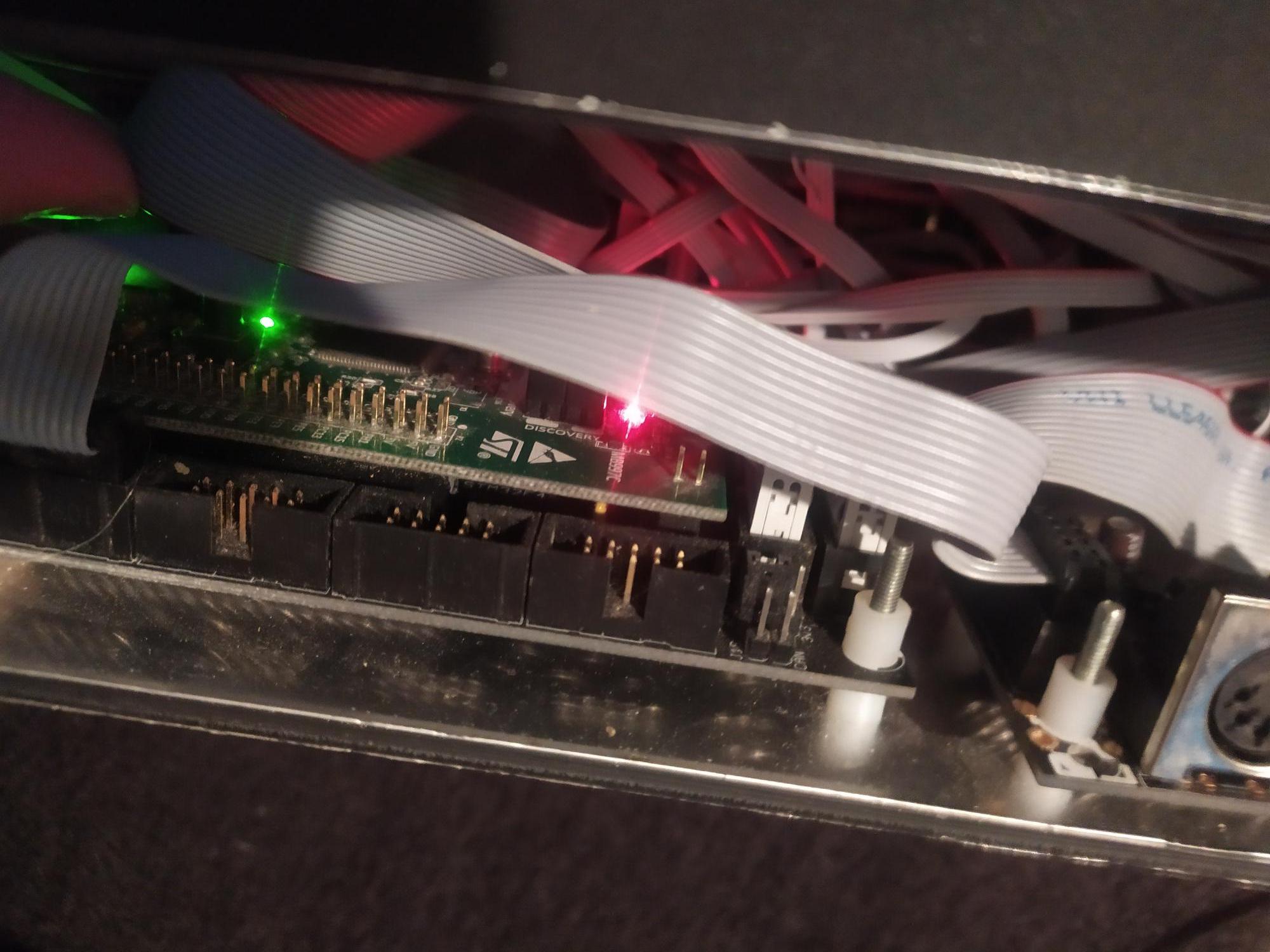
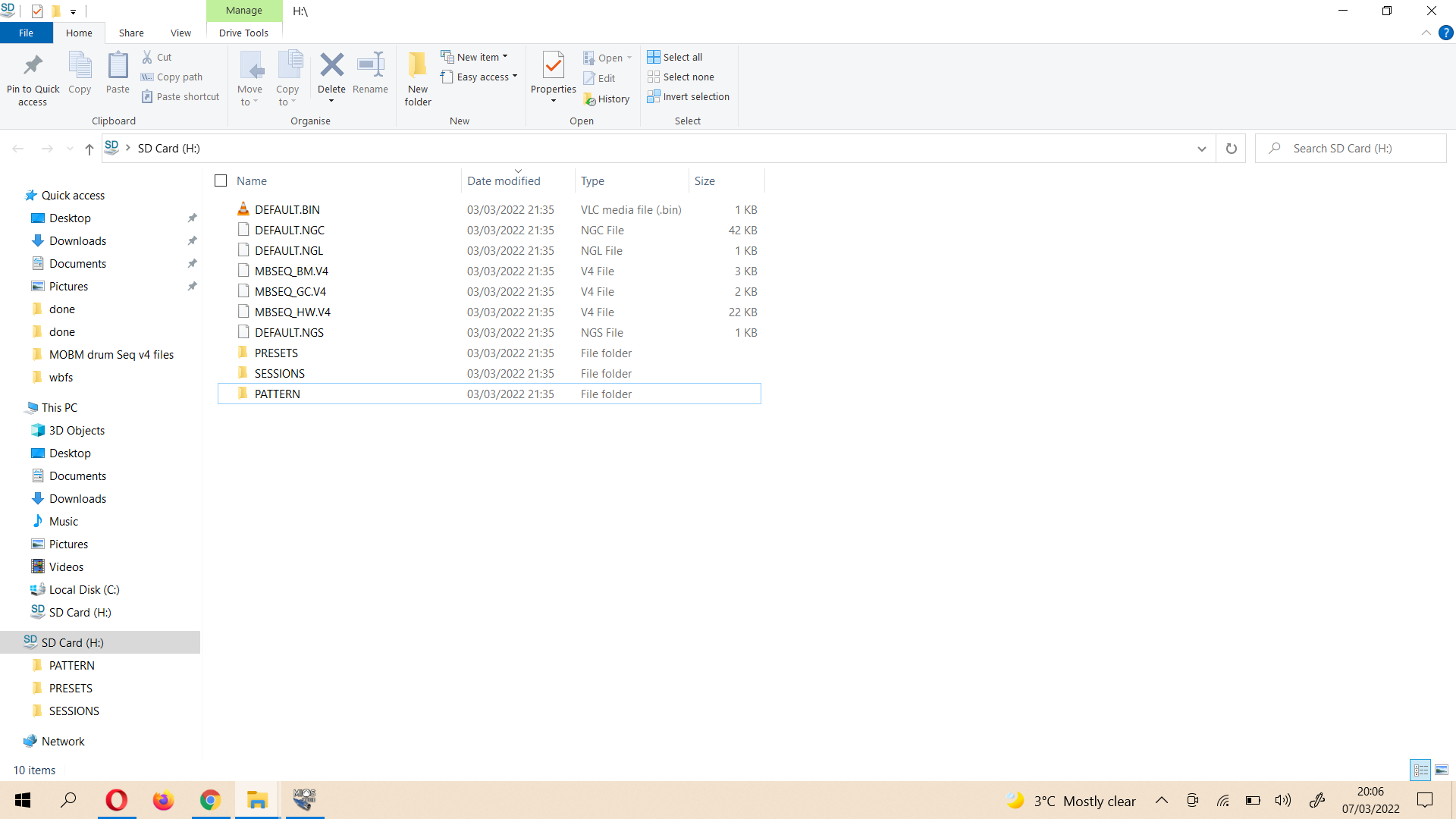
I assumed that there was an issue with my save, so i opened my midi box and took out the SD card and popped it into my laptop, oddly all the main files seemed present there was one save with 0 kb which I assumed may have been corrupted..I copied all of the above over to my laptop , formatted the card to fat 32, (which seemed to work fine ) placed everything back n the card and placed it back into the Midibox… however nothing was solved…The SD card DID seem to be accessible as I could see my two SESSIONS with their unique names…but I could still not save anything and the defaults where loaded in rather than my own settings etc.
I then decided to try a completely different card, so I copied everything back to the new card , swapped that in , and it was exactly the same result… SESSIONS seem to be visible, but I could not save or load my usual session.
HERE IS WHERE I PROBABLY MADE THINGS WORSE>>>>
What I WANTED to do was update my firmware within MIOS Studio ( I had done this before so I thougth I knew what i was doing…however, it not looks like I have uploaded the latest BOOTLOADER rather than the firmware update that I THOUGHT i was doing… now my whole MIDIBOX seems ot be stuck on a screen that reads Bootloader is up-to-date! ;-) and LCD#2.1 READY.
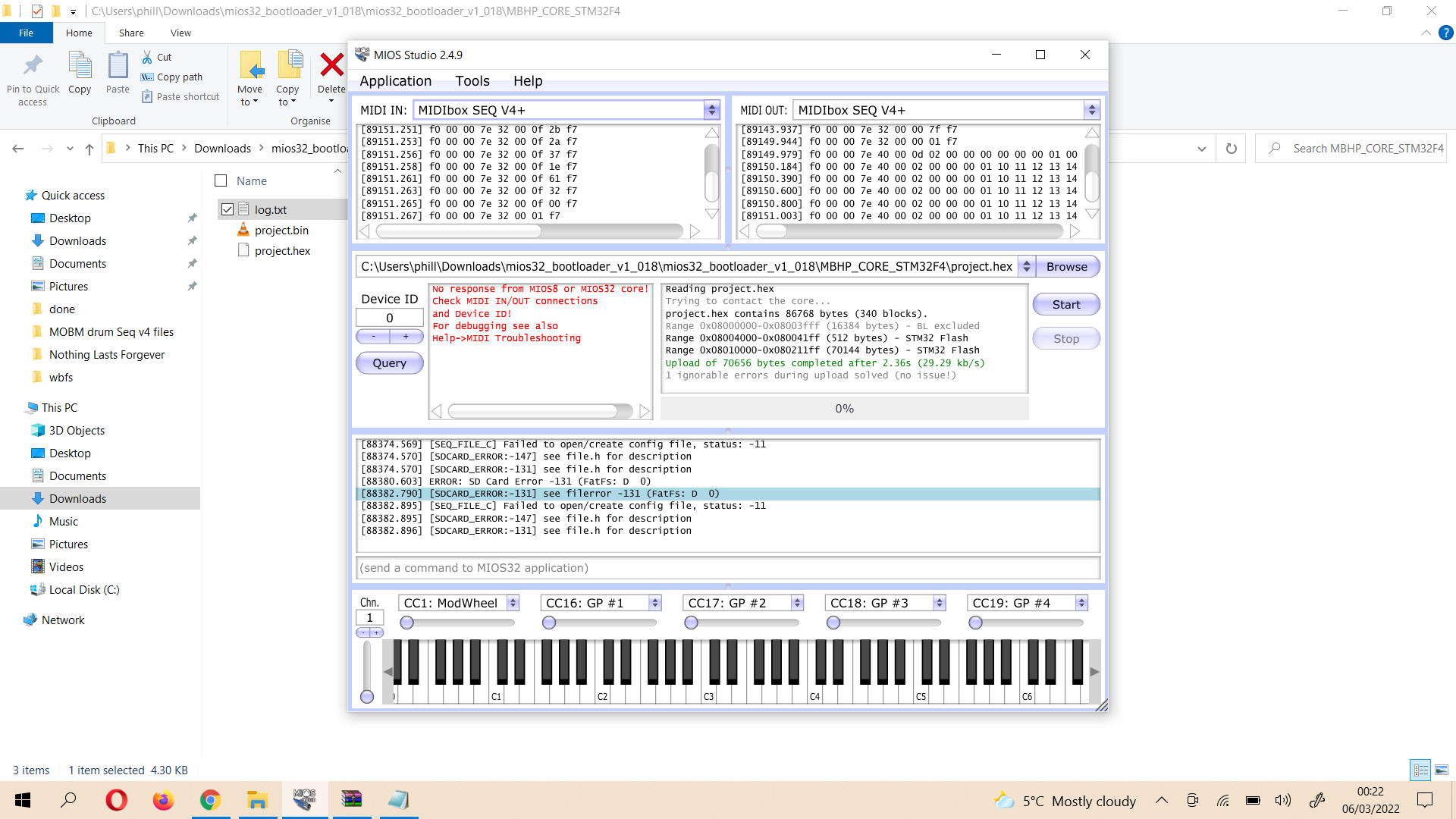
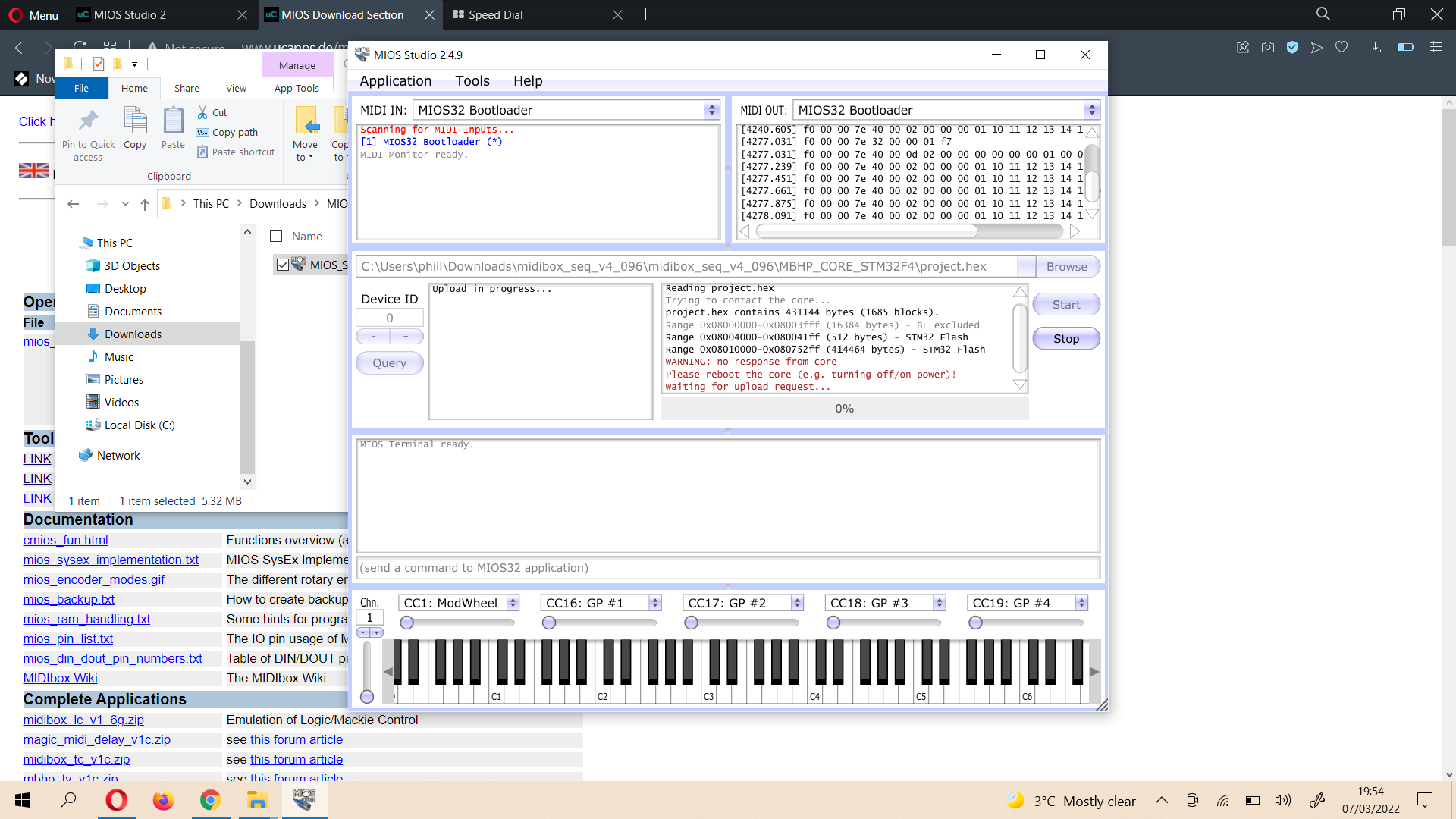
I have TRIED to get out of this hole myself.. I grabbed a copy of the zip file midibox_seq_v4_096 and upzipped it , loaded up mios studio and set the midi in and out to MIOS 32 and browsed to the folder MBHP_CORE_STM32F4 ( which I believe it the correct core…) but when I click start it always comes back to Warning@ no response form core ..etc.. I have tried rebooting many times but it never seems to work.
I would be SO appreciative if anyone can help point me in the right direction… I have tried the beginner guide, but I cant seem to match up what I am seeing with its steps.
thanks
Phill