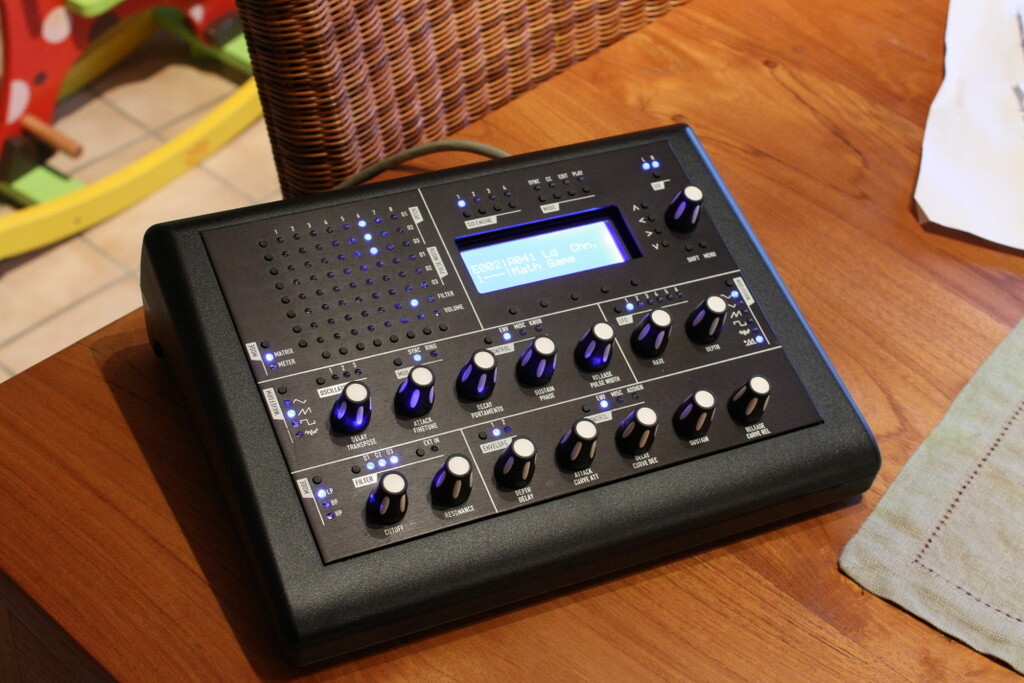
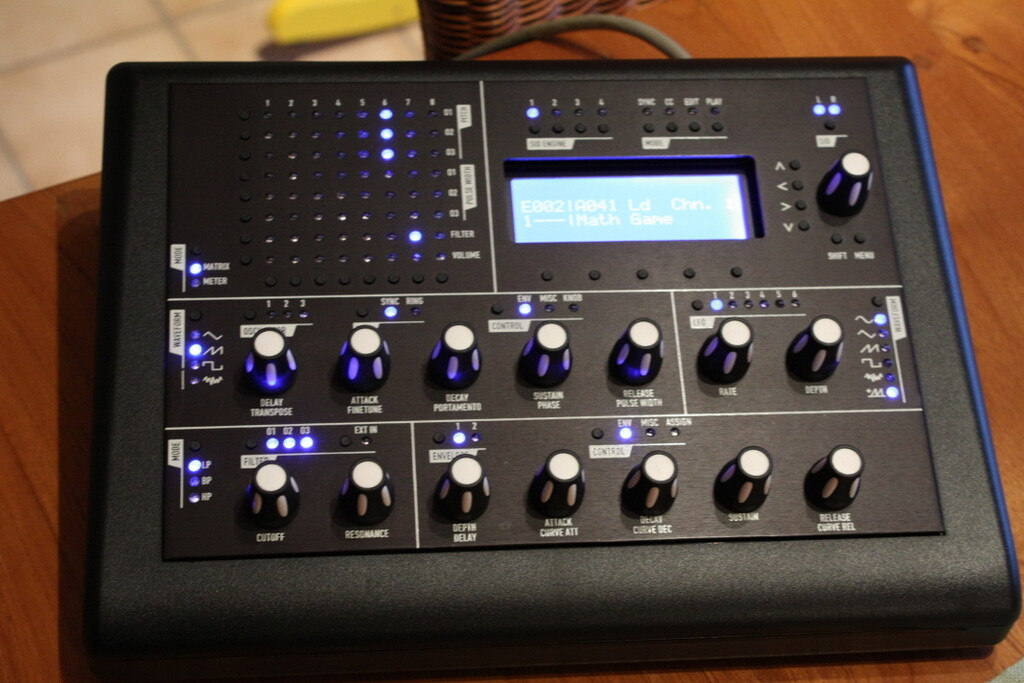
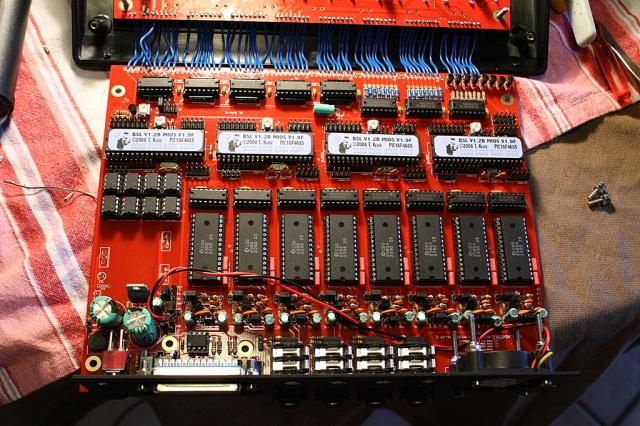
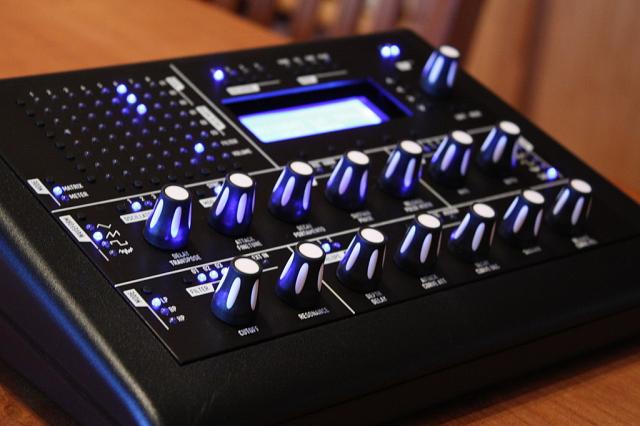
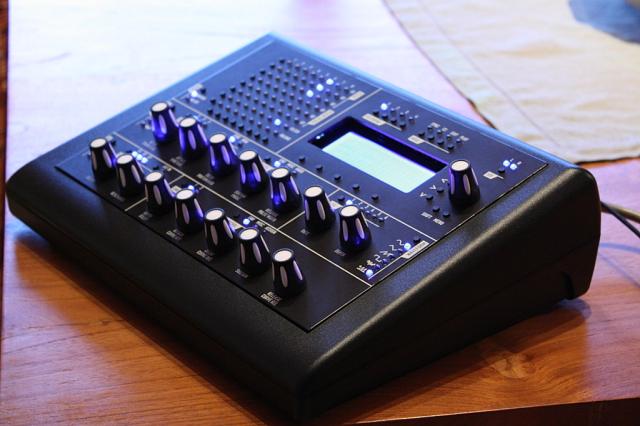
I’ve finished it about 2 weeks ago, but had no time to make a report. I didn’t take time to make photos during assembly
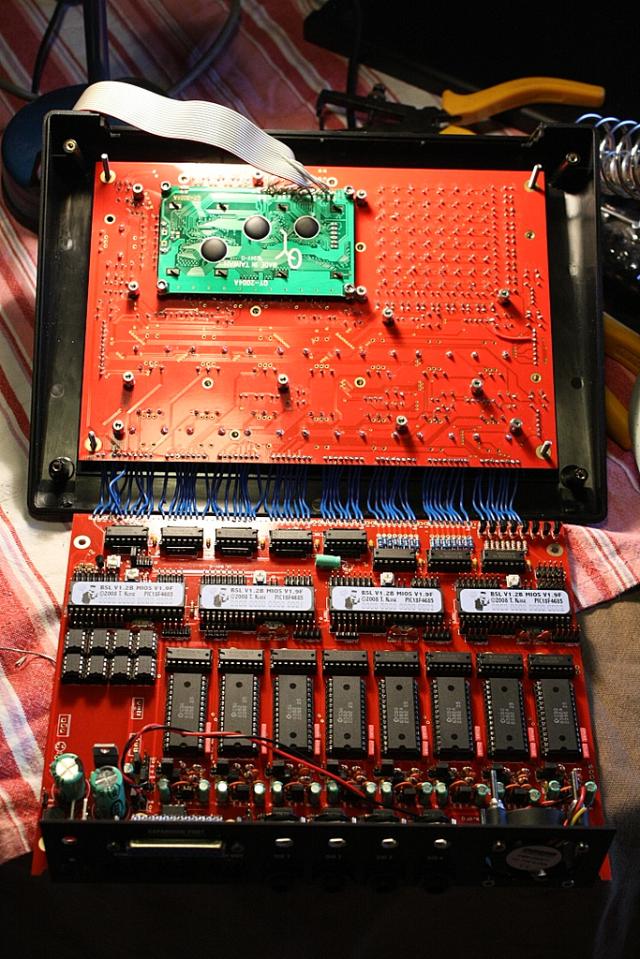
I first made a 4 x 6582, 2 x 8580 and 2 x 6581 config but i found it too noisy so i bought 4 other 6582 from Wilba.
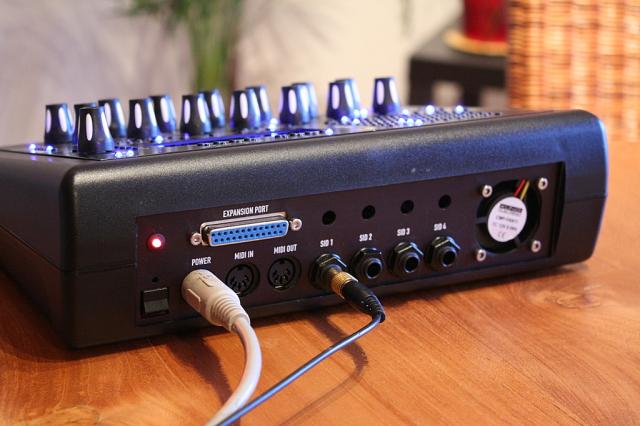
LEDS are very bright, i have to buy 1k ohm resistors to fix this.
I have some strange things to fix:
LED 1 from oscillator section doesn’t lit. I’ve replaced it and checked everything around but found nothing wrong.
left side from SID 4 sounds lower than the other ones. I’ve also checked everything but not found what is wrong.
I also have a question:
on the four sids (not on the 4 because i’ve something else to fix) when playing a single bass drum (bd1) i hear it louder on the left side. I thought it was “Vas” setting but i can’t find how to set this. Perhaps it is normal working?
More questions coming later, it’s hard for me to translate, school is far, my english is bad
LED 1 from oscillator section doesn’t lit. I’ve replaced it and checked everything around but found nothing wrong.
Does Osc waveform Saw LED work?
Test continuity between Osc 1 LED (left pin) and Osc waveform Saw LED (top pin).
Refer to the PDF of the PCB layout to see what I mean… note top layer track joining these LEDs. This is the only track leading to the faulty LED which could be broken, since you do not report Osc 2 or Osc 3 being faulty (which share same track on cathode) or that the Mod Matrix Target buttons (O1 pitch, O2 pitch, etc) are faulty.
left side from SID 4 sounds lower than the other ones. I’ve also checked everything but not found what is wrong.
You could try replacing the transistor in the audio buffer.
It might also be something strange about the passive mixer. Check R70-R77 (the resistors below the audio sockets). They should all be 10K.
on the four sids (not on the 4 because i’ve something else to fix) when playing a single bass drum (bd1) i hear it louder on the left side. I thought it was “Vas” setting but i can’t find how to set this. Perhaps it is normal working?
I’m not sure what you mean with “bd1”…
VAs is only available for multi and drum engine patches to assign the voice to a specific oscillator, to a specific SID (L/R) or to use auto allocation (default).
Usually we only want to use a single oscillator per drum sound. We have two SID chips per core, accordingly 2*3 oscillators. The two SID audio outputs have to be “merged” with a mixer (or in your DAW), e.g. by enabling a Mono function.
However, this doesn’t explain why you hear it louder, which implies, that you can hear the same sound on the other audio channel, which would be wrong. Maybe a crosstalk issue?
Or do you refer to a lead patch which plays a stereo sound?
Oups! Sorry, i didn’t understand it like that. I made my tests with a stereo header and i didn’t even think to try side by side. When playing drums i thought it was a panning setting of the different instruments… shame on me
Wilba:
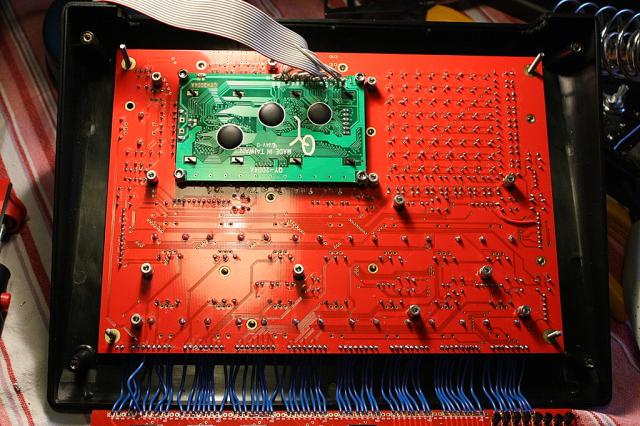
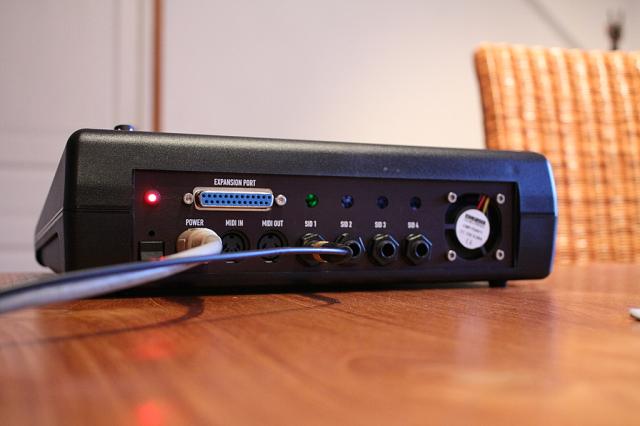
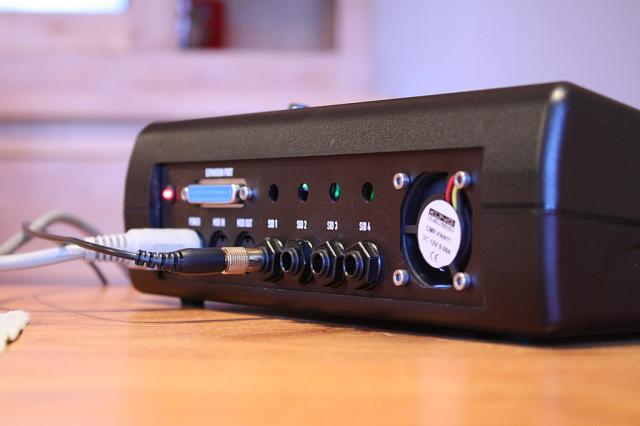
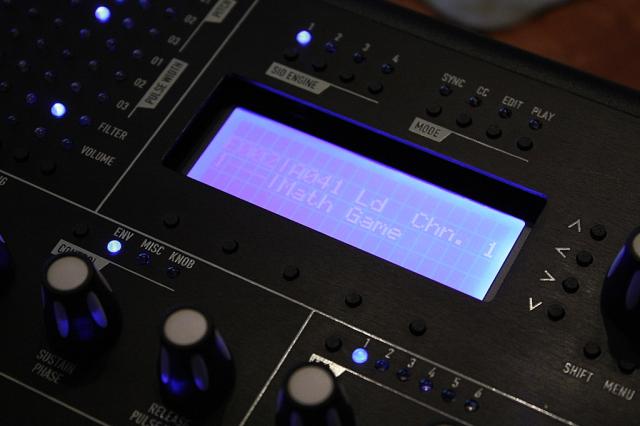
I’ll check this this evening. I also will make some extra photos.
if it’s REALLY low (barely audible) it might be the 9V (or 12V) supply to the SID itself.
Using the testtone app, can you test just the audio buffer circuit by taking the SID out and bridging pins 8 and 27 with a 1K resistor?
This will generate a 1kHz square wave tone (same as the testtone app makes with the SID) by toggling pin 8 at 1kHz, which is thus connected to the audio buffer circuit at pin 27 (the SID’s audio out pin).
If the volume of this test tone is the same as the other SID module (you can test both at the same time), then the audio buffers are probably not the problem at all, and it is something wrong with the SID in the socket, like the voltage at pin 28 is not right.
I recall someone else having this problem, they didn’t put the jumpers to select voltage for each SID, and so the SID only got the 5V supply and not the 9V (or 12V) supply, thus the internal audio amplifier wasn’t working.
*** if you are feeling really brave, you can try to temporarily touch a wire between pin 28 of a working SID and pin 28 of the not-working SID, but be careful not to touch any other pins while you do this!!! *** Do that with testtone app already running and all your audio ready to hear a difference. You are probably using 6582 SIDs so the chance of frying the other SID is low, as 9V inserted into other pins are unlikely to do any damage.
*** if you are feeling really brave, you can try to temporarily touch a wire between pin 28 of a working SID and pin 28 of the not-working SID, but be careful not to touch any other pins while you do this!!! *** Do that with testtone app already running and all your audio ready to hear a difference. You are probably using 6582 SIDs so the chance of frying the other SID is low, as 9V inserted into other pins are unlikely to do any damage.
Ok, thank you for your help I will do that this evening if i have time to.

 Sorry, i didn’t understand it like that. I made my tests with a stereo header and i didn’t even think to try side by side. When playing drums i thought it was a panning setting of the different instruments… shame on me

 so the chance of frying the other SID is low, as 9V inserted into other pins are unlikely to do any damage.