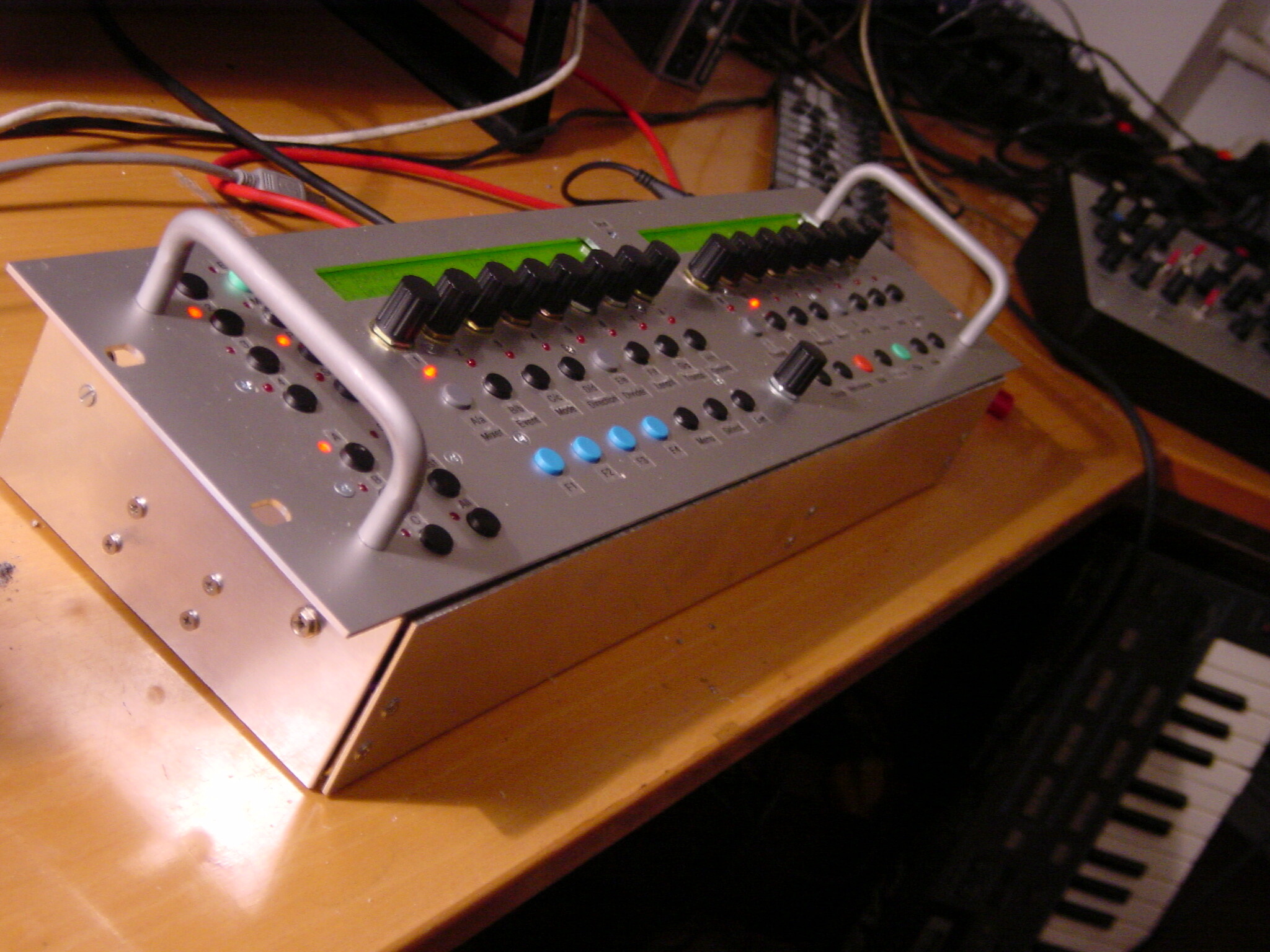
On v9 I was changing patterns and noticed that they sync start when the 256 steps are cycled because that is what I set the “sync to measure” option to. before i uploaded v9 the behaviour was different in that the pattern would change every 16 steps even though I had the options set to 256 steps. I actually liked being able to cut quickly into new patterns. Could you implement a “pattern switch every ** steps” option?
In the BPM page, disable MIDI Clock In and Out for USB2, USB3 and USB4.
In addition, disable MIDI Clock In for USB1, or select MIDI Clock Master Mode (instead of MIDI Clock Auto Mode).
Or at Ableton Live side: ensure that MIDI clock is not sent to MBSEQ.
Best Regards, Thorsten.
For sure, that is an Clockfeedback! In Live you can use only one Method of syncing. Ableton as Master or as Slave! When you check both options in the Midi Dialog the Result is an Feedback.
o Tracks/Patterns/Songs can now be exported to a MIDI file.
The appr. menu function is available under UTILITY->DISK->Export

o a simple MIDI In/Out monitor page has been added.
The page can be entered via MENU+MIDI->MIDI Monitor (GP 16 button).

MIDI Clock and Active Sense events are filtered by default. The
filter option can be changed by pressing SELECT in the MIDI Monitor page.

o separated "pattern length" from "measure length" parameter in UTILITY->OPT menu.
Pattern length is used for synchronized pattern changes, and measure
length for the Synch-to-Measure function.

The left encoder below the item allows to select 16 step wise, the right
encoder and datawheel stepwise.

o Paste/Clr behaviour option in UTILITY->OPT menu implemented now

o HWCFG file option "BLM_BUTTONS_NO_UI" implemented now
[/code]


(Beta11 contains two bugfixes for Beta10 - thanks to Gridracer for testing!)


Best Regards, Thorsten.
For future, I consider to create a new 16x16 button/LED matrix, this time built on a PCB to avoid all the soldering effort. Probably it will be based on MAX7221 chips as serial shift registers and LED driver. Once I have the hardware, I can add a sophisticated SW support. I’m planning a lot of functions for such a matrix, like direct drum track editing (all 16 instruments in a view), direct track mutes editing (all 16 tracks in a single view), setting loop points, alternative pattern selection (as 256 buttons are available), etc…
It’s even feasible to cascade 16x16 matrices to a giant display
I just noticed this. This is amazing!! You are the best TK! I’ll instantly start building an MBSEQ with lots of buttons as soon as this is possible! Luckily I have a few projects to finish first, otherwise I couldn’t stand the anticipation
Anything I can do to help?
RGB-LEDs might also be a cool idea for the matrix, that would open up lots of possibilities for functions later.
o Tracks can now be stored into/loaded from preset files on SD Card.
This features opens some new possibilities:
- you can store your favourite track configurations, melody lines,
drum loops, etc. in separate files to recall them later
- you can prepare drum maps for different instruments
- you can prepare CC setups for different instruments
- you can share the files (which are stored in the preset/ directory)
with other users
- you can view and edit the files with a common text editor.

The preset functions are available in the MENU->EVENT page

You've to create a "presets" directory in the root directory of
your SD Card before using this feature (the DOSFS driver used
by MBSEQ doesn't support "mkdir")
[/code]


Best Regards, Thorsten.
Of course, the MBHP_BLM_SCALAR concept allows to connect RGB LEDs, and the transfer protocol considers this as well.
But this is more an option for people who like the excotic stuff.
It isn’t an option which I would prefer for myself.
Do you really want that we create a layout for an EBay article which is only available for a short time in small quantities?
There might also be an issue with the power consumption. More than 5A require a different concept for source/sink drivers. They will be expensive as well.
Do you really want that *all* people who are interested on PCBs have to pay much more money compared to the Duo-Colour option just because a small number of people think that RGB *could* be useful?
Best Regards, Thorsten.
P.S.: there is always the option that those people interested in RGB LEDs could create their own PCB layout for buttons/LEDs, and use the same BLM_SCALAR board.
Of course, the MBHP_BLM_SCALAR concept allows to connect RGB LEDs, and the transfer protocol considers this as well.
But this is more an option for people who like the excotic stuff.
It isn’t an option which I would prefer for myself.
There might also be an issue with the power consumption. More than 5A require a different concept for source/sink drivers. They will be expensive as well.
Cool, thanks for the explanation.
Do you really want that we create a layout for an EBay article which is only available for a short time in small quantities?
Do you really want that *all* people who are interested on PCBs have to pay much more money compared to the Duo-Colour option just because a small number of people think that RGB *could* be useful?
No, of course not! I just thought it would be cool as an option.
P.S.: there is always the option that those people interested in RGB LEDs could create their own PCB layout for buttons/LEDs, and use the same BLM_SCALAR board.
Yes, I was thinkig about illuminating lots of pushbuttons instead of button pads, similar to the arcadebutton monome clone, but with much smaller buttons.
MIDI Clock Master issue: please generate a System and Globals report as described <___base_url___>/index.php?/topic/13137-midibox-seq-v4-beta-release-feedback/page__st__20__p__120218&do=embed&embedComment=120218.&embedDo=findComment
Especially the Globals report will contain informations that I need to reproduce the issue.